In the realm of modern conveniences, a garage door opener is a remarkable innovation that adds an extra layer of ease to our daily lives. Among the reputable brands in this industry, Chamberlain has stood out for its reliability and cutting-edge technology. However, an issue that has left many perplexed is the unexpected occurrence of a Chamberlain garage door opener opens by itself. In this article, we will delve into the potential reasons behind this phenomenon and provide practical troubleshooting tips for homeowners.
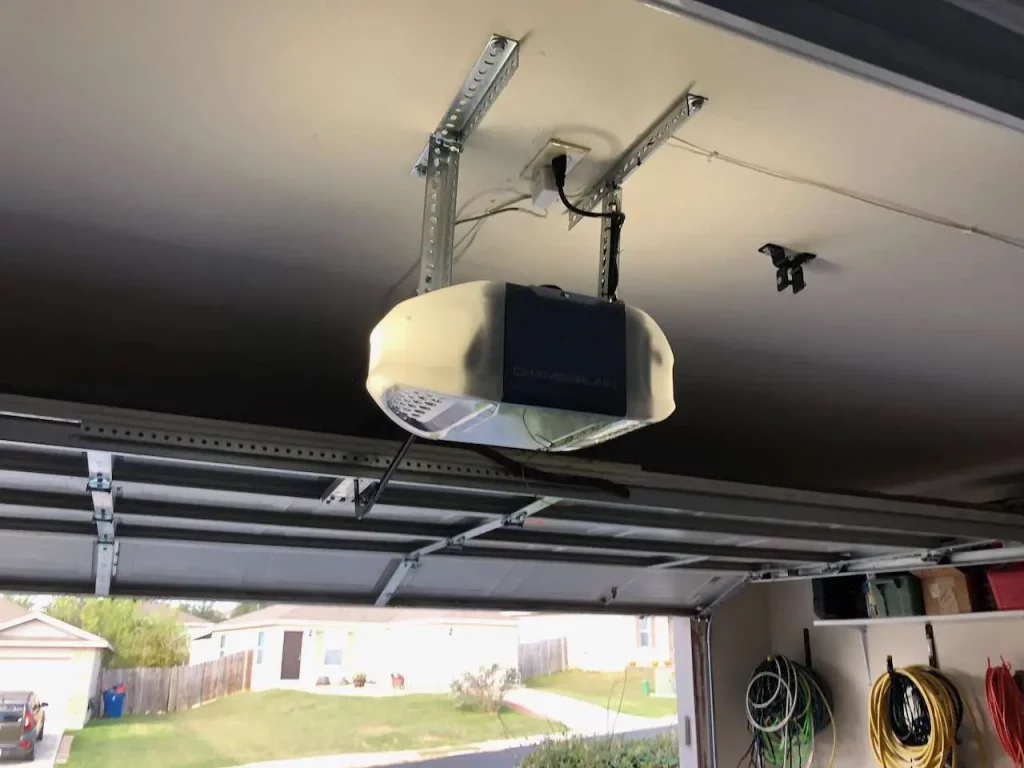
Understanding the Mystery: Chamberlain Garage Door Opener Opens By Itself
The Role of Technology
Chamberlain garage door openers are renowned for their advanced features, including smart technology that allows remote operation through mobile apps. While this technology enhances convenience, it can sometimes lead to unintended consequences. In rare instances, glitches in the software or interference from other electronic devices may trigger the door to open spontaneously.
Frequency Interference
One plausible explanation for a Chamberlain garage door opener opening by itself is radio frequency interference. These openers typically operate on specific frequencies to communicate with the remote control. External factors such as nearby radio towers, military installations, or even a neighbor’s garage door opener using the same frequency can inadvertently activate your garage door.
Sensor Malfunction
Another potential culprit is a malfunction in the safety sensors. These sensors are designed to detect obstacles and prevent the door from closing on objects or people. If the sensors are misaligned, dirty, or damaged, they may send incorrect signals to the opener, causing it to open unexpectedly.
Troubleshooting Tips
1. Check for Interference
Begin by identifying potential sources of radio frequency interference. Move electronic devices away from the garage door opener and ensure that neighboring openers are not on the same frequency. If interference is suspected, consider changing the frequency settings on your Chamberlain opener.
2. Inspect and Clean Sensors
Examine the safety sensors located near the bottom of the garage door frame. Ensure they are properly aligned and free from dirt or debris. Clean the sensors using a soft, dry cloth and make any necessary adjustments to restore proper functionality.
3. Update Software
If your Chamberlain garage door opener is equipped with smart technology, check for software updates. Manufacturers often release updates to address bugs and improve overall performance. Updating the software may resolve any glitches causing the door to open unexpectedly.
4. Consult the User Manual
Every Chamberlain garage door opener comes with a user manual that provides valuable information on installation, troubleshooting, and maintenance. Refer to the manual for specific guidance on addressing issues related to the door opening by itself.
Conclusion: A Secure and Reliable Garage Door Opener
In the pursuit of a secure and reliable garage door opener, understanding the reasons behind unexpected openings is crucial. By following the troubleshooting tips outlined above, homeowners can regain control over their Chamberlain garage door opener and enjoy the peace of mind that comes with a well-functioning system.
In conclusion, the Chamberlain garage door opener, with its innovative features, is a testament to the evolution of home automation. While occasional issues may arise, addressing them promptly ensures a seamless and efficient user experience. Remember, a proactive approach to maintenance and troubleshooting is the key to unlocking the full potential of your Chamberlain garage door opener.


Leave a Reply