If you’ve ever noticed that your garage door opener light stays on even when the door is closed, you’re not alone. This puzzling problem can be both frustrating and concerning for homeowners. In this comprehensive guide, we’ll explore the potential reasons why your garage door opener light stays on and provide practical solutions to help you resolve the issue effectively.
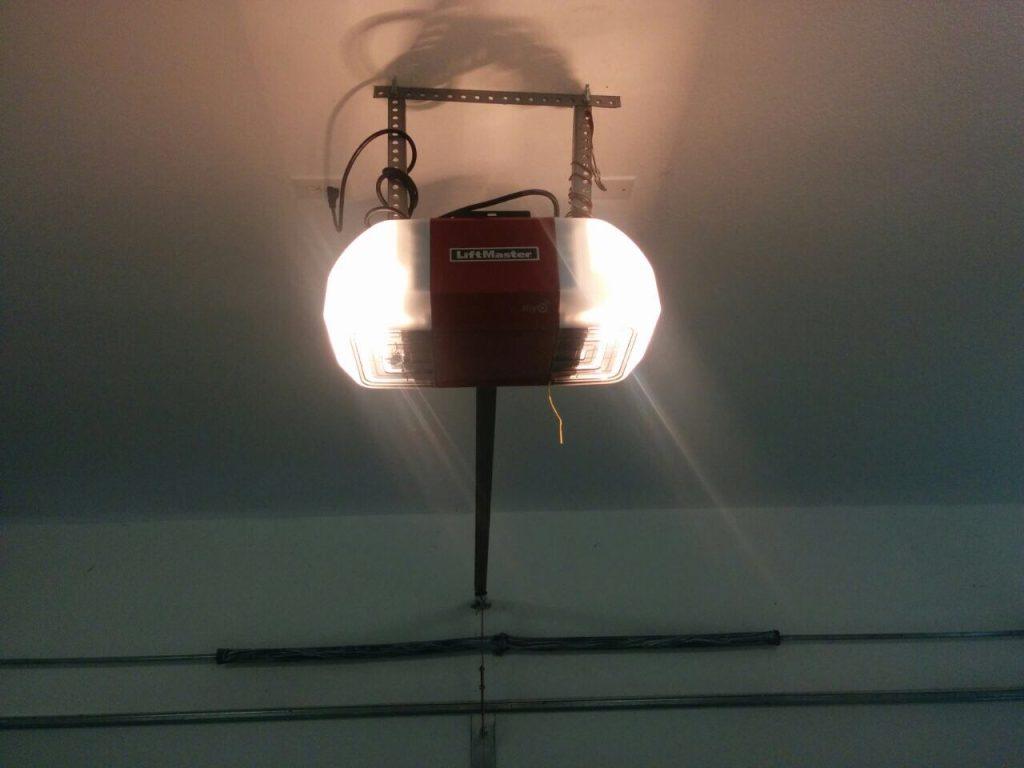
Understanding the Problem: Why Your Garage Door Opener Light Stays On
Before diving into troubleshooting steps, it’s important to understand the possible reasons behind your garage door opener light staying on:
- Faulty Limit Switch: The limit switch on your garage door opener is responsible for detecting when the door is fully open or closed. If the switch is faulty or misaligned, it may fail to signal the opener to turn off the light when the door is closed, causing it to stay on continuously.
- Sensor Interference: Garage door openers are equipped with safety sensors that prevent the door from closing if an obstruction is detected in its path. If these sensors are misaligned or obstructed, they may incorrectly signal that there is an obstacle, causing the opener light to remain on.
- Wiring Issues: Faulty wiring or loose connections in the garage door opener system can cause the light to stay on continuously. Wiring problems may prevent the opener from receiving the proper signals to turn off the light when the door is closed.
- Power Surge: A power surge or electrical issue in your home’s wiring may cause the garage door opener light to malfunction, resulting in it staying on even when the door is closed.
Troubleshooting Steps for Garage Door Opener Light Staying On
Now that you understand some potential causes, let’s explore troubleshooting steps to help you resolve the issue:
Read too: Why Your Liftmaster Garage Door Won’t Stay Closed and How to Fix It? Troubleshooting Tips
1. Check Limit Switch Alignment
- Inspect the limit switch on your garage door opener to ensure that it is properly aligned and functioning correctly. Adjust the switch if necessary to ensure that it accurately detects when the door is fully closed.
2. Clean and Align Safety Sensors
- Check the alignment of the safety sensors located near the bottom of the garage door tracks. Ensure that they are aligned properly and free from any obstructions such as dirt or debris. Clean the sensors with a soft, dry cloth if necessary.
3. Inspect Wiring Connections
- Carefully inspect the wiring connections in your garage door opener system, including connections at the opener unit and at the wall-mounted control panel. Tighten any loose connections and repair or replace any damaged wiring.
4. Reset the Opener
- If the above steps do not resolve the issue, try resetting the garage door opener by unplugging it from the power source for a few minutes, then plugging it back in. This can sometimes resolve minor electrical glitches that may be causing the light to stay on.
Seeking Professional Assistance
If you’ve tried the troubleshooting steps above and your garage door opener light continues to stay on, it may be time to seek professional assistance. A qualified garage door technician can diagnose the issue accurately and provide the necessary repairs or replacements to resolve the problem.
Conclusion
Dealing with a garage door opener lights that stays on can be frustrating, but with the right knowledge and troubleshooting steps, you can resolve the issue effectively. By understanding the potential causes and following the appropriate steps for troubleshooting, you can ensure that your garage door opener operates smoothly and efficiently.
In conclusion, addressing the issue of a garage door opener light staying on is essential for maintaining the functionality and safety of your garage door system.



Leave a Reply