Is your garage door acting strangely, closing only to immediately reopen? This puzzling phenomenon can be frustrating and inconvenient, but fear not – we’re here to help. In this comprehensive guide, we’ll delve into the causes behind a garage door closing then opening unexpectedly and provide practical solutions to address the issue. Whether you’re a homeowner or a professional, this article will equip you with the knowledge to troubleshoot and resolve this common problem.
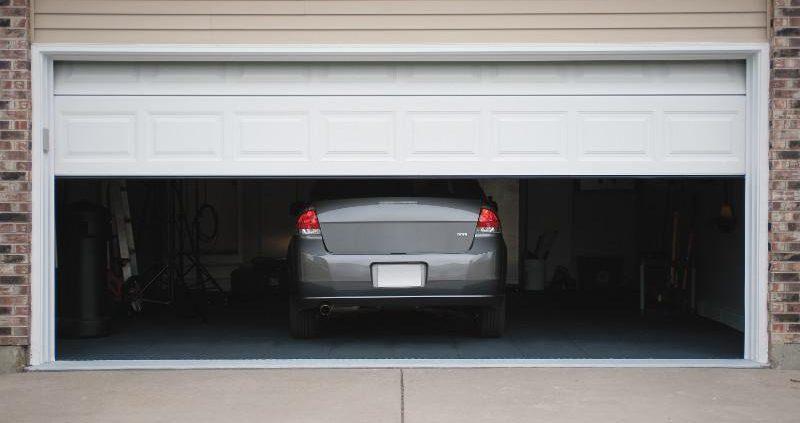
Understanding Garage Door Closing Then Opening
When a garage door closes and then immediately opens without any apparent reason, it can indicate a malfunction in the door’s operation system. This issue can be caused by various factors, including:
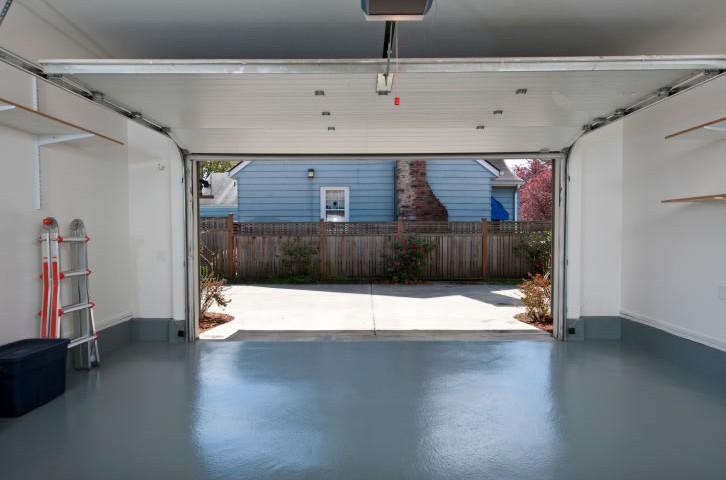
- Misaligned Safety Sensors: One of the most common causes of a garage door closing then opening is misaligned safety sensors. These sensors are located near the bottom of the door tracks and are designed to detect obstructions in the door’s path. Improper sensor alignment or obstructions blocking their signal can cause the door to reverse its operation.
- Faulty Garage Door Opener: Another potential culprit is a faulty garage door opener. Over time, the opener’s internal components may wear out or become damaged, leading to erratic behavior such as the door closing and then opening unexpectedly.
- Interference from Nearby Devices: Sometimes, interference from nearby electronic devices such as radios, cell phones, or even other garage door openers can disrupt the signal between the transmitter and receiver, causing the door to malfunction.
Troubleshooting Tips and Solutions
If you’re experiencing issues with your garage door closing then opening, here are some troubleshooting tips and solutions to consider:
- Check Sensor Alignment: Begin by inspecting the alignment of the safety sensors. Ensure that they are facing each other and that there are no obstructions blocking their signal. Adjust the sensors if necessary and clean any debris or dirt that may be interfering with their operation.
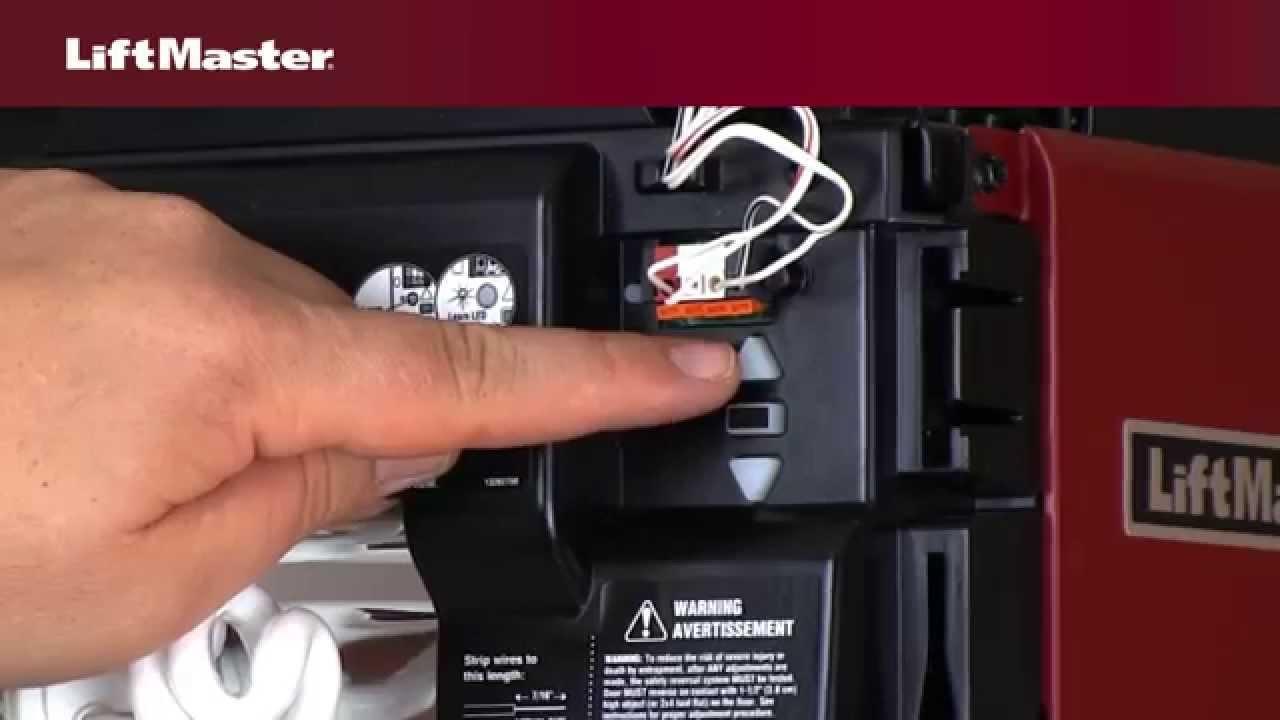
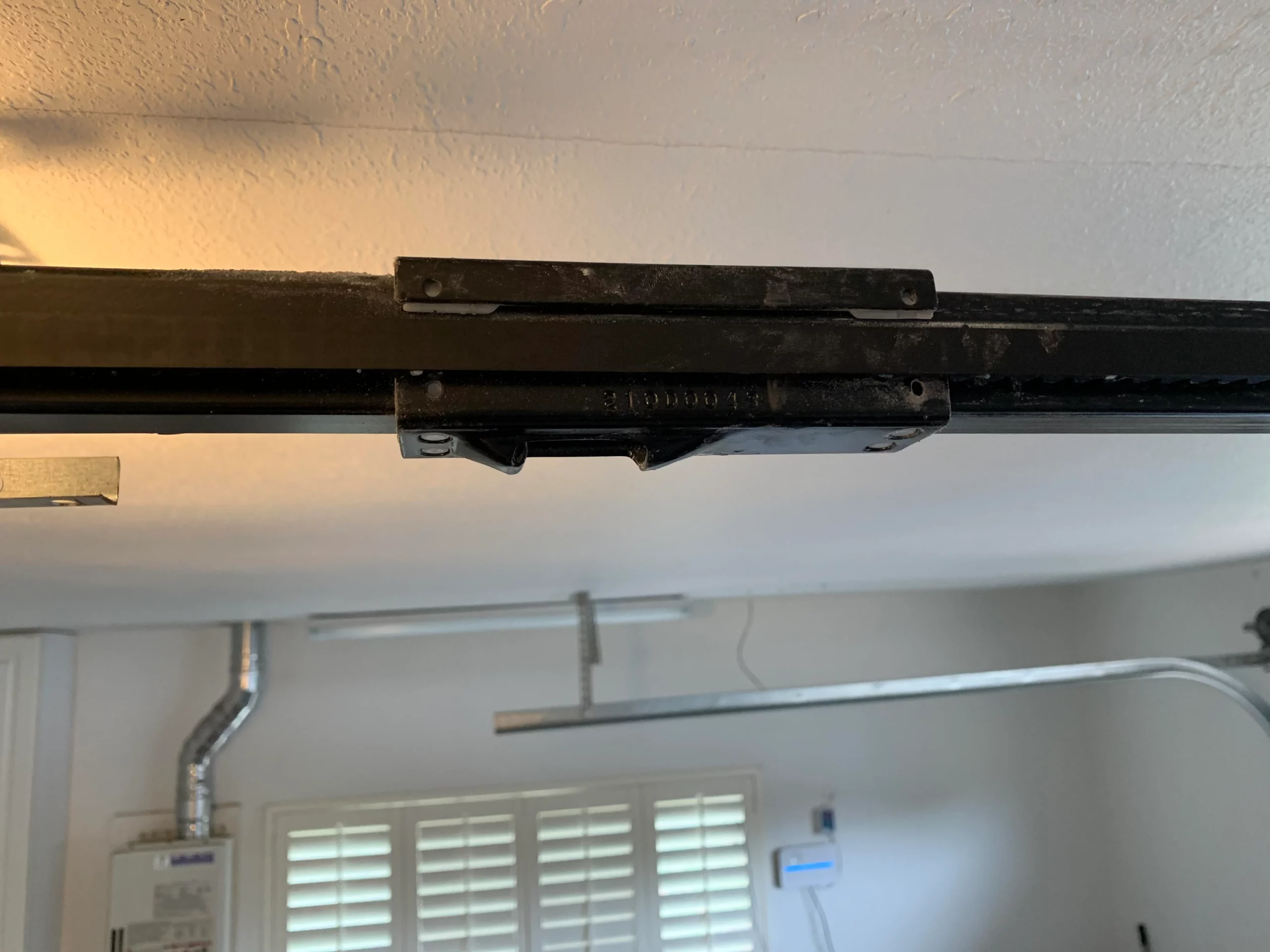
- Inspect Opener Components: Examine the various components of your garage door opener, including the motor, gears, and circuit board, for any signs of damage or wear. Replace any worn-out or damaged parts as needed to restore proper functionality.
- Test for Interference: To rule out interference from nearby devices, try operating the garage door opener with all other electronic devices turned off. If the problem persists, consider installing a garage door opener with dual-frequency technology, which is less susceptible to interference.
- Reset the Opener: In some cases, resetting the garage door opener can resolve the issue. Consult the manufacturer’s instructions or manual for specific steps on how to reset your opener.
Conclusion
Dealing with a garage door that closes then opens unexpectedly can be frustrating, but with the right knowledge and troubleshooting techniques, you can identify the cause of the problem and implement effective solutions. By following the tips outlined in this guide, you’ll be able to ensure that your garage door operates smoothly and safely for years to come.
Read too: Mastering the Art of How to Open a Garage Door Safely and Efficiently
Leave a Reply