Why Does a Genie Garage Door Closes, Then Opens Back Up? A Genie garage door opener is a reliable and convenient solution for many homeowners. However, encountering issues like the door closing and then unexpectedly opening back up can be frustrating. In this comprehensive guide, we’ll delve into the reasons behind the peculiar behavior of a Genie garage door and provide valuable insights to address and prevent this issue.
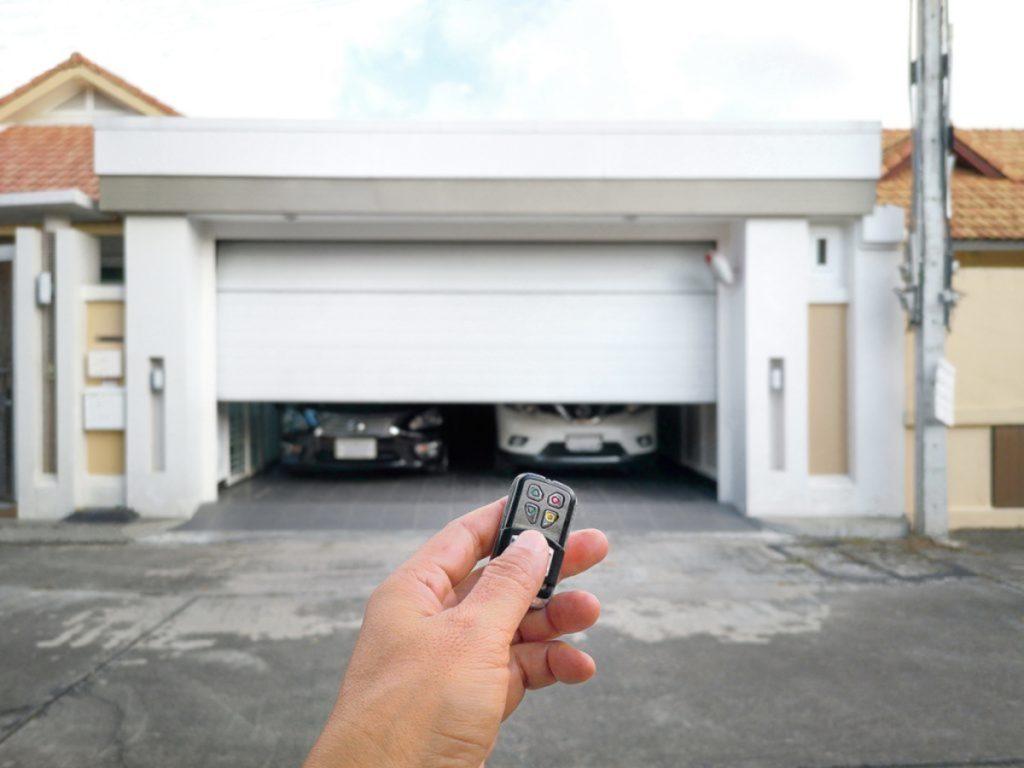
Common Causes of Genie Garage Door Closes Then Opens Back Up:
- Sensor Interference: One of the most frequent reasons for a Genie garage door to act erratically is interference with the safety sensors. These sensors are designed to prevent the door from closing if there’s an obstruction in its path. However, dirt, misalignment, or damage can compromise their functionality, leading to the door reversing.
- Misaligned Tracks: The alignment of the garage door tracks plays a crucial role in its smooth operation. If the tracks are misaligned, the door may close partially but then retract to avoid damage. We’ll explore how to identify and rectify track misalignment issues.
- Programming and Limit Settings: Genie garage door openers come with programmable features and limit settings. Incorrect programming or improperly set limits can result in the door closing only to reopen immediately. We’ll guide you through the process of checking and adjusting these settings.
Troubleshooting Steps to Resolve the Issue: Genie Garage Door Closes Then Opens Back Up
- Sensor Inspection and Cleaning: Begin by inspecting the safety sensors located on either side of the garage door. Ensure they are clean, properly aligned, and free from any obstructions. We’ll provide step-by-step instructions on how to clean and realign the sensors for optimal performance.
- Track Alignment Adjustment: Learn how to assess the alignment of the garage door tracks and make necessary adjustments. Properly aligned tracks are essential for the smooth and efficient operation of the door.
- Programming and Limit Setting Verification: Navigate through the Genie garage door opener’s programming menu to review and verify the settings. We’ll walk you through the correct process of programming and setting limits to ensure the door operates as intended.
Preventive Measures and Regular Maintenance:
To avoid the recurrence of the Genie garage door closing and opening back up, we’ll discuss preventive measures and the importance of regular maintenance. Simple tasks such as lubricating moving parts and conducting visual inspections can contribute to the longevity and optimal performance of your garage door.
Conclusion:
Understanding why a Genie garage door closes and then opens back up is the key to resolving the issue effectively. By following our troubleshooting guide and implementing preventive measures, you can ensure your Genie garage door operates smoothly, providing security and convenience for your home.



Leave a Reply