Garage door openers have undoubtedly made our lives more convenient, but encountering RF interference issues can be a frustrating experience. In this comprehensive guide, we’ll explore the common causes of RF interference with garage door openers and, more importantly, provide practical solutions on “How To Fix RF Interference With Garage Door Opener” for a smoother and uninterrupted user experience.
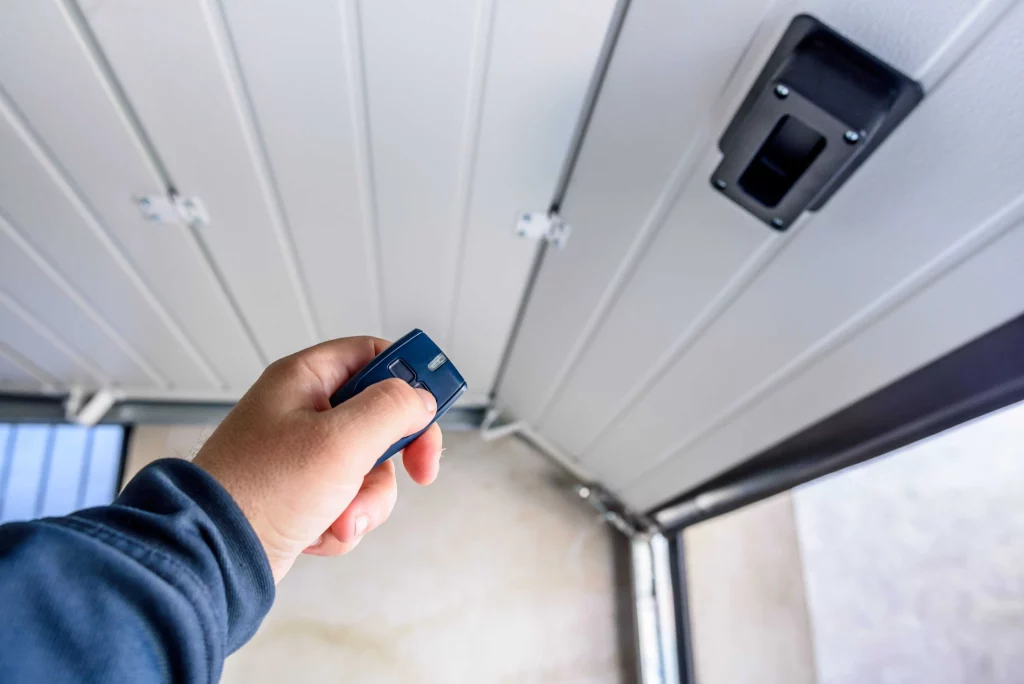
Understanding RF Interference with Garage Door Openers
Radio Frequency (RF) interference occurs when external signals disrupt the communication between your garage door opener and its remote control. This interference can lead to erratic behavior, such as the door not responding to commands or experiencing delays in operation.
How To Fix RF Interference With Garage Door Opener: Unveiling Solutions
- Identifying the Source of Interference: The first step in resolving RF interference is to identify its source. Common culprits include electronic devices, nearby radio towers, and even certain types of lighting. Investigate and eliminate potential sources to pinpoint the issue.
- Choosing the Right Frequency: Garage door openers typically operate on a specific frequency. If interference persists, consider changing the frequency on either the opener or the remote control. This adjustment can help avoid conflicts with other devices in the vicinity.
- Upgrading to a Dual-Band Opener: If you live in an area with a high concentration of electronic devices, upgrading to a dual-band garage door opener might be a wise solution. Dual-band openers can operate on different frequencies, providing more flexibility and reducing the chances of interference.
- Installing RF Filters: RF filters can be added to both the garage door opener and other potential sources of interference. These filters work by blocking unwanted signals, ensuring that your opener’s communication remains clear and unaffected.
- Proper Shielding for Electronic Devices: Ensure that electronic devices in your home, such as Wi-Fi routers and cordless phones, are adequately shielded. Adding shielding or repositioning these devices can minimize their impact on the garage door opener’s RF signals.
- Professional Inspection: If DIY solutions don’t resolve the issue, consider hiring a professional technician to inspect and diagnose the problem. They have the expertise and tools to identify and address complex RF interference issues.
Common Misconceptions About RF Interference
Dispelling myths and misconceptions is crucial for a better understanding of RF interference:
- Distance Isn’t Always the Issue: RF interference can occur even if the source is not physically close to the garage door opener. Signals can travel through walls and other obstacles, making it essential to consider all potential sources.
- It’s Not Always the Opener’s Fault: While garage door openers can be affected by RF interference, the source of the problem often lies with external devices. Don’t solely blame the opener; investigate all possibilities.
- Regular Maintenance Matters: Keeping your garage door opener and its components well-maintained can help prevent interference issues. Ensure that all parts are in good condition and replace batteries in remote controls regularly.
Read too: What Is The Lifespan Of A Garage Door Opener
Conclusion: Enjoying a Interference-Free Garage Door Opener
In conclusion, dealing with RF interference with your garage door opener requires a systematic approach. By understanding the potential sources of interference and implementing practical solutions, you can ensure smooth and uninterrupted operation. Whether it’s adjusting frequencies, upgrading to dual-band openers, or installing RF filters, there are various ways to tackle this issue. Remember, a well-maintained and interference-free garage door opener enhances the overall security and convenience of your home. Implement these solutions, and bid farewell to the frustrations of RF interference!



Leave a Reply