A power outage can disrupt various electrical devices in our homes, including garage door openers. If you own a Chamberlain garage door opener and find it not working after a power outage, you’re not alone. Power surges or sudden electrical disruptions during outages can affect the functionality of electronic devices, including garage door openers. However, before panicking and calling for professional help, there are several troubleshooting steps you can take to get your Chamberlain garage door opener back up and running. This comprehensive guide will walk you through the process of identifying and resolving the issues, ensuring your garage door opener functions as it should.
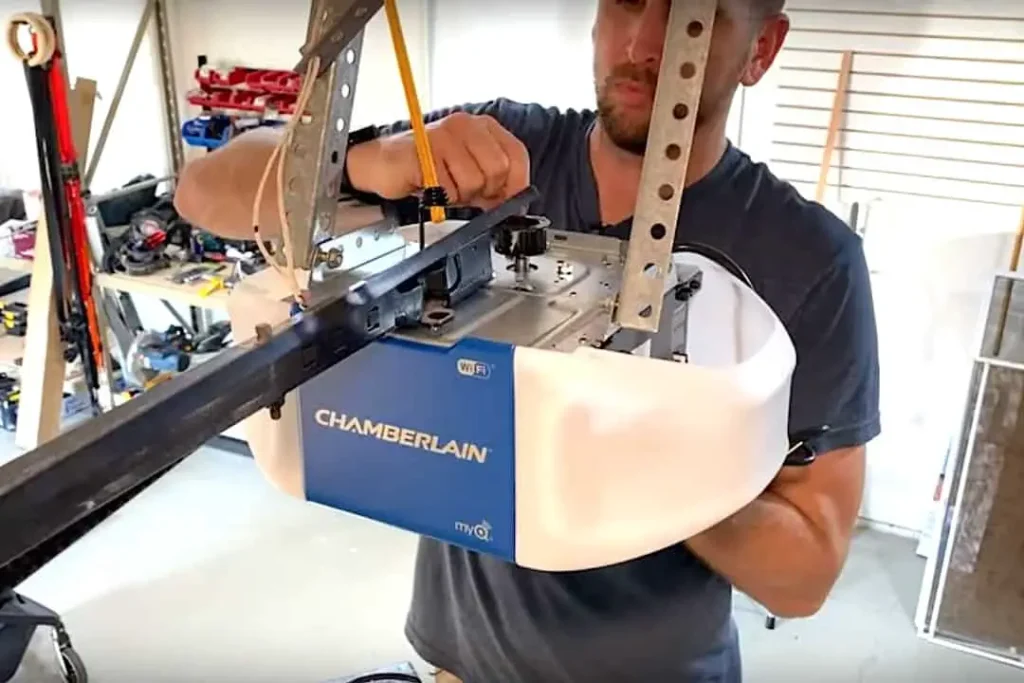
Understanding the Impact of a Power Outage
Before we delve into troubleshooting, it’s essential to understand how a power outage can affect your Chamberlain garage door opener.
Electrical Surges: Power outages often lead to electrical surges when the power is restored. These surges can damage sensitive electronic components in the garage door opener, causing it to malfunction.
Safety Mechanisms: Modern garage door openers are equipped with safety mechanisms, such as electronic sensors and auto-reverse features. A power outage can disrupt these safety systems, causing the opener to cease functioning until the issues are resolved.
Resetting Settings: In some cases, a power outage may reset the settings on your garage door opener, leading to unexpected changes in its behavior.
Troubleshooting Steps
Let’s proceed with the troubleshooting steps to identify and resolve the issues with your Chamberlain garage door opener after a power outage.
Step 1: Check Power Supply
Verify Power Outlet and Cord
Power Outlet: Check the power outlet where the garage door opener is plugged in. Ensure that the outlet is working correctly by plugging in another device.
Power Cord: Inspect the power cord of the garage door opener for any visible damage. If you notice any frayed wires or loose connections, replace the cord immediately.
Step 2: Reset the Opener
Perform a Manual Reset
Unplug the Opener: Unplug the Chamberlain garage door opener from the power outlet. Wait for about a minute to allow any residual electrical charge to dissipate.
Reconnect and Test: Plug the opener back into the power outlet and test if it functions correctly. Sometimes, a manual reset can resolve minor glitches caused by the power outage.
Step 3: Check Safety Features
Inspect Sensors and Auto-Reverse Mechanism
Step 4: Reconfigure Settings
Sensor Alignment: Ensure that the safety sensors located near the bottom of the garage door tracks are properly aligned and free from obstructions. Dust or debris can disrupt their functionality.
Clean and Test: Clean the sensor lenses and check for any loose connections. After ensuring proper alignment and cleaning, test the garage door opener to see if the sensors are working correctly.
Reset and Reconfigure Opener Settings
Review the Manual: Refer to the Chamberlain garage door opener’s manual to understand how to reconfigure its settings. Follow the instructions to reset and reprogram the opener.
Test Remote Controls: If you use remote controls to operate the garage door opener, check their batteries and reprogram them as necessary.
Step 5: Seek Professional Help
Call for Expert Assistance
Persistent Issues: If the garage door opener still does not work after following the troubleshooting steps, it’s time to seek professional help. There might be underlying electrical or mechanical issues that require expert diagnosis and repair.
Conclusion
Experiencing issues with your Chamberlain garage door opener not working after a power outage can be frustrating, but with the right troubleshooting steps, you can often identify and resolve the problems. By checking the power supply, performing a manual reset, inspecting safety features, and reconfiguring settings, you can often restore your garage door opener’s functionality. However, if the issues persist, it’s best to call for professional assistance to ensure a thorough diagnosis and reliable repair. With proper maintenance and timely repairs, your Chamberlain garage door opener will continue to serve you reliably and efficiently for years to come.



Leave a Reply