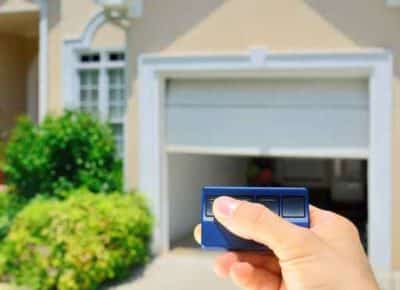
Experiencing issues with your garage door can be both perplexing and inconvenient, especially when it closes as expected but then inexplicably opens again. If you’re encountering this frustrating scenario, you’re not alone. In this comprehensive guide, we’ll delve into the potential reasons behind why your garage door closes and then opens unexpectedly and provide practical solutions to address the issue effectively.
Unraveling the Mystery
The phenomenon of a garage door closing and then immediately opening again can be puzzling for homeowners. However, understanding the possible causes behind this occurrence is crucial in finding a resolution and restoring the proper functionality of your garage door.
Common Causes of Garage Door Closing And Then Opening
- Misaligned Safety Sensors: One of the most common reasons for a garage door to close and then open again is misaligned safety sensors. These sensors are installed near the bottom of the garage door tracks and are designed to detect obstructions in the door’s path. If the sensors are not properly aligned or are obstructed by debris, they may incorrectly signal that there is an obstruction, causing the door to reverse and reopen.
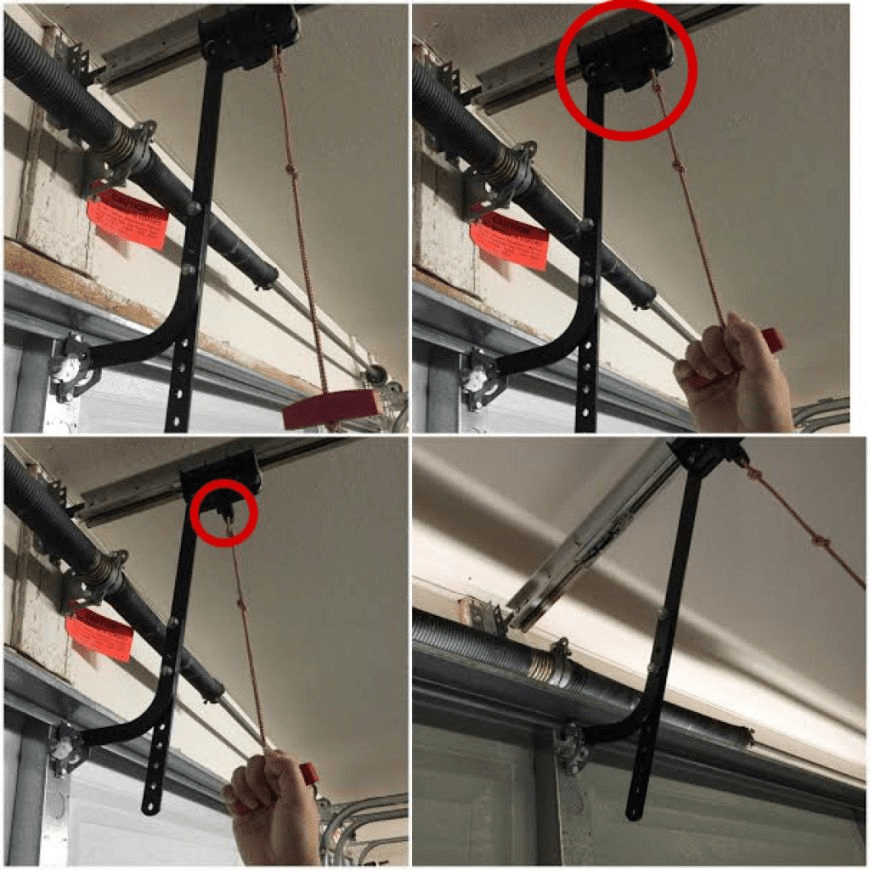
- Faulty Limit Switches: Garage door openers come equipped with limit switches actively controlling the door’s travel distance. If these switches are faulty or improperly adjusted, the door may close fully but then reopen due to the opener incorrectly detecting that the door has reached its limit. Adjusting or replacing the limit switches can help resolve this issue.
- Interference from Nearby Devices: Electronic interference from nearby devices, such as wireless routers or neighboring garage door openers operating on similar frequencies, can disrupt the signal between the remote control and the opener. This interference may cause erratic behavior in the garage door operation, including closing and then opening unexpectedly.
Troubleshooting Steps
- Inspect and Align the Safety Sensors: Begin by examining the alignment of the safety sensors located near the bottom of the garage door tracks. Ensure that they are facing each other directly and that there are no obstructions blocking their line of sight. Clean any debris that may be interfering with their operation.
- Check and Adjust the Limit Switches: If the sensors align properly, proceed to check the settings of the limit switches on the garage door opener. Follow the manufacturer’s instructions to adjust the limit switches to the correct positions, ensuring that they accurately reflect the door’s travel distance.
- Minimize Electronic Interference: Identify any potential sources of electronic interference in the vicinity of your garage door opener. Consider relocating or repositioning these devices to minimize interference. Additionally, you can try changing the frequency settings on your opener to reduce the likelihood of interference.
Conclusion
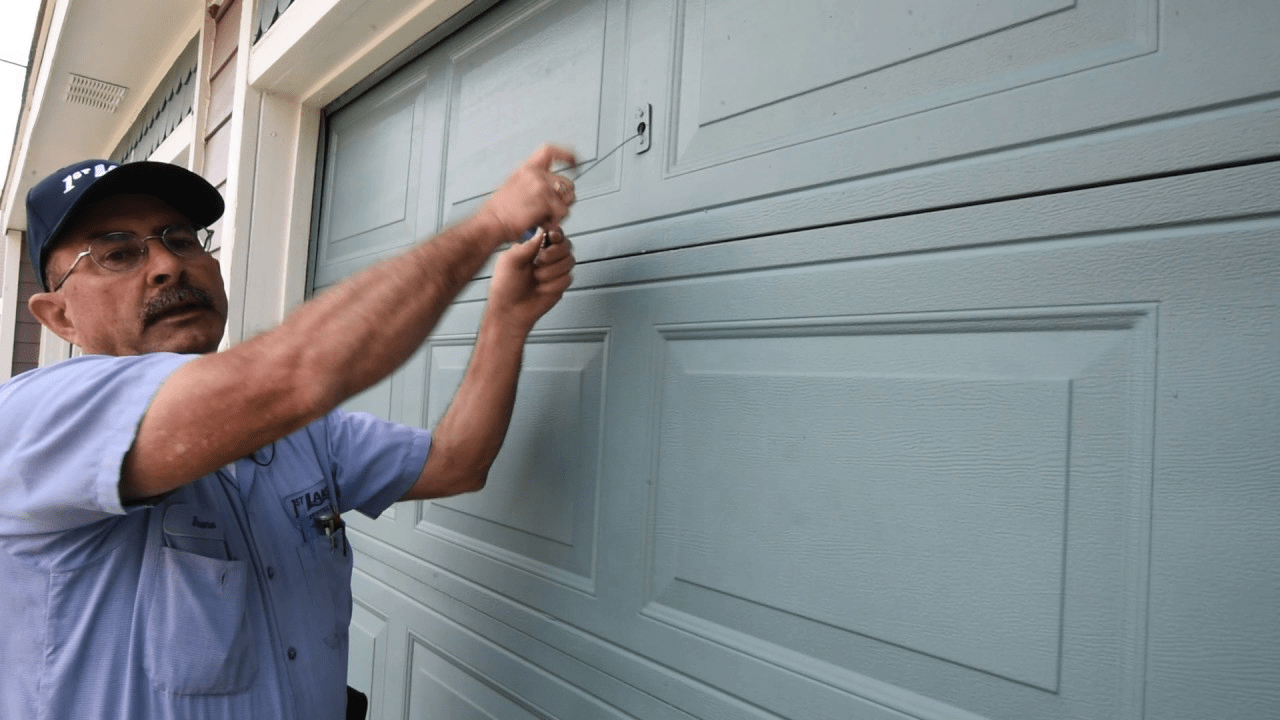
Experiencing issues with your garage door, such as it closing and then opening unexpectedly, can be frustrating and disruptive. By understanding the potential causes behind this phenomenon and following the troubleshooting steps outlined in this guide, you can effectively diagnose and resolve the issue, restoring the proper functionality and security of your garage door.
Read too: The Complete Guide to Tighten Chain On Garage Door Opener for Smooth Operation
Leave a Reply