If you own a Chamberlain garage door opener, you already know how convenient and secure these systems can be. But what happens when your remote gets lost, damaged, or you simply need to add a new one? Fortunately, learning how to program a remote for Chamberlain garage door opener is straightforward, and with the right guidance, anyone can do it.
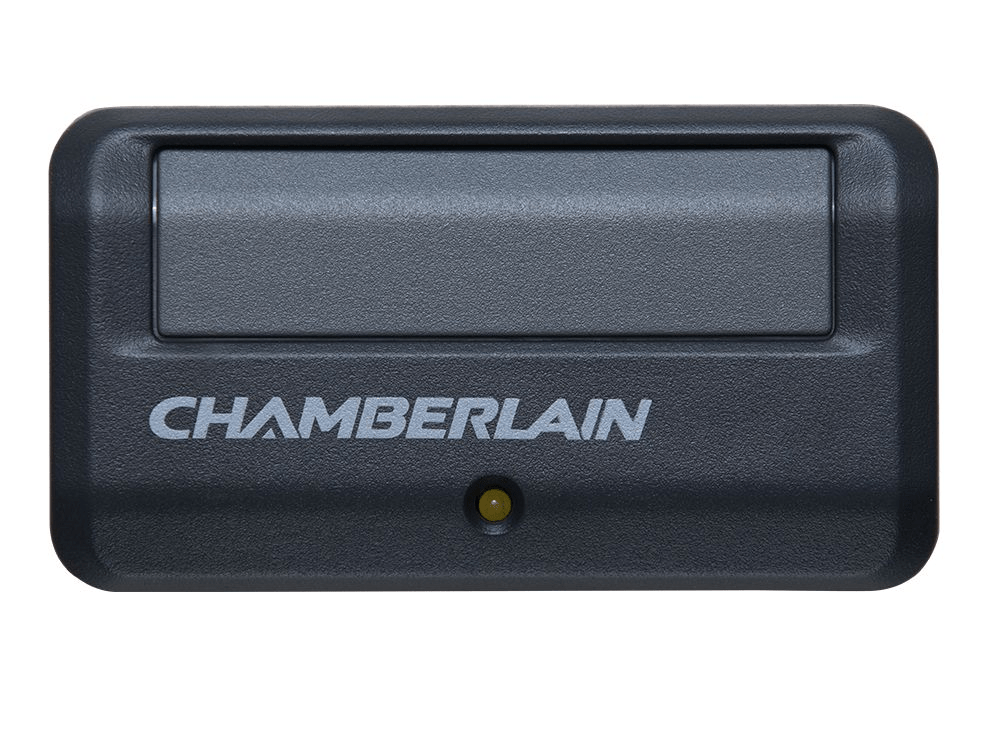
This article is your complete guide to programming Chamberlain garage door remotes. Whether you’re installing a new remote, replacing a lost one, or syncing multiple devices, we’ll walk you through the entire process. Plus, we’ll include troubleshooting tips, model-specific advice, and expert insights to make your experience as smooth as possible.
Why You Might Need To Program a Chamberlain Remote
Before diving into the programming instructions, let’s take a look at why you might need to learn how to program a remote for Chamberlain garage door opener in the first place:
- You’ve purchased a new remote
- You lost or broke your current remote
- You want to give access to another family member
- You’re upgrading to a universal or smart remote
- You reset your opener and lost previous pairings
No matter your reason, programming a new remote is not only necessary—it’s surprisingly simple.
Read too: Mastering Quantum Garage Door Opener Programming: A Comprehensive Guide
Understanding Your Chamberlain Garage Door Opener
Chamberlain is a leading brand in the home automation and security industry. Most of their garage door openers use either a “Learn” button system or a MyQ smart control. Understanding which system you have will help determine the correct programming method.
- Learn Button Models – These are the most common and use a color-coded button to sync new remotes.
- MyQ-Enabled Models – These can connect to your smartphone or smart home system in addition to traditional remotes.
Check the model number on your garage door opener unit or refer to the manual for more specific compatibility details.
How To Program A Remote For Chamberlain Garage Door Opener: Step-by-Step Instructions
Now let’s get into the actual process. This section will focus on the most widely used method with Chamberlain openers—the Learn button.
1: Locate the Learn Button
The Learn button is usually located on the back or side of the garage door opener motor housing, mounted on the ceiling. You may need a step ladder to access it safely.
- Remove the light cover if necessary.
- The button may be yellow, red/orange, purple, or green.
- A small LED light next to it will indicate the system’s status.
2: Prepare the Remote
Make sure your Chamberlain remote has a fresh battery and is compatible with your opener. Most newer remotes are backwards compatible, but it’s always good to check.
3: Press the Learn Button
- Press and release the Learn button (don’t hold it).
- The LED light next to the button should illuminate or blink, indicating it’s ready for pairing.
- You’ll have 30 seconds to complete the next step.
4: Program the Remote
- Within the 30-second window, press and hold the button on your remote that you want to program.
- Hold it until the LED light on the opener flashes or you hear a clicking sound—this means the remote has been successfully programmed.
5: Test the Remote
- Press the newly programmed button.
- The garage door should open or close in response.
Additional Programming Options for Chamberlain Devices
While the basic Learn button method works for most users, Chamberlain also offers other features and configurations depending on your model.
1. Programming a Keypad
Chamberlain’s wireless keypads let you open your garage door using a PIN. Here’s how to program one:
- Press the Learn button on the opener.
- Within 30 seconds, enter a 4-digit PIN on the keypad and press Enter.
- The opener light should blink or you’ll hear a click, confirming programming.
2. Programming a MyQ-Enabled Remote
If your Chamberlain opener is MyQ-compatible, you can also control it via smartphone:
- Download the myQ app from the App Store or Google Play.
- Follow the on-screen instructions to pair your garage door opener to Wi-Fi.
- Add your remote or device within the app interface.
Troubleshooting Remote Programming Issues
If you’re having trouble learning how to program a remote for Chamberlain garage door opener, here are some fixes to common problems:
Remote Not Responding? Try This:
- Replace the battery in your remote.
- Reset the opener by holding the Learn button for 6–10 seconds until the LED turns off.
- Check for radio frequency interference, such as from LED lights, alarm systems, or wireless routers.
- Ensure the remote is compatible with your specific model and frequency band.
Garage Door Security Considerations
When dealing with garage access, security is just as important as functionality. Improperly programmed remotes or old devices still in memory can be a serious risk.
Here are some tips for keeping your Chamberlain system secure:
- Erase old remotes if one is lost or stolen. Press and hold the Learn button for 10 seconds to wipe all stored remotes.
- Use rolling code remotes, which Chamberlain supports. These generate a new code every time you press the button, making hacking extremely difficult.
- Enable smart features if using MyQ. You’ll get alerts on your phone every time your garage door opens or closes.
How Often Should You Reprogram Your Garage Remote?
While there’s no fixed schedule, you should consider reprogramming in the following cases:
- After a power outage
- When giving/removing access to someone
- If you suspect your system has been tampered with
- Once every year or two for peace of mind
Compatible Accessories for Chamberlain Openers
Besides the standard remote, Chamberlain offers a variety of accessories you might want to program:
- Mini keychain remotes
- Wireless entry keypads
- Smart control panels
- HomeLink (built into vehicles)
- MyQ smart garage hub
All these can usually be programmed using the same Learn button method.
Final Thoughts on How To Program A Remote For Chamberlain Garage Door Opener
Knowing how to program a remote for Chamberlain garage door opener is a valuable skill for any homeowner. Whether you’re replacing a lost remote, adding one for a new driver in the household, or upgrading to a smart garage system, the steps are simple and reliable.
From finding the Learn button to testing your new remote, the process usually takes less than five minutes. With a little know-how, you can take full control of your garage door system—and enhance your home’s security and convenience in the process.



Leave a Reply