If your keypad stopped working—or you just installed a new one—you’re probably searching for How To Program A Stanley Garage Door Opener Keypad quickly and correctly. Stanley garage door systems are older in many homes, which can make programming feel confusing.
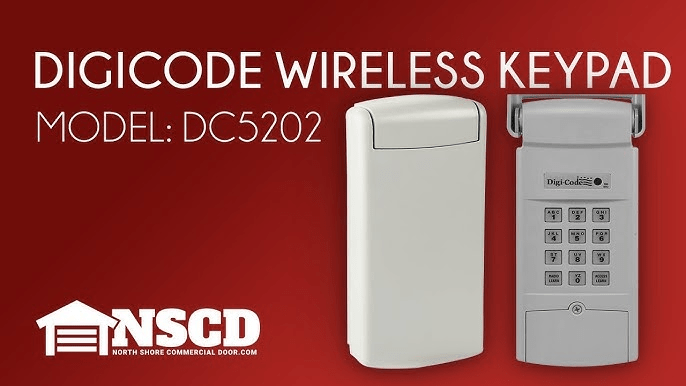
The good news? Whether your unit uses DIP switches or rolling code technology, you can usually program the keypad in just a few minutes. This complete guide explains both methods step-by-step, plus troubleshooting and security tips to keep your garage protected.
Read too: Why Your Liftmaster Garage Door Won’t Stay Closed and How to Fix It? Troubleshooting Tips
Understanding Stanley Garage Door Opener Systems

4
Before learning How To Program A Stanley Garage Door Opener Keypad, it’s important to know which type of system you have.
Stanley openers generally fall into two categories:
- Older DIP switch systems (pre-1997)
- Newer rolling code systems
Most Stanley units installed in the 1980s and early 1990s use DIP switches instead of encrypted rolling codes.
For background on rolling code security systems used in modern garage openers, see:
https://en.wikipedia.org/wiki/Rolling_code
Knowing your system type determines your programming method.
How To Tell If Your Stanley Opener Uses DIP Switches
Check the motor unit or remote:
- If you see small toggle switches labeled 1–8 or 1–12, it’s a DIP switch system.
- If you see a Learn button, it’s likely rolling code.
Most Stanley models use 8 to 12 DIP switches.
Method 1: Programming a Stanley Keypad with DIP Switches
This method applies to older Stanley openers.
Step 1: Turn Off Power (Optional but Recommended)
For safety:
- Unplug the motor unit
- Or turn off the breaker
Step 2: Open the Motor Unit Cover
Inside the motor housing, locate the DIP switches.
They look like small white toggles.
Step 3: Open the Keypad Cover
On the inside of the keypad, you’ll also see matching DIP switches.
Step 4: Match the Switch Positions
Each switch must match exactly.
For example:
| Switch | Motor Unit | Keypad |
|---|---|---|
| 1 | Up | Up |
| 2 | Down | Down |
| 3 | Up | Up |
Every position must be identical.
Step 5: Close Covers and Test
- Restore power.
- Enter your keypad code.
- Press Enter.
If programmed correctly, the door will activate.
Programming time: 5–10 minutes
Method 2: Programming a Stanley Rolling Code Keypad
If your opener has a Learn button, follow this method.
Step 1: Locate the Learn Button
Use a ladder to access the ceiling-mounted motor unit.
Look for a small Learn button—often red or orange.
Step 2: Press and Release Learn
- Press Learn once.
- An LED light should turn on.
- You have 30 seconds to complete setup.
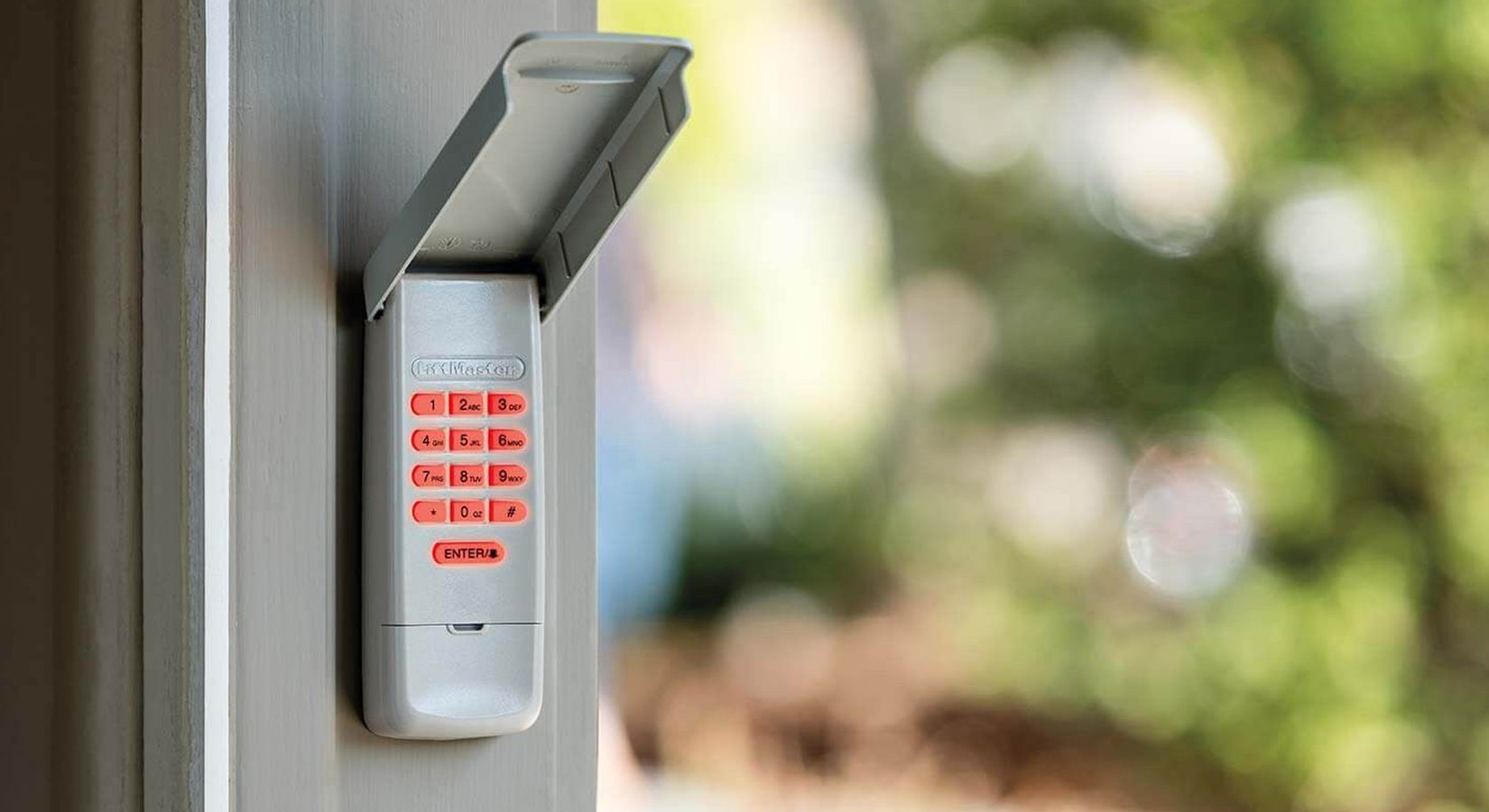
Step 3: Enter a 4-Digit PIN on Keypad
- Enter your chosen PIN.
- Press Enter.
- Wait for the garage light to blink.
If the light flashes or you hear a click, programming is complete.
Choosing a Secure PIN
Avoid:
- 1234
- 0000
- Birth years
- House numbers
Choose something random but memorable.
Changing your PIN annually improves security.
How Long Does Programming Take?
| System Type | Time Required |
|---|---|
| DIP Switch | 5–10 minutes |
| Rolling Code | 3–5 minutes |
No special tools required.
What If Your Stanley Keypad Won’t Program?
Here are common problems and solutions.
1. Dead Battery
Most Stanley keypads use a 9V battery.
Replace if:
- Backlight is dim
- Buttons don’t respond
2. DIP Switch Mismatch
Even one incorrect switch prevents operation.
Double-check every switch position carefully.
3. Memory Full (Rolling Code Units)
To clear memory:
- Hold Learn button for 6–10 seconds.
- LED turns off.
- All remotes and keypads are erased.
Reprogram all devices afterward.
4. Signal Interference
Older Stanley units may experience interference from:
- LED bulbs
- Wi-Fi routers
- Nearby electronics
Test by temporarily turning off nearby devices.
When Should You Replace Instead of Program?
Many Stanley openers are over 20 years old.
Consider replacing if:
- System uses DIP switches (less secure)
- Safety sensors are unreliable
- Motor is excessively loud
- Replacement parts are difficult to find
Modern openers cost approximately:
- $250–$600 installed
Upgrading improves security and convenience.
Security Comparison: DIP vs Rolling Code
| Feature | DIP Switch | Rolling Code |
|---|---|---|
| Code Changes | No | Yes |
| Security Level | Low | High |
| Hack Resistance | Weak | Strong |
| Modern Standard | No | Yes |
Rolling code systems are strongly recommended for improved protection.
FAQ: How To Program A Stanley Garage Door Opener Keypad
1. How do I know if my Stanley opener uses DIP switches?
Open the motor housing. If you see small toggle switches labeled with numbers, it’s a DIP switch system.
2. Why isn’t my keypad working after programming?
Common causes include dead battery, incorrect switch alignment, or expired Learn window.
3. Can I upgrade a DIP switch system?
Yes. Many homeowners replace the motor unit with a modern rolling code opener for better security.
4. Do Stanley keypads work with other brands?
Generally no. Compatibility depends on frequency and coding system.
5. How often should I change my PIN?
At least once per year for better security.
6. Is it safe to clear all stored codes?
Yes. Clearing codes is recommended if you suspect unauthorized access.
Final Thoughts
Learning How To Program A Stanley Garage Door Opener Keypad depends on identifying whether your system uses DIP switches or rolling code technology. Fortunately, both methods are manageable for most homeowners with just a few simple steps.
While older Stanley systems still function, upgrading to modern rolling code technology greatly improves security and reliability.
If this guide helped you successfully program your keypad, share it on social media to help others restore their garage access quickly and safely.



Leave a Reply