Your garage door serves as a vital entry point to your home, providing security and convenience. However, when your Liftmaster garage door goes offline, it can be frustrating and potentially leave your home vulnerable. In this comprehensive troubleshooting guide, we’ll explore common reasons why your Liftmaster garage door goes offline and how to rectify the issue.
Understanding Liftmaster Garage Door Openers
Liftmaster: A Trusted Brand
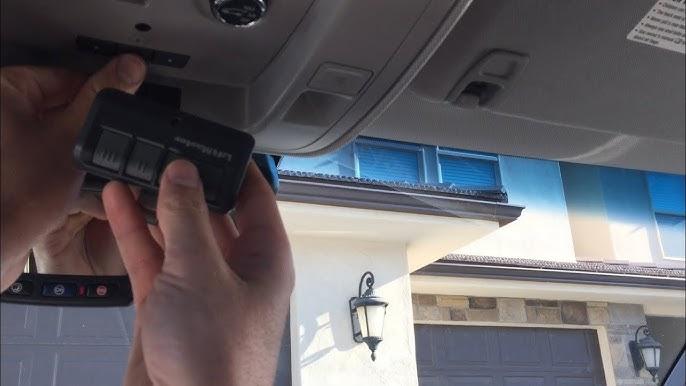
Liftmaster is a well-respected brand known for manufacturing reliable and durable garage door openers. Their products come equipped with various features, including remote control operation, smartphone connectivity, and advanced security features.
Common Causes of Offline Status
1. Wi-Fi Connectivity Issues
The most common reason for a Liftmaster garage door going offline is connectivity problems with your Wi-Fi network. If your opener relies on Wi-Fi for remote operation and monitoring, any disruptions in your network can result in an offline status.
2. Power Interruptions
Power surges or outages can cause your Liftmaster opener to lose its connection to your Wi-Fi network. This can occur during electrical storms or due to issues with your home’s electrical system.
3. Router or Modem Problems
Issues with your router or modem can also lead to a garage door opener going offline. These problems may include firmware updates, incorrect settings, or hardware malfunctions.
Troubleshooting Steps
1. Check Your Wi-Fi Network
Begin by ensuring that your Wi-Fi network is functioning correctly. Test other devices connected to your network to verify that they have internet access. If your network is down, consult your internet service provider (ISP) or troubleshoot the issue following their guidelines.
2. Power Cycle the Opener
Power cycling your Liftmaster garage door opener can often resolve connectivity problems. To do this, unplug the opener from the power source for a few minutes and then plug it back in. This simple step can reset the device and establish a new connection.
3. Verify Network Credentials
Make sure that your garage door opener has the correct Wi-Fi network name (SSID) and password. If you’ve recently changed your router or Wi-Fi network settings, update this information in your opener’s settings.
4. Check for Firmware Updates
Visit the Liftmaster website or consult your opener’s manual to check for available firmware updates. Outdated firmware can cause connectivity issues, and updating it may resolve the problem.
5. Router and Modem Inspection
Inspect your router and modem for any issues. Ensure that they are functioning correctly, have the latest firmware updates, and are not experiencing any hardware problems. Rebooting your router and modem can also help.
When to Seek Professional Help
If you’ve gone through the troubleshooting steps and your Liftmaster garage door opener remains offline, it may be time to consult a professional garage door technician. They have the expertise and tools to diagnose and repair more complex issues with your opener and its connectivity.
Conclusion
A Liftmaster garage door opener going offline can be a minor inconvenience or a significant security concern, depending on your home’s setup. By following the troubleshooting steps outlined in this guide, you can often resolve the issue and restore your opener’s connectivity. Remember to keep your opener’s firmware updated and consult a professional if you encounter persistent problems. Ensuring that your garage door opener is online is not only convenient but also contributes to the security and functionality of your home.



Leave a Reply