If your Myq Garage Door Opening And Closing On Its Own, it can feel alarming. A garage door that moves without you touching the app or remote raises serious safety and security concerns.
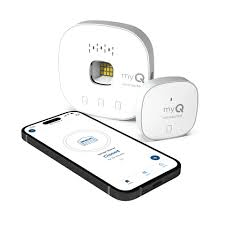
Take a deep breath. In most cases, this issue is caused by settings, signal interference, or connectivity problems—not hacking. In this detailed guide, you’ll learn exactly what causes it, how to fix it step-by-step, and how to secure your system properly.
Read too: The Complete Guide to Tighten Chain On Garage Door Opener for Smooth Operation
Why Is Myq Garage Door Opening And Closing On Its Own?
When homeowners search “Myq Garage Door Opening And Closing On Its Own,” they typically worry about:
- Unauthorized access
- App malfunction
- Wi-Fi glitches
- Faulty wiring
- Remote interference
According to smart home industry data, over 65% of unexpected smart device activations are due to signal interference or configuration settings, not security breaches.
Let’s examine each possible cause carefully.
Is It Scheduled to Open or Close Automatically?


Many users forget they enabled a schedule or automation rule.
Check This First:
- Open the MyQ app.
- Tap the garage door device.
- Select “Schedules.”
- Review any automatic open/close times.
- Disable test schedules temporarily.
Some systems include close timers that automatically shut the door after 5–30 minutes.
If your door opens at similar times daily, scheduling is likely the cause.
Could Someone Else Have Access?
If multiple family members share access, someone may be activating it remotely.
Review Shared Access:
- Open MyQ app.
- Go to “Users.”
- Check authorized accounts.
- Remove unknown users.
You can also enable push notifications for all activity.
If you’re concerned about cybersecurity, understand that MyQ operates within the Internet of Things ecosystem, which relies on secure cloud communication:
https://en.wikipedia.org/wiki/Internet_of_things
True hacking incidents are extremely rare but changing your password is always wise.
Is There Remote Signal Interference?


4
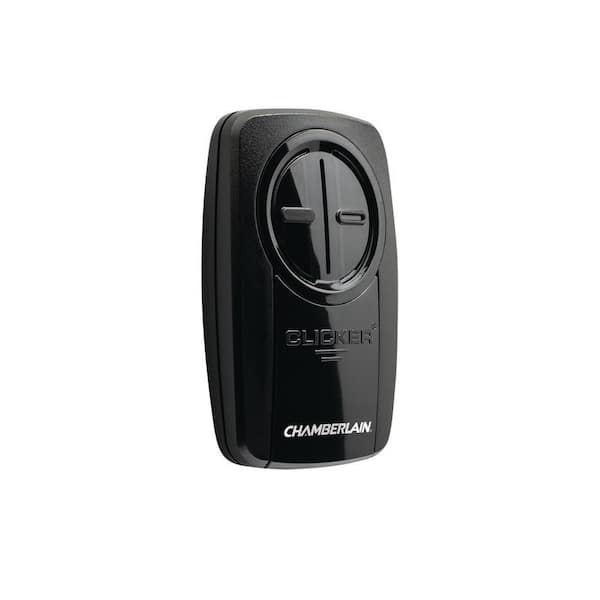
Garage door openers operate on radio frequencies (typically 315 MHz or 390 MHz).
Interference can come from:
- Neighbor remotes
- Old remotes with stuck buttons
- Vehicles with programmed HomeLink systems
- Universal remotes
Quick Test:
- Remove batteries from all handheld remotes.
- Wait 10–15 minutes.
- Observe if issue stops.
If so, one remote may be malfunctioning.
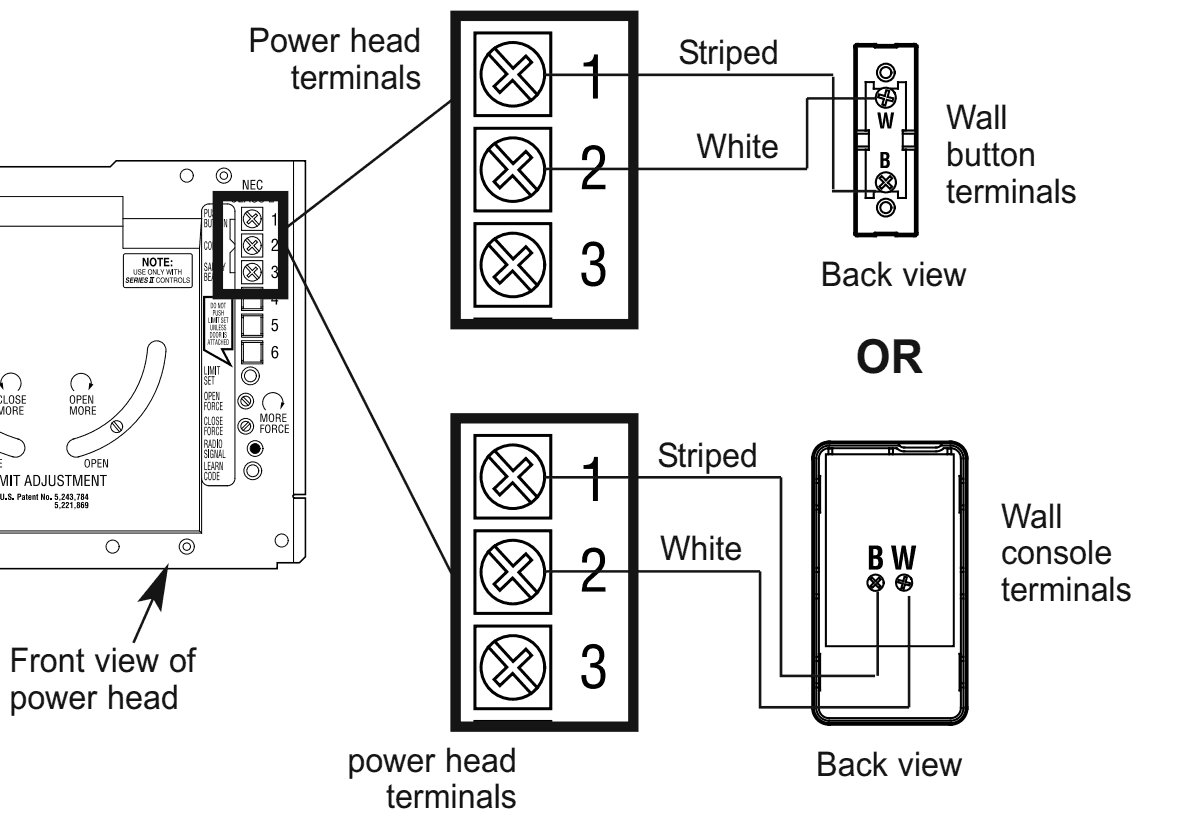
Could the Wall Button Be Faulty?
4
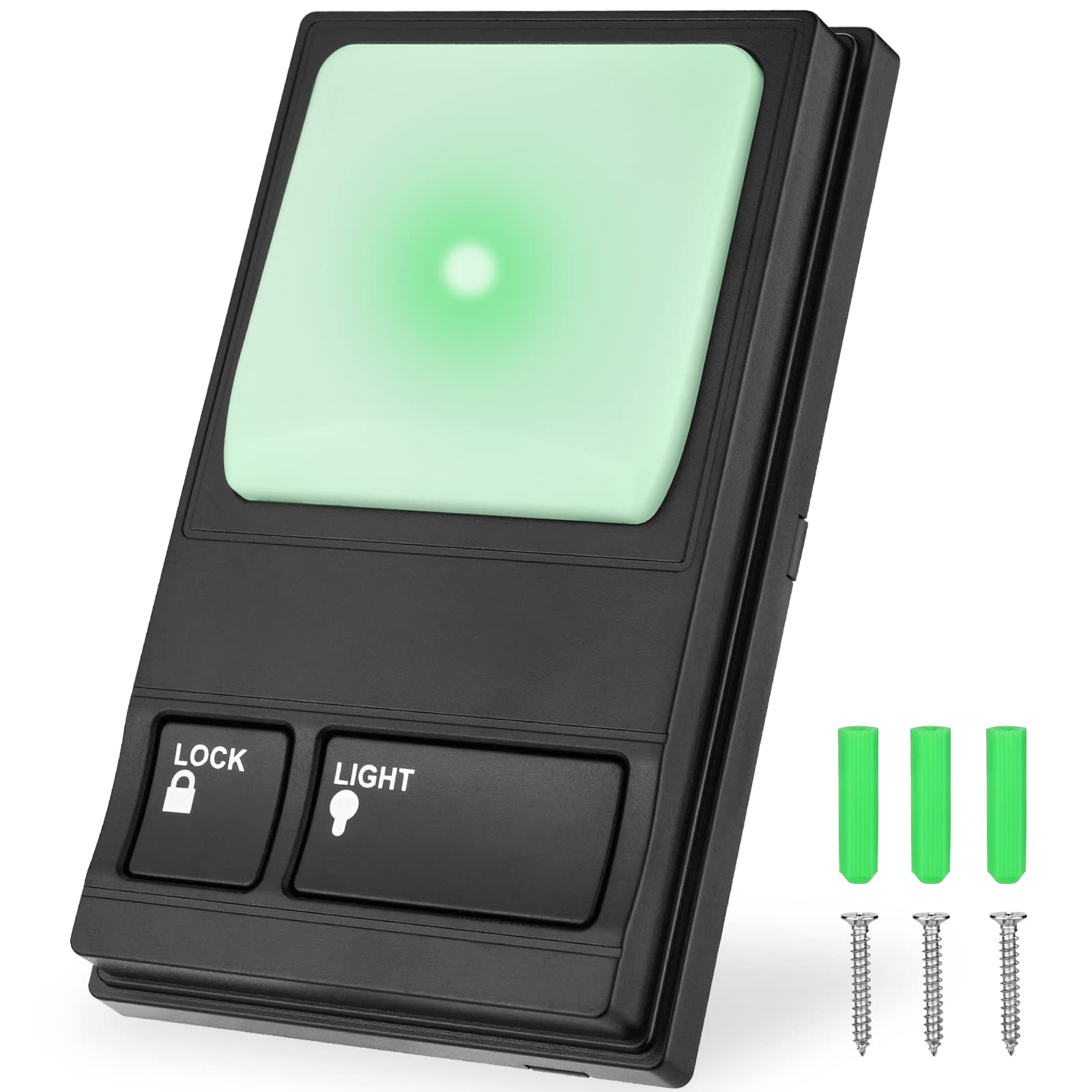
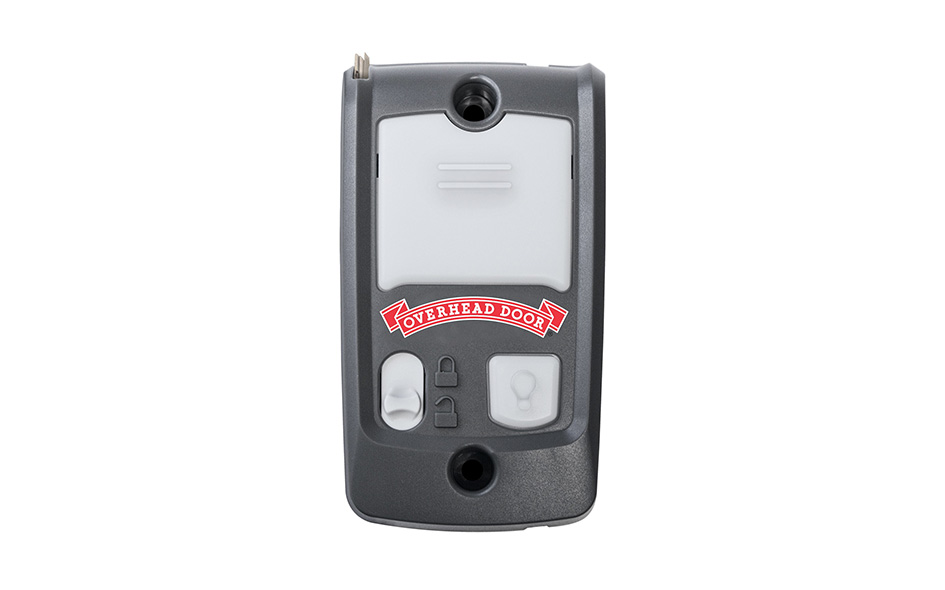
A short circuit in wall control wiring can trigger random activation.
Signs:
- Door activates without app notification
- Happens even when Wi-Fi is disconnected
- Wall button feels loose or stuck
How to Test:
- Turn off power to opener.
- Disconnect wall button wires.
- Restore power.
- Observe if door still activates.
If issue stops, wiring may need replacement.
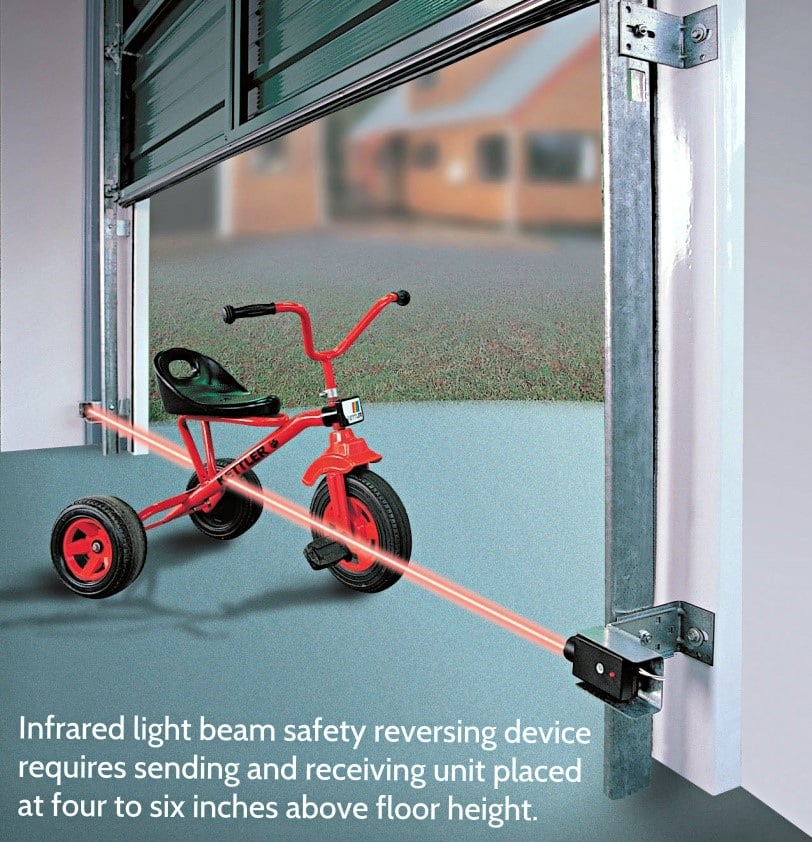
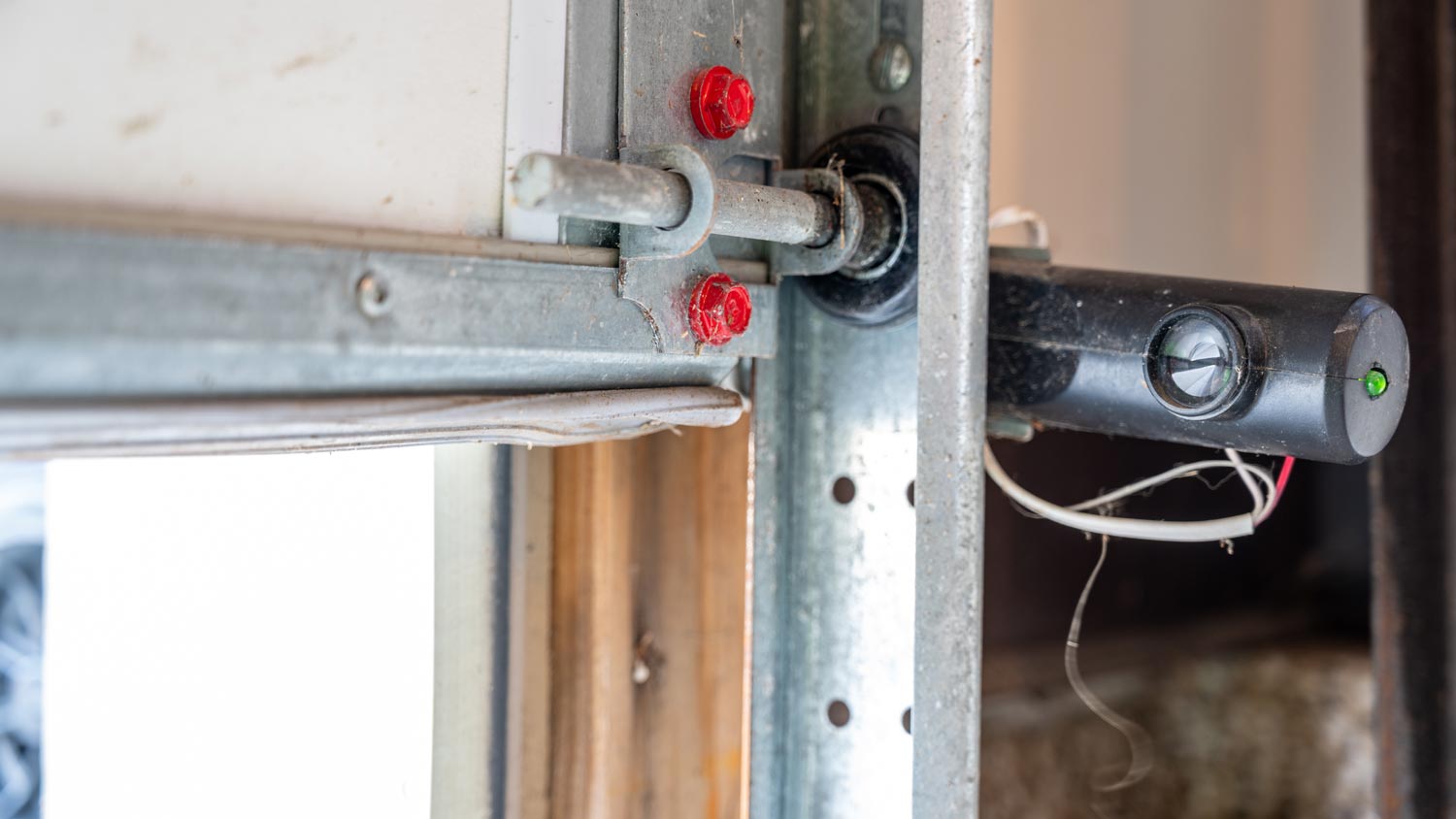
Is The Safety Sensor Triggering Reversal?

4
Sometimes the door starts closing, then reverses automatically due to sensor obstruction.
Common causes:
- Dust on sensor lens
- Sunlight glare
- Slight misalignment
- Loose wiring
Fix:
- Clean lenses with dry microfiber cloth.
- Align sensors until LED lights stay solid.
- Tighten brackets.
- Test close cycle.
If door opens immediately after trying to close, sensor misalignment is likely.
Is Wi-Fi Causing Delayed Commands?
Weak internet can create delayed execution.
Example scenario:
- You close door via app.
- Wi-Fi drops briefly.
- Command sends twice.
- Door opens unexpectedly.
Check Wi-Fi Strength:
Stand in garage and test signal.
- Signal strength: at least -60 dBm
- Speed: 5 Mbps minimum
Solutions:
- Install Wi-Fi extender.
- Move router closer.
- Restart router (wait full 2 minutes before reconnecting hub).
Could It Be a Firmware or App Glitch?
Software bugs occasionally trigger unintended commands.
Try This:
- Force close app.
- Log out.
- Reinstall MyQ app.
- Update firmware (if prompted).
- Power cycle hub (disconnect 60 seconds).
About 15–20% of reported cases are resolved by firmware updates.
Quick Diagnosis Table
| Symptom | Likely Cause | Fix |
|---|---|---|
| Opens at same time daily | Schedule enabled | Disable automation |
| Random open once | Remote interference | Remove batteries |
| Opens without app log | Wall wiring issue | Inspect wiring |
| Closes then reopens | Sensor misaligned | Adjust sensors |
| Delayed response | Weak Wi-Fi | Improve signal |
Security Checklist (Very Important)
If your Myq Garage Door Opening And Closing On Its Own, follow these security steps:
- Change MyQ password immediately.
- Enable two-factor authentication (if available).
- Remove unknown users.
- Disable voice assistants temporarily.
- Clear and reprogram all remotes.
- Reset opener memory and re-add devices.
Resetting remote memory prevents unauthorized transmitters from activating the system.
When Should You Call a Technician?
Contact a professional if:
- Door activates even with Wi-Fi disabled.
- Motor runs without command.
- Circuit board shows burn marks.
- Repeated random activations continue after reset.
In rare cases, a failing logic board can cause erratic behavior.
FAQ – Myq Garage Door Opening And Closing On Its Own
Can someone hack my MyQ garage door?
Extremely rare. Most issues stem from settings, shared access, or remote interference.
Why does my garage door close and then reopen?
Likely safety sensor misalignment or obstruction.
How do I reset my MyQ system completely?
Unplug hub 60 seconds, clear remote memory, reset app login, and reconfigure devices.
Could my neighbor’s remote open my door?
If both systems use older fixed-code technology, it’s possible but uncommon. Rolling code systems greatly reduce this risk.
Should I disable Wi-Fi to test?
Yes. If problem continues offline, issue is likely mechanical or wiring-related.
How long should MyQ systems last?
With proper maintenance, smart garage openers last 10–15 years.
Final Thoughts
If your Myq Garage Door Opening And Closing On Its Own, don’t panic. Most cases are caused by scheduling settings, remote interference, sensor alignment, or Wi-Fi instability — not security breaches.
Start with the simplest checks:
- Review schedules
- Remove remote batteries
- Inspect sensors
- Reset Wi-Fi
In many cases, the fix takes less than 20 minutes.
Smart garage systems add convenience — but like all connected devices, they need proper setup and occasional maintenance.
If this guide helped you solve the issue, consider sharing it on social media to help other homeowners secure their garage quickly and confidently.



Leave a Reply