A Genie garage door opener is a convenient and reliable device, but encountering a situation where there is no power can be quite frustrating. In this comprehensive guide, we will delve into the reasons behind the lack of power to your Genie garage door opener and provide step-by-step solutions to get it up and running smoothly.
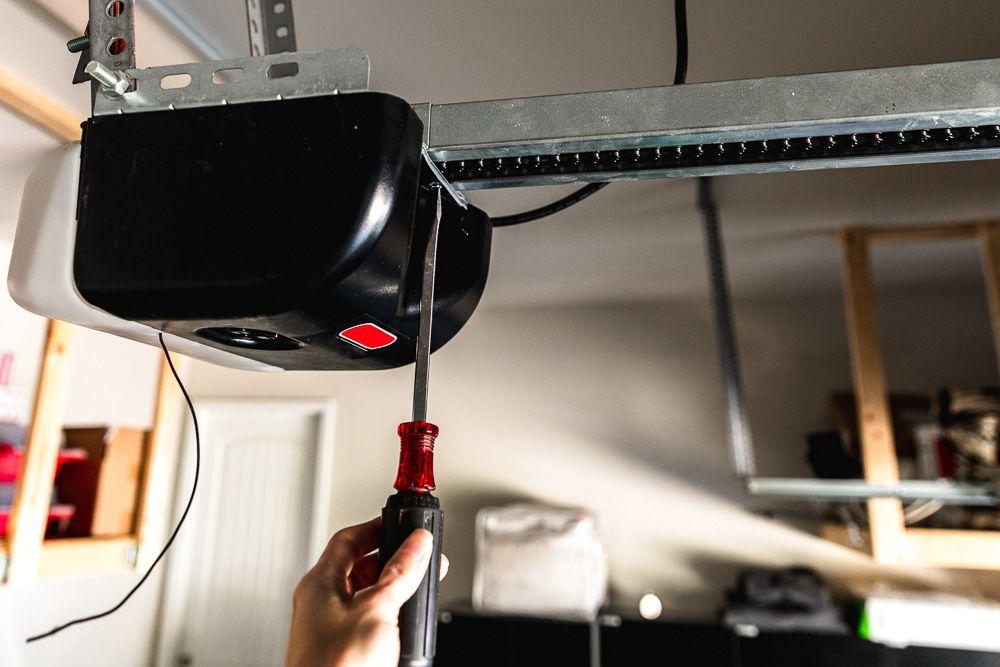
Understanding the Genie Garage Door Opener System
Before diving into the troubleshooting process, it’s essential to have a basic understanding of how the Genie garage door opener system operates. Genie openers are known for their advanced features, including remote operation, safety sensors, and automatic reversal mechanisms.
Common Reasons for No Power
1. Power Source Issues
One of the most straightforward reasons for a Genie garage door opener to have no power is a problem with the power source. This could be due to a tripped circuit breaker, a blown fuse, or a disconnected power cord.
Solution:
- Check the circuit breaker and reset if necessary.
- Inspect the fuse and replace it if it’s blown.
- Ensure the power cord is securely connected to a functional outlet.
2. Remote Control Batteries
If the remote control batteries are depleted or incorrectly installed, it can result in a loss of communication with the Genie opener.
Solution:
- Replace the batteries with fresh ones.
- Ensure proper installation of the batteries, following the remote control’s user manual.
3. Safety Sensor Issues
The safety sensors on a Genie garage door opener are designed to prevent the door from closing if an obstruction is detected. If there’s an issue with the sensors, the opener may not receive power.
Solution:
- Check for any obstructions or misalignments in front of the safety sensors.
- Clean the sensor lenses to ensure they are free from dirt or debris.
Troubleshooting Steps for No Power to Genie Garage Door Opener
1. Power Source Check:
- Inspect the circuit breaker and reset if necessary.
- Replace any blown fuses.
- Verify the power cord connection to the outlet.
2. Remote Control Battery Replacement:
- Open the remote control and replace the batteries with new ones.
- Follow the user manual for proper battery installation.
3. Safety Sensor Inspection:
- Examine the area in front of the safety sensors for obstructions.
- Clean the sensor lenses with a soft cloth.
Professional Assistance for Complex Issues
While the above troubleshooting steps address common issues, there could be more complex problems that require professional attention. If the Genie garage door opener still has no power after following the suggested solutions, it’s advisable to consult a qualified technician to assess and repair the system.
Read too: Genie Garage Door Opener Blue Light Flashing – Decoding the Signal: Troubleshooting the Mystery
Conclusion
In conclusion, a Genie garage door opener without power can be resolved by systematically identifying and addressing the underlying issues. Regular maintenance, quick troubleshooting, and attention to detail can significantly contribute to the smooth operation of your Genie garage door opener. By following the steps outlined in this guide, you can save time and potentially avoid the need for professional assistance. Remember, a well-maintained garage door opener enhances the overall security and convenience of your home.



Leave a Reply