A malfunctioning garage door can be frustrating, especially when it refuses to open or close with the wall switch. If you’re facing this issue, don’t panic—several common causes might be preventing your garage door from functioning properly. This article will walk you through potential reasons why your garage door will not open or close with the wall switch and how to fix it.
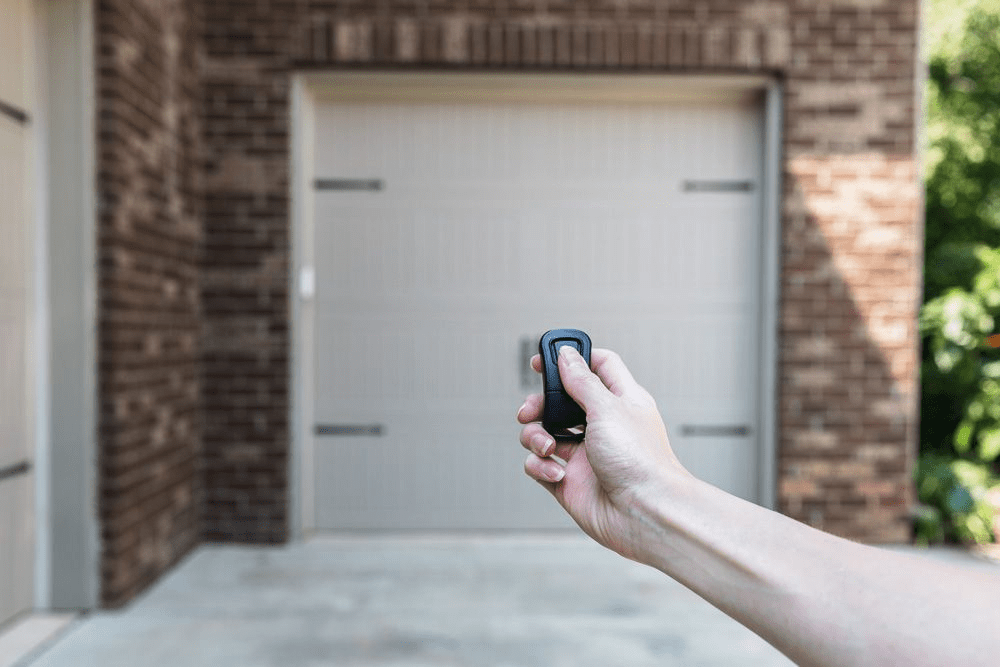
Why Your Garage Door Will Not Open Or Close With Wall Switch
Your garage door system relies on several components to function smoothly. If any of these components fail, the wall switch may become unresponsive. Below are some of the most common reasons why this happens:
1. Power Supply Issues
Before troubleshooting the wall switch, check the power supply to your garage door opener. If your opener isn’t receiving power, it won’t respond to any commands.
Read too: Mastering the Art of Adjusting a Chamberlain Garage Door Opener for Smooth Operation and Safety
How to Check and Fix Power Supply Issues:
- Check the Outlet: Ensure the garage door opener is plugged into a working power outlet.
- Test the Circuit Breaker: A tripped breaker can cut off power to the opener. Reset it if needed.
- Look for Power Surges: A power surge may have damaged the opener’s circuit board. If so, you might need professional repair.
2. Wall Switch Wiring Problems
Over time, the wiring connecting your wall switch to the garage door opener can become loose or damaged, preventing it from sending signals.
How to Fix Wall Switch Wiring Issues:
- Remove the wall switch cover and inspect the wires.
- Look for any loose or disconnected wires and reattach them securely.
- If you notice frayed or damaged wiring, it may need to be replaced.
3. Faulty Wall Switch
A defective wall switch can also prevent your garage door from opening or closing.
How to Test and Replace a Faulty Wall Switch:
- Use a screwdriver to remove the switch from the wall.
- Test the switch with a multimeter. If it doesn’t show continuity when pressed, it’s faulty.
- Replace the wall switch with a new one.
4. Issues With the Garage Door Opener Logic Board
The logic board inside your garage door opener acts as the brain of the system. If it malfunctions, the opener may stop responding to the wall switch.
How to Fix Logic Board Issues:
- Try resetting the garage door opener by unplugging it for a few minutes.
- If the issue persists, the logic board may need repair or replacement.
5. Safety Sensor Malfunction
Modern garage doors are equipped with safety sensors that prevent the door from closing on objects. If the sensors are misaligned or dirty, the door may not respond properly.
How to Fix Safety Sensor Problems:
- Clean the sensor lenses with a dry cloth.
- Make sure the sensors are aligned correctly and their LED lights are steady.
- Check for any obstructions blocking the sensors.
6. Limit Switch Issues
The limit switch controls how far the garage door opens and closes. If it’s misadjusted, your door may fail to operate.
How to Adjust the Limit Switch:
- Locate the limit switch adjustment screws on the opener unit.
- Use a screwdriver to make small adjustments until the door opens and closes properly.
7. Broken or Worn-Out Garage Door Components
Mechanical issues, such as broken springs, cables, or rollers, can also prevent your door from functioning.
How to Identify and Fix Mechanical Issues:
- Look for visible signs of wear or breakage.
- If a spring or cable is broken, avoid DIY repairs and call a professional.
Preventative Maintenance Tips for a Reliable Garage Door
To avoid future issues with your garage door wall switch, follow these maintenance tips:
1. Regularly Check Wiring and Connections
Inspect the wall switch and opener wiring at least once a year to prevent loose connections.
2. Keep the Garage Door Tracks and Rollers Clean
Dirt and debris buildup can cause the door to malfunction. Regularly clean the tracks and rollers.
3. Test the Safety Sensors Monthly
Make sure the sensors are properly aligned and functioning by placing an object in the door’s path and observing its response.
4. Schedule Professional Inspections
A garage door professional can identify potential issues before they turn into major problems.
When to Call a Professional
If you’ve tried the troubleshooting steps above and your garage door will not open or close with the wall switch, it’s time to seek professional help. Call a garage door technician if you experience:
- Repeated electrical failures.
- A burned-out circuit board.
- Broken springs, cables, or other mechanical issues.
Conclusion
A garage door that won’t respond to the wall switch can be a frustrating problem, but in most cases, it’s fixable with basic troubleshooting. By checking the power supply, wall switch wiring, safety sensors, and opener settings, you can often resolve the issue without professional assistance. However, if you suspect a serious mechanical or electrical failure, don’t hesitate to call a professional technician for a thorough inspection and repair.



Leave a Reply