In the era of smart homes and interconnected devices, the convenience of controlling your garage door with a Chamberlain garage door opener adds a touch of modernity to your daily life. However, there can be instances when technology hits a snag, and you find your Chamberlain garage door opener offline. This article will guide you through the reasons behind this occurrence, offer troubleshooting steps, and provide effective solutions to bring your Chamberlain garage door opener back online.
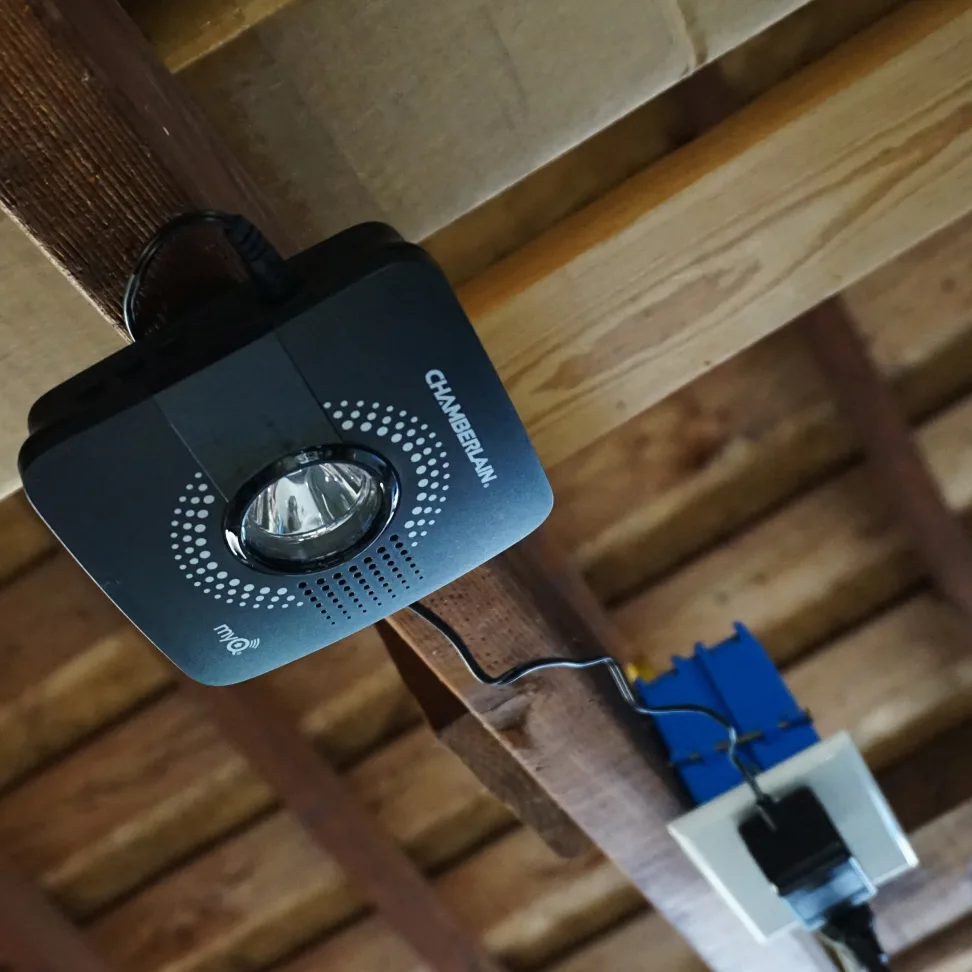
Understanding Chamberlain Garage Door Opener Offline
Before delving into the solutions, it’s essential to grasp why your Chamberlain garage door opener might go offline. In a nutshell, an offline status indicates that the opener is temporarily disconnected from the network, rendering remote access and control impossible. This could be due to various reasons, such as Wi-Fi signal issues, power disruptions, or technical glitches within the opener itself.
Troubleshooting: Diagnosing the Offline Issue
When faced with an offline Chamberlain garage door opener, several factors warrant consideration before jumping to conclusions. Let’s explore some common troubleshooting steps to help diagnose the problem:
- Check Wi-Fi Connection: The first and foremost step is to ensure that your home’s Wi-Fi network is stable and operational. An unstable connection or router issues can lead to devices like your garage door opener going offline.
- Power Supply: Verify that your Chamberlain garage door opener is receiving a steady power supply. A power outage or tripped circuit breaker can disrupt its connection to the network.
- Opener Settings: Review the settings on your garage door opener. Ensure that the Wi-Fi feature is enabled and properly configured. A factory reset might be necessary if settings have become corrupted.
- Signal Strength: Evaluate the Wi-Fi signal strength in your garage. Weak signals might lead to intermittent connectivity or an offline status.
- Network Interference: Other electronic devices or appliances emitting signals in close proximity to the opener could interfere with its connection. Remove potential sources of interference.
Solutions to Bring Your Chamberlain Garage Door Opener Online
After conducting the initial troubleshooting, if your Chamberlain garage door opener remains offline, it’s time to explore more advanced solutions:
- Reboot: A simple reboot can often do the trick. Power down the garage door opener, wait for a few minutes, and then power it back on. This action can help re-establish a stable connection.
- Router Adjustment: If weak signal strength is the culprit, consider repositioning your Wi-Fi router or using a range extender to enhance coverage in your garage.
- Firmware Update: Ensure that your Chamberlain garage door opener’s firmware is up to date. Manufacturers frequently release updates to improve device performance and compatibility.
- Professional Assistance: If all else fails, it might be time to seek professional help. Contact Chamberlain’s customer support or a qualified technician to diagnose and resolve the issue.
Conclusion
The convenience of a Chamberlain garage door opener is unparalleled, providing you with seamless control over your garage access. However, encountering an “Offline” status can disrupt this convenience. By following the troubleshooting steps outlined in this article, you can effectively diagnose the issue and apply solutions to bring your Chamberlain garage door opener back online. As technology continues to advance, occasional hiccups are inevitable, but with the right knowledge and actions, you can ensure a smooth and uninterrupted smart home experience.



Leave a Reply