Introduction
If your Craftsman garage door opener light will not turn off, it can be frustrating and waste electricity. Many homeowners face this issue, often unsure whether it’s a wiring problem, sensor malfunction, or simply a setting adjustment. This guide walks you through the most common causes and solutions, so you can get your opener working normally again.
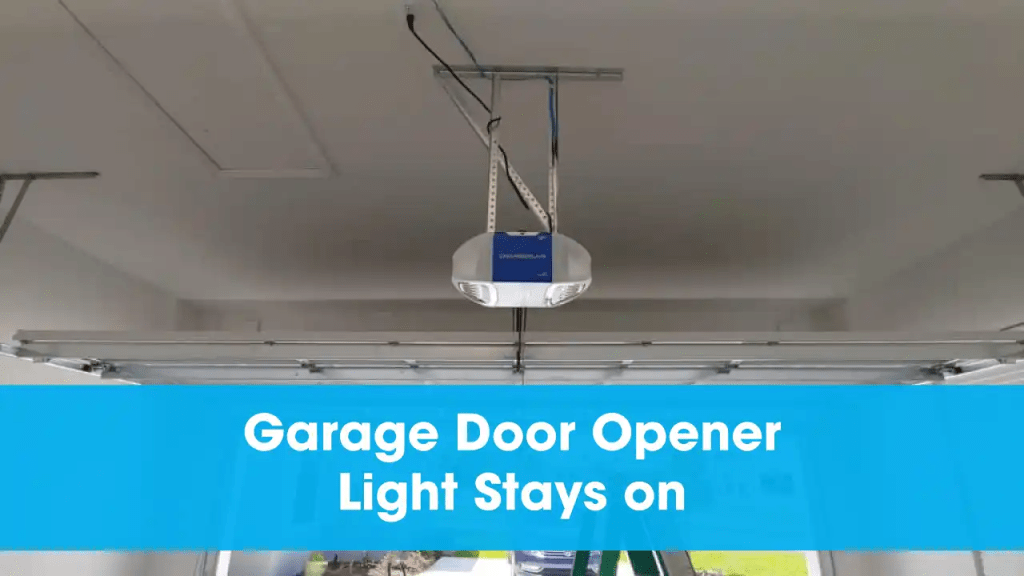
Why Does the Craftsman Garage Door Opener Light Stay On?
Several factors may cause this problem:
- Stuck light relay inside the opener
- Faulty motion sensor continuously detecting movement
- Incorrect light timer setting
- Wiring issues or short circuits
- Worn-out control board
Read too: The Complete Guide to Tighten Chain On Garage Door Opener for Smooth Operation
Step-by-Step Troubleshooting Guide
1. Check the Light Timer Setting
- Most Craftsman garage door openers allow you to set how long the light stays on.
- Access the control panel, locate the light timer adjustment, and set it to 1.5–4.5 minutes.
- If the light ignores the timer, move to the next step.
2. Inspect the Motion Sensor
Craftsman openers often come with built-in motion sensors. If the sensor is stuck detecting movement:
- Clean the sensor lens with a soft cloth.
- Ensure nothing is directly in front of the sensor.
- Test again by standing away from the opener for 5–10 minutes.
3. Reset the Garage Door Opener
- Unplug the opener from the power outlet.
- Wait at least 60 seconds.
- Plug it back in and test.
This can reset the internal relay controlling the light.
4. Test the Wall Switch and Remote
- A stuck wall switch may continuously send signals to keep the light on.
- Remove the wall switch from its mounting and check for dirt or shorted wires.
- Replace the batteries in your remote to rule out interference.
5. Inspect the Light Relay or Control Board
If none of the above steps fix the issue, the problem may lie in the opener’s internal parts.
- The light relay inside the opener can fail and stick in the “on” position.
- A damaged logic/control board may require professional repair or replacement.
Quick Comparison: DIY Fix vs Professional Repair
| Solution | Difficulty | Cost | When to Choose |
|---|---|---|---|
| Adjust Timer | Easy | Free | Light stays on too long |
| Clean Sensor | Easy | Free | Sensor detects false motion |
| Reset Opener | Easy | Free | Temporary glitches |
| Replace Switch | Moderate | $15–$40 | Wall switch stuck |
| Replace Board | Advanced | $80–$150 | Relay or board failure |
Expert Advice
“Most Craftsman opener light issues are minor and can be fixed at home. However, if the light relay or circuit board fails, replacement is usually the most reliable long-term solution.” – Certified Garage Technician
(Source: Wikipedia – Garage Door Opener)
FAQ – Craftsman Garage Door Opener Light
1. Why does my opener light stay on all night?
It could be due to a stuck relay, faulty motion sensor, or timer setting that isn’t responding properly.
2. How do I reset my Craftsman garage door opener light?
Unplug the opener for 1–2 minutes, then plug it back in. This often clears temporary electrical glitches.
3. Can a faulty wall switch keep the light on?
Yes, a shorted or stuck wall switch can continuously send signals to keep the light powered.
4. Do I need to replace the whole opener if the light relay is bad?
No, many relays or control boards can be replaced individually without replacing the entire opener.
5. How long should the light normally stay on?
Typically between 1.5 and 4.5 minutes, depending on your settings.
Conclusion
If your Craftsman garage door opener light will not turn off, start with simple fixes like checking the timer, cleaning the sensor, and resetting the opener. In many cases, these easy steps resolve the issue without professional help. For stubborn problems, replacing the switch or control board may be necessary.
Don’t forget to share this guide with friends or neighbors who may be struggling with the same garage opener issue!



Leave a Reply