Ever left home and wondered if you closed the garage? Or wished you could simply say, “Hey Siri, close the garage door”? A Smart Wi-Fi Garage Door Opener Compatible With Apple HomeKit gives you remote access, voice control, and real-time alerts—all from your iPhone.
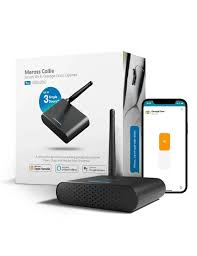
If you’re invested in the Apple ecosystem, choosing a HomeKit-compatible device ensures better security, seamless automation, and a smoother smart home experience. Let’s break down what to buy, how it works, and how to install it safely.
Read too: The Complete Guide to Tighten Chain On Garage Door Opener for Smooth Operation
What Is a Smart Wi-Fi Garage Door Opener Compatible With Apple HomeKit?
A Smart Wi-Fi Garage Door Opener Compatible With Apple HomeKit connects your existing garage motor to your home’s WiFi network and integrates directly with Apple’s Home app.
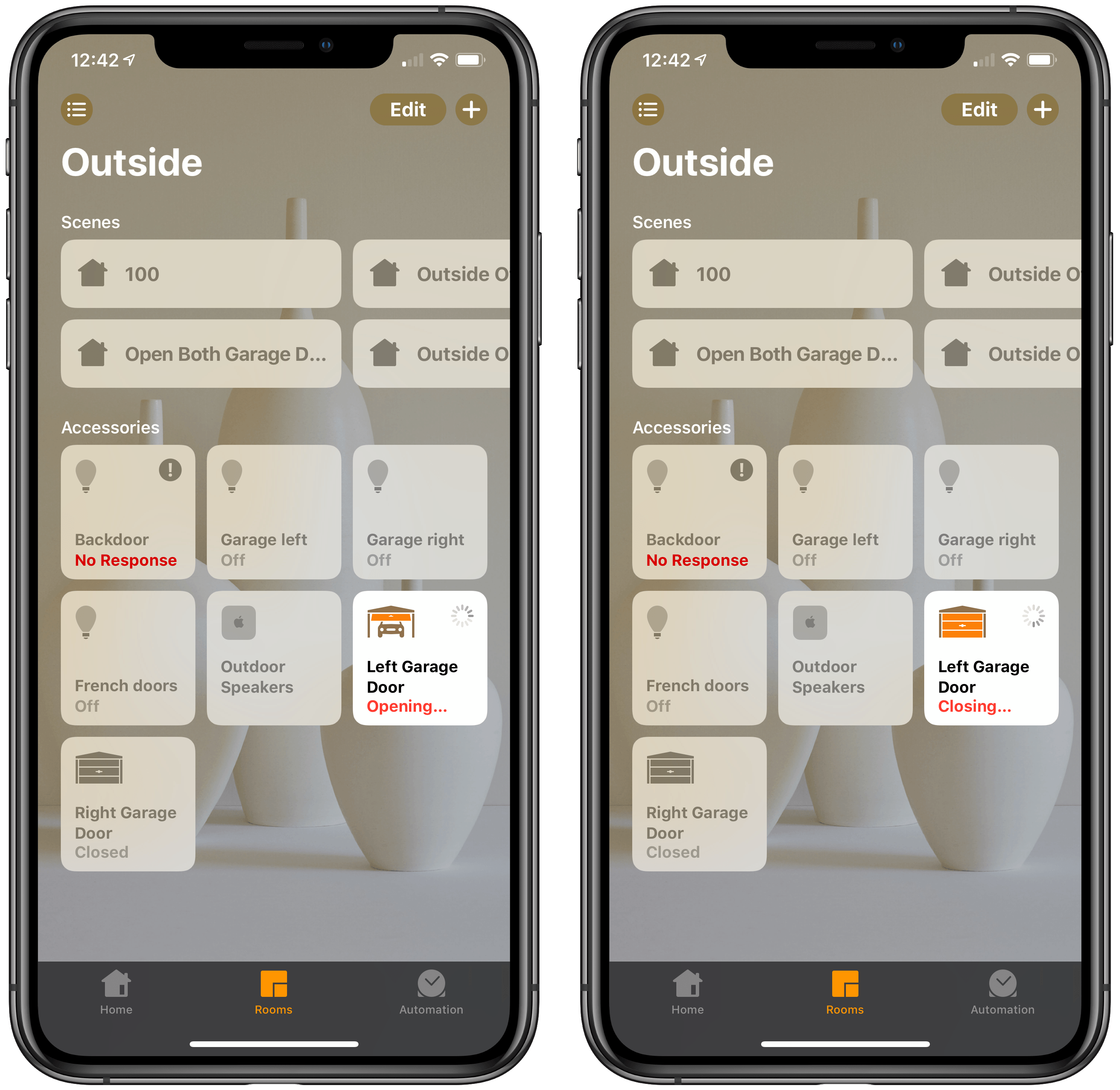
Apple HomeKit allows users to control devices securely through the Home app or via Siri voice commands.
Instead of using a separate app, you can:
- Open or close your garage remotely
- Check door status instantly
- Automate routines (e.g., close garage at 10 PM)
- Use Siri voice commands
HomeKit devices must meet Apple’s encryption and authentication standards, which adds a strong security layer.
For a broader overview of garage door opener systems, see Wikipedia (garage door opener explanation).
How Does It Work With Apple HomeKit?

4
Here’s how the system functions:
- Controller Module – Connects to your existing opener motor.
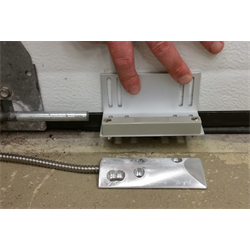
- Door Sensor – Detects open/closed status.
- WiFi Connection – Links to your router (2.4 GHz band recommended).
- Home App Integration – Syncs via QR code pairing.
HomeKit uses end-to-end encryption. Commands are verified before execution, especially when opening garage doors.
What Are the Best Smart Wi-Fi Garage Door Openers for Apple HomeKit?

4
Here are top-rated models in the U.S. market:
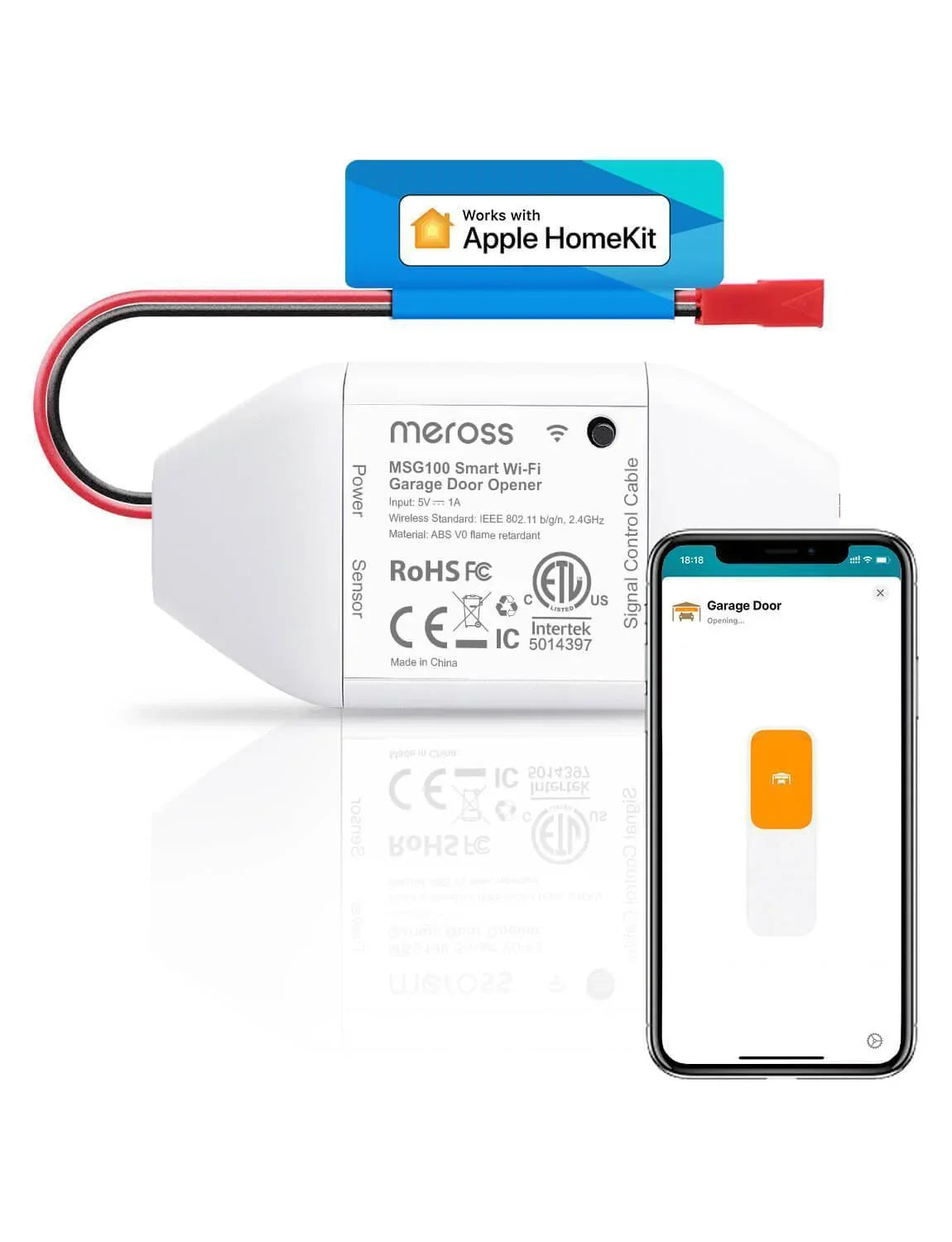
1. Meross Smart Wi-Fi Garage Door Opener
- Direct HomeKit compatibility
- No subscription fees
- Affordable price
- Easy DIY installation
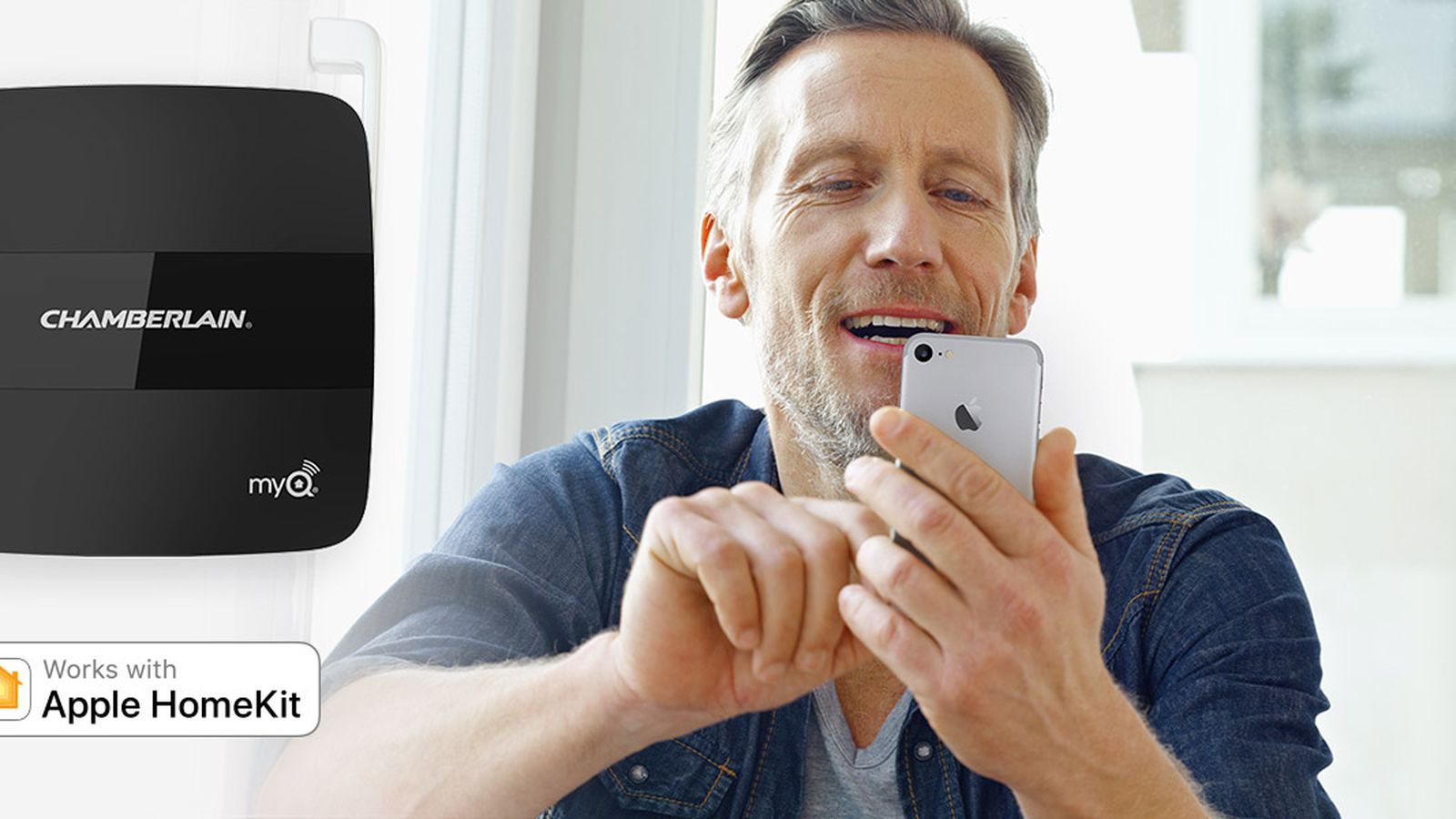
2. Chamberlain MyQ (with HomeKit Bridge)
- Reliable brand
- Requires additional HomeKit bridge
- Possible subscription for advanced features
3. iSmartGate Pro
- Supports multiple garage doors
- Works with HomeKit, Alexa, and Google
- Strong security features
4. Insignia Smart Garage Door Controller
- Budget-friendly
- Direct Apple integration
Comparison Table
| Feature | Meross | MyQ + Bridge | iSmartGate | Insignia |
|---|---|---|---|---|
| Native HomeKit | Yes | Via Bridge | Yes | Yes |
| Monthly Fee | No | Sometimes | No | No |
| Multi-door Support | Yes | Yes | Yes | Limited |
| Installation Difficulty | Easy | Medium | Medium | Easy |
Is It Secure to Use Apple HomeKit for Garage Control?
Security is a major concern for homeowners.
Apple’s HomeKit platform uses:
- End-to-end encryption
- Two-factor Apple ID authentication
- Secure pairing via QR code
In smart home industry reports, Apple’s closed ecosystem is often cited as one of the more secure platforms due to its hardware-level authentication.
Extra Safety Tips
- Enable two-factor authentication
- Use strong WiFi passwords
- Avoid public WiFi control
- Enable notifications for door activity
How to Install a Smart Wi-Fi Garage Door Opener (Step-by-Step)
Most installations take 30–60 minutes.
Tools Needed
- Screwdriver
- Ladder
- Smartphone (iOS 16 or later recommended)
- Stable WiFi signal
Step 1: Check Compatibility
Ensure your garage opener:
- Was manufactured after 1993
- Has safety sensors installed
- Has wall button terminal access
Step 2: Mount the Controller
Install near the motor unit, typically 3–6 feet away.
Secure with screws or heavy-duty adhesive pad.
Step 3: Install Door Sensor
Mount on top panel of the garage door.
Height recommendation: 4–8 feet from ground.
Ensure alignment for accurate open/close tracking.
Step 4: Connect to WiFi
- Download manufacturer app
- Connect to 2.4 GHz network
- Enter password
- Confirm stable signal (minimum 70% strength recommended)
Step 5: Add to Apple Home App
- Open Home app
- Tap “+”
- Select “Add Accessory”
- Scan HomeKit QR code
- Assign to room (e.g., Garage)
Test with Siri:
“Hey Siri, is the garage door closed?”
Benefits of Using HomeKit for Garage Automation
1. Seamless Apple Ecosystem Integration
Works with:
- iPhone
- Apple Watch
- iPad
- HomePod
2. Automation Scenarios
Examples:
- When you leave home → Garage closes automatically
- At 10 PM → Door auto-closes
- When arriving home → Lights turn on + garage opens
3. Real-Time Notifications
Receive alerts if:
- Garage stays open longer than 10 minutes
- Door opens unexpectedly
Pros vs Cons
Advantages
✔ Strong Apple-level security
✔ Native Siri voice control
✔ Remote monitoring
✔ Automation flexibility
Disadvantages
✖ Limited to Apple ecosystem
✖ May require bridge (some brands)
✖ WiFi-dependent
Common Mistakes to Avoid
- Installing too far from router
- Ignoring firmware updates
- Skipping sensor alignment
- Using outdated iOS version
These small issues can reduce performance reliability.
FAQ: Smart Wi-Fi Garage Door Opener Compatible With Apple HomeKit
1. Do I need a HomePod or Apple TV?
For remote access outside your home network, yes—you need a HomeKit hub like Apple TV or HomePod.
2. Can Siri open my garage without confirmation?
For safety, Siri may require device authentication before opening.
3. Does it work during internet outages?
No remote access. However, you can still use the physical wall button.
4. Can I share access with family members?
Yes. You can invite users through the Home app.
5. Is installation beginner-friendly?
Yes. Most DIY users complete installation within one hour.
6. Will it increase home value?
Smart home upgrades can enhance buyer appeal, especially in tech-forward markets.
Final Thoughts
A Smart Wi-Fi Garage Door Opener Compatible With Apple HomeKit brings convenience, automation, and enhanced security to your daily routine. If you’re already using Apple devices, it’s one of the most seamless smart home upgrades you can make.
Choose a model with native HomeKit support when possible, ensure strong WiFi coverage, and enable all security settings for maximum protection.
If this guide helped you decide, share it on social media to help other homeowners upgrade their garage the smart way.



Leave a Reply