Garage door openers have become essential in our daily lives, providing convenience and security. However, encountering an issue like a Genie garage door opener with a blue light flashing can be perplexing. In this comprehensive guide, we’ll delve into the reasons behind the blue light flashing and provide practical solutions to restore your Genie garage door opener to optimal functionality.
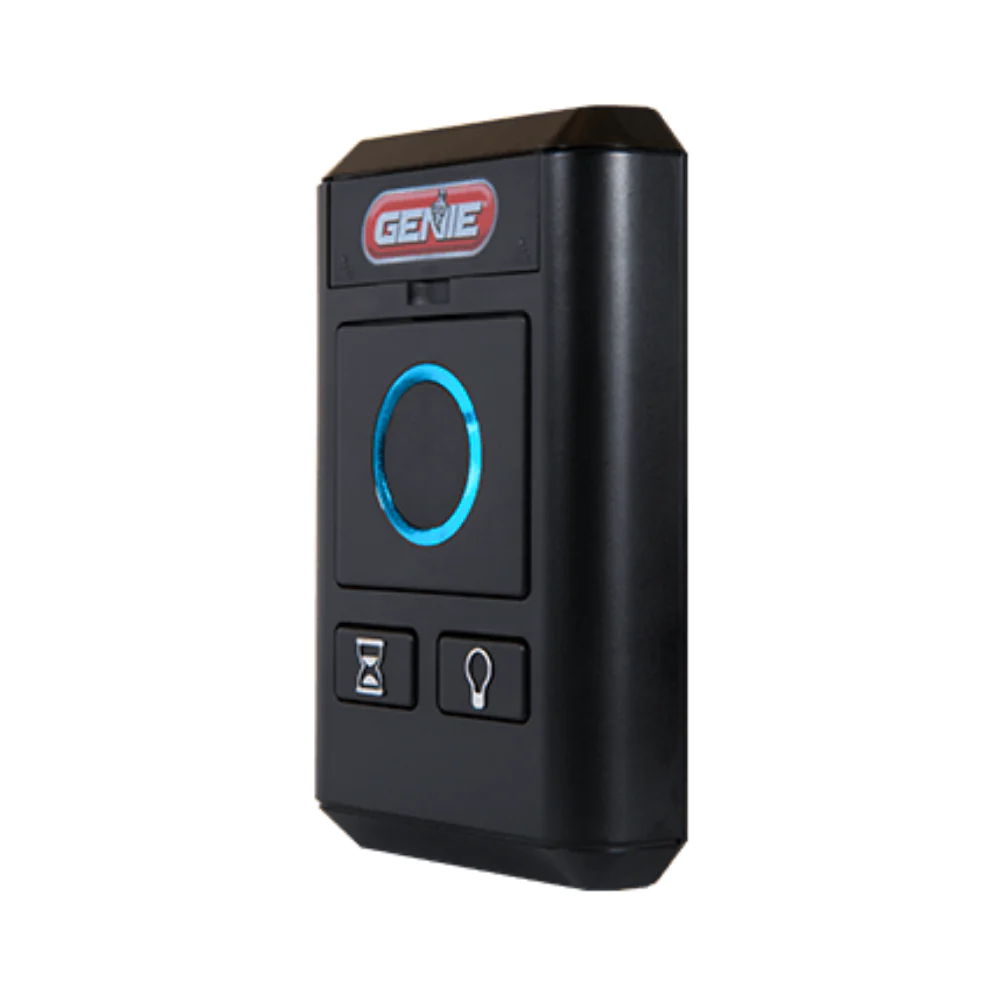
Understanding the Enigma: Genie Garage Door Opener Blue Light Flashing
The Signal Conundrum: An Overview
Imagine pressing the button on your Genie garage door opener, expecting a smooth operation, only to be met with a blue light flashing. This scenario indicates a communication or operational issue that requires attention. Let’s explore the potential reasons behind the issue and unravel the mystery.
Possible Causes of the Blue Light Flashing
- Remote Control Signal Issues:
- Interference or signal disruption between the remote control and the Genie garage door opener can lead to a blue light flashing.
- Safety Sensor Misalignment:
- Misalignment or obstruction of the safety sensors can trigger the blue light as a safety precaution, preventing the door from closing.
- Faulty Wiring or Connections:
- Issues with the wiring or connections within the garage door opener system may result in a disrupted signal and the blue light flashing.
- Programming or Code Mismatch:
- Incorrect programming or a mismatched code between the remote control and the garage door opener can cause communication issues.
Troubleshooting Steps for Genie Garage Door Opener Blue Light Flashing
Now that we’ve identified potential causes, let’s embark on a troubleshooting journey to address the issue.
1. Check Remote Control Signal:
- Ensure there are no sources of interference, such as electronic devices or appliances, disrupting the remote control signal.
- Reprogram the remote control to the garage door opener following the manufacturer’s guidelines.
- Test the door to see if the blue light persists.
2. Inspect Safety Sensors:
- Verify the alignment of the safety sensors on both sides of the garage door.
- Clear any obstructions in the sensor’s line of sight.
- Clean the sensor lenses to ensure proper communication.
- Test the door to see if the blue light issue is resolved.
3. Examine Wiring and Connections:
- Power off the Genie garage door opener to ensure safety during inspection.
- Inspect the wiring and connections for any signs of damage or loose connections.
- Repair or replace any faulty wiring.
- Power the garage door opener back on and check for the blue light.
4. Revisit Programming Settings:
- Review the programming settings of both the remote control and the garage door opener.
- Ensure the codes match and are programmed correctly.
- Re-program if necessary and test the door’s operation.
Additional Considerations:
- Power Cycle the Opener:
- Turn off the power to the Genie garage door opener.
- Wait for a few minutes before turning it back on.
- Re-test the door to see if the blue light persists.
- Consult the User Manual:
- Refer to the user manual for specific troubleshooting instructions provided by Genie.
Read too: Why Is My Chamberlain Garage Door Opener Opening By Itself? Decoding the Mystery
Conclusion: A Clear Path to Resolution
In conclusion, a Genie garage door opener with a blue light flashing can be a puzzling situation, but systematic troubleshooting can help identify and address the underlying issues. By examining the remote control signal, safety sensor alignment, wiring and connections, and programming settings, you can guide the signal and restore your Genie garage door opener to seamless operation.
Remember, safety is paramount, and if issues persist or if you are uncertain about troubleshooting steps, seeking professional assistance is recommended for a thorough assessment.
Leave a Reply