If you’ve experienced issues with your MyQ garage door opener connectivity or need to reconnect it for any reason, you’re in the right place. In this guide, we’ll walk you through the process of reconnecting your MyQ system to your garage door opener, ensuring smooth and reliable operation.
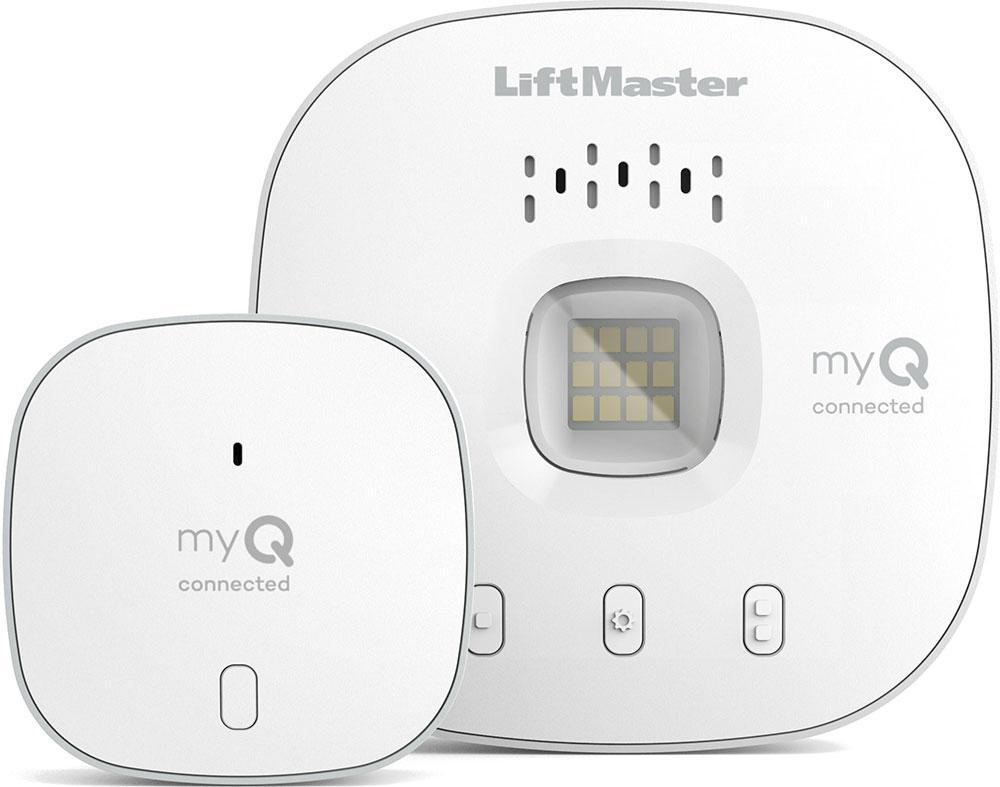
Understanding MyQ Garage Door Opener Connectivity
MyQ is a smart home technology that allows you to control your garage door opener remotely using a smartphone app or other compatible devices. When your MyQ system is properly connected to your garage door opener, you can open, close, and monitor your garage door from anywhere, providing added convenience and security.
Reasons for Reconnecting MyQ to Garage Door Opener
There are several reasons why you may need to reconnect your MyQ system to your garage door opener:
- Loss of connectivity: If your MyQ system has lost connection to your garage door opener, you may need to reconnect it to restore functionality.
- Device replacement: If you’ve replaced your MyQ hub or garage door opener, you’ll need to reconnect the new devices to ensure they work together properly.
- Software updates: Occasionally, software updates or changes to your MyQ system may require you to reconnect your devices for compatibility.
How to Reconnect MyQ to Garage Door Opener
Follow these steps to reconnect your MyQ system to your garage door openers:
Step 1: Access MyQ App
Open the MyQ app on your smartphone or device and log in to your MyQ account. If you don’t already have the MyQ app installed, you can download it from the App Store or Google Play Store.
Read too: No Power to Genie Garage Door Opener – Resolving the Issue with Ease: Troubleshooting Guide
Step 2: Navigate to Device Settings
Navigate to the settings or device management section of the MyQ app. Look for options related to device management, garage door openers, or connectivity settings.
Step 3: Select Reconnect Device
Find the option to reconnect or add a new device to your MyQ system. This may be labeled differently depending on the app version or device manufacturer, but it should be clear that you’re initiating a new connection.
Step 4: Follow Prompts
Follow the on-screen prompts to reconnect your MyQ hub or gateway to your garage door openers. This may involve scanning a QR code, entering a serial number, or selecting your garage door opener model from a list of compatible devices.
Step 5: Test Connectivity
Once the reconnect process is complete, test the connectivity between your MyQ system and garage door openers. Utilize the app to remotely open and close your garage door, ensuring successful execution of the commands.
Conclusion
Reconnecting MyQ to your garage door opener is a straightforward process that can be completed in just a few simple steps. By following the instructions outlined above, you can troubleshoot connectivity issues, replace devices, or update your MyQ system with ease, ensuring convenient and seamless control of your garage door opener.



Leave a Reply