Is your garage door acting up, opening and closing repeatedly without your command? Don’t let this frustrating issue disrupt your day. In this comprehensive guide, we’ll delve into the possible causes of your garage door’s erratic behavior and explore effective solutions to resolve the issue.
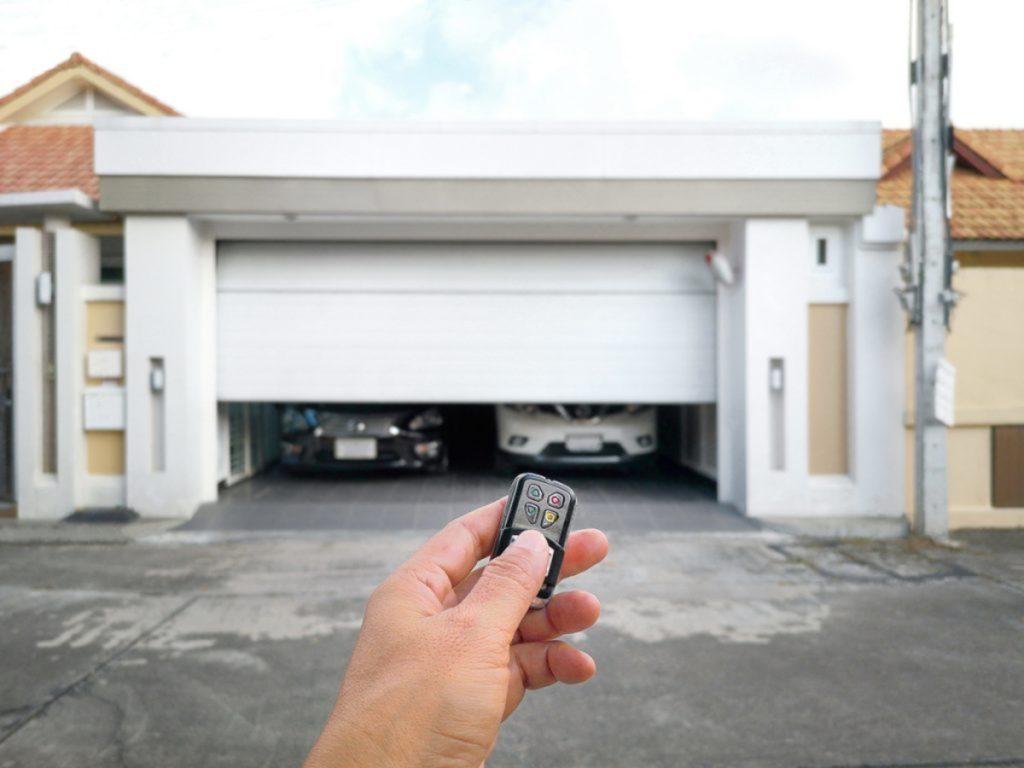
Understanding the Problem: Garage Door Opening And Closing Repeatedly
When your garage door starts opening and closing repeatedly on its own, it can be a perplexing and concerning situation. However, before jumping to conclusions or attempting DIY fixes, it’s essential to understand the potential reasons behind this behavior.
Read too: Why Your Liftmaster Garage Door Won’t Stay Closed and How to Fix It? Troubleshooting Tips
Common Causes: Garage Door Opening And Closing Repeatedly
Several factors could contribute to your garage door’s repetitive cycling:
- Sensor Malfunction: Faulty sensors are a common culprit behind erratic garage door behavior. If the safety sensors are misaligned, dirty, or obstructed, they may signal the door to reverse direction unnecessarily.
- Remote Interference: Interference from nearby electronic devices or neighboring garage door openers operating on the same frequency can trigger unintended door movements.
- Broken Springs: Broken or damaged springs can cause the garage door to lose balance, leading to erratic operation, including repeated opening and closing cycles.
- Limit Switch Issues: Malfunctioning limit switches, responsible for signaling the door when to stop opening or closing, can cause the door to cycle repeatedly as it struggles to find its correct position.
Troubleshooting Steps
To address the issue effectively, follow these troubleshooting steps:
- Check Sensor Alignment: Ensure that the sensors located near the bottom of the garage door tracks are properly aligned and free from debris. Clean the sensors with a soft cloth and realign them if necessary.
- Inspect Remote Control: Test your garage door remote control to rule out any interference issues. Replace the batteries and ensure that no other devices are interfering with the signal.
- Examine Springs: Inspect the garage door springs for signs of damage or wear. If you notice any issues, such as broken or stretched springs, contact a professional technician to replace them safely.
- Adjust Limit Switches: If the garage door’s limit switches are misaligned or damaged, they may need adjustment or replacement. Consult the manufacturer’s instructions or seek assistance from a qualified technician.
Professional Assistance
If your attempts to troubleshoot the problem are unsuccessful or if you’re uncomfortable performing repairs yourself, it’s best to seek professional assistance. A trained garage door technician can diagnose the issue accurately and implement the necessary repairs or adjustments to restore your door to proper working condition.
Conclusion
Dealing with a garage door that opens and closes repeatedly can be frustrating, but with the right knowledge and approach, you can identify the underlying cause and implement effective solutions. By following the troubleshooting steps outlined in this guide and seeking professional assistance when needed, you can resolve the issue and regain control over your garage door’s operation.



Leave a Reply