Are you facing issues with your Chamberlain garage door not closing with the remote control? This can be a frustrating experience, but fear not – in this comprehensive guide, we will explore the common reasons behind Chamberlain garage doors won’t close with the remote and provide practical solutions to ensure your garage door operates smoothly.
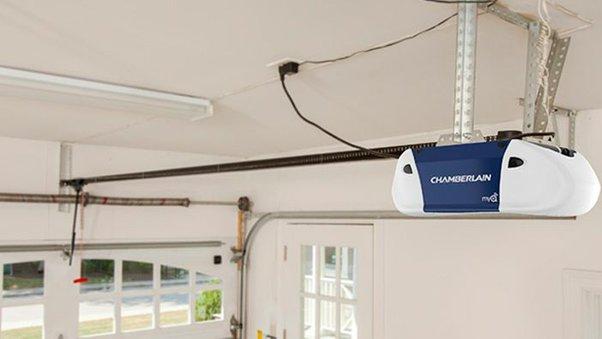
Understanding the Problem – Chamberlain Garage Door Won’t Close with Remote
Common Issues:
- Sensor Alignment:
- The safety sensors on either side of the garage door may be misaligned, preventing the door from closing.
- Solution: Adjust the sensor alignment to ensure they are facing each other and there are no obstructions.
- Remote Signal Interference:
- Interference from other electronic devices or neighboring garage doors can disrupt the signal.
- Solution: Change the remote’s frequency or address potential sources of interference.
- Weak or Dead Remote Batteries:
- If the batteries in your remote are weak or dead, the signal may not be strong enough to close the door.
- Solution: Replace the batteries in the remote control with fresh ones.
- Garage Door Limits Not Set Correctly:
- The travel limits on the garage door opener may not be properly set.
- Solution: Adjust the travel limits according to the manufacturer’s instructions.
Troubleshooting Steps for Chamberlain Garage Door Won’t Close with Remote
- Check Sensor Alignment: Ensure that the safety sensors are aligned properly and there are no obstructions.
- Suspect for Signal Interference: Identify potential sources of signal interference and eliminate or minimize them.
- Replace Remote Batteries: Swap out the old batteries in the remote control with new ones.
- Adjust Travel Limits: Follow the manufacturer’s guidelines to set the correct travel limits on the garage door opener.
Conclusion:
By following these troubleshooting steps, you can address the issue of your Chamberlain garage door won’t close with the remote. Regular maintenance and attention to these common problems will ensure that your garage door operates smoothly and efficiently. If the problem persists, it may be advisable to consult the Chamberlain customer support or seek assistance from a professional garage door technician.
Remember, a well-maintained garage door not only provides convenience but also enhances the security of your home.



Leave a Reply