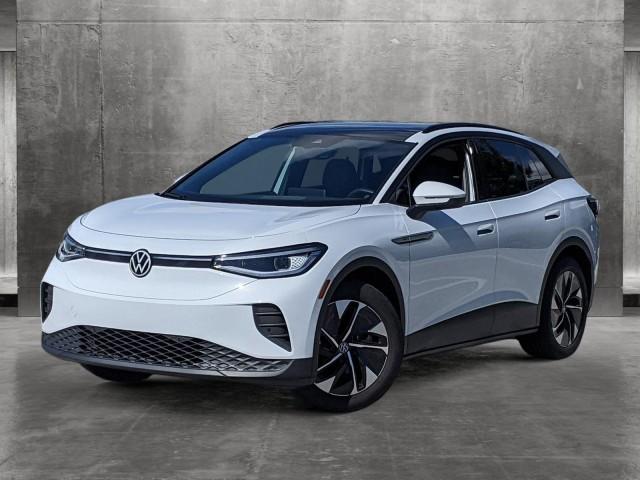
The Volkswagen ID.4 is not just an exceptional electric vehicle, but it also boasts an array of innovative features designed to enhance your driving experience. Among these features is the garage door opener, a convenient tool that offers both security and convenience. In this comprehensive guide, we will explore everything you need to know about the VW ID.4 garage door opener.
Understanding the VW ID.4 Garage Door Opener
The garage door opener feature in the VW ID.4 allows you to control your garage door directly from the vehicle. It provides seamless integration with your existing garage door opener system, eliminating the need for additional remote controls or keypads. This feature offers numerous benefits, including enhanced convenience and added security.
Setting Up the Garage Door Opener in VW ID.4
Setting up the garage door opener feature in your VW ID.4 is a straightforward process. Before you begin, ensure that your garage door opener system is compatible with the vehicle. Gather the necessary information and equipment, such as your garage door opener remote or keypad. Then, follow these simple steps to configure the garage door opener in your VW ID.4:
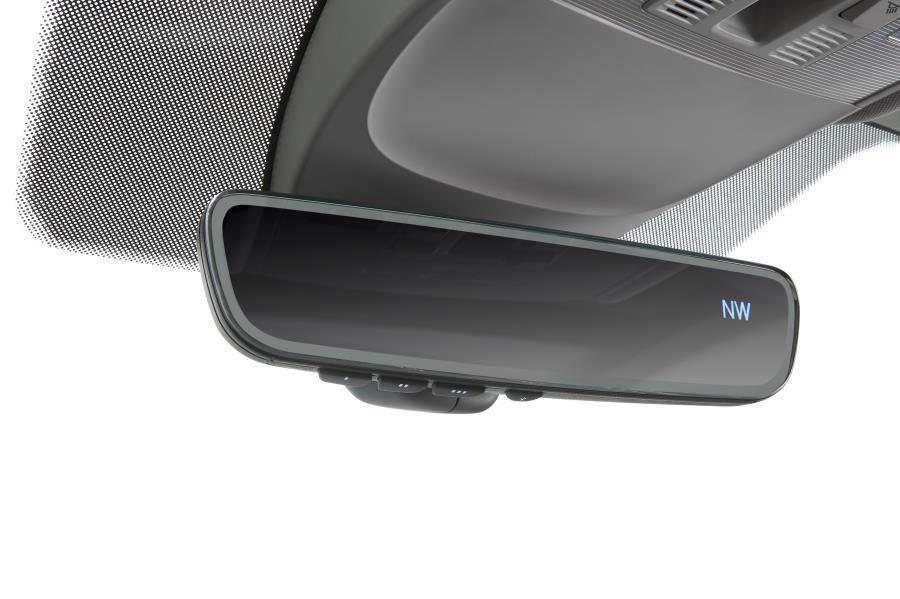
- Start by locating the garage door opener button in your vehicle. It is typically found on the overhead console or the driver-side sun visor.
- Press and hold the button until the indicator light starts flashing. This puts the garage door opener button into programming mode.
- Once in programming mode, hold your garage door opener remote or keypad close to the button and press the desired button on your remote.
- Release both the button on the VW ID.4 and the button on your remote simultaneously.
- Test the setup by pressing the programmed button on your VW ID.4. If the garage door opens or closes as intended, the setup is successful.
If you encounter any issues during the setup process, consult the vehicle’s user manual or contact your VW dealership for assistance.
Using the Garage Door Opener in VW ID.4
Operating the garage door opener feature in your VW ID.4 is effortless. Here’s a step-by-step guide to opening and closing your garage door using your vehicle:
- Ensure your VW ID.4 is within range of your garage door.
- Press the programmed garage door opener button located in your vehicle, typically on the overhead console or the driver-side sun visor.
- The indicator light on the button will illuminate, indicating that the signal is being transmitted.
- Your garage door should open or close in response to the command from your VW ID.4.
It is important to note that the garage door opener feature should be used with caution. Always verify the surroundings and ensure there are no obstructions or people in the path of the garage door.
Advanced Garage Door Opener Features in VW ID.4
The VW ID.4 garage door opener also offers advanced features for added convenience. These include the ability to set up multiple garage doors and customize settings according to your preferences. Furthermore, the garage door opener in the VW ID.4 can integrate with compatible smart home systems, allowing you to control your garage door remotely through your smartphone or voice commands.
While these advanced features offer added convenience, it is essential to familiarize yourself with the proper setup and security measures to protect your home and vehicle.
Conclusion
The VW ID.4 garage door opener is a remarkable feature that combines convenience and security. By following the simple setup process and understanding its operation, you can effortlessly control your garage door from your vehicle. Take advantage of the advanced features.



Leave a Reply