If your remote suddenly stopped working or you’ve just purchased a replacement, you’re probably searching for How To Program A Sears Craftsman Garage Door Opener quickly and correctly. The good news? Most Craftsman openers are straightforward to program and require no special tools.
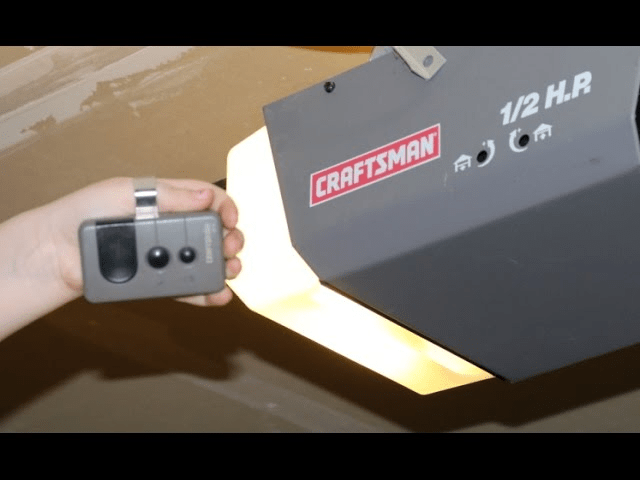
In this detailed guide, you’ll learn step-by-step instructions for programming remotes and keypads, clearing old codes, troubleshooting common issues, and improving your garage security—all explained in simple, beginner-friendly language.
Read too: Why Your Liftmaster Garage Door Won’t Stay Closed and How to Fix It? Troubleshooting Tips
Understanding How a Sears Craftsman Garage Door Opener Works
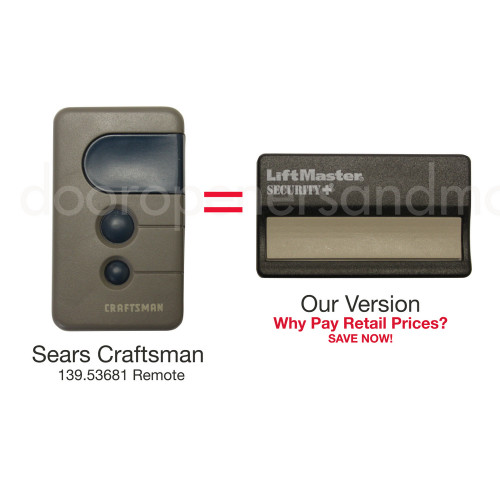
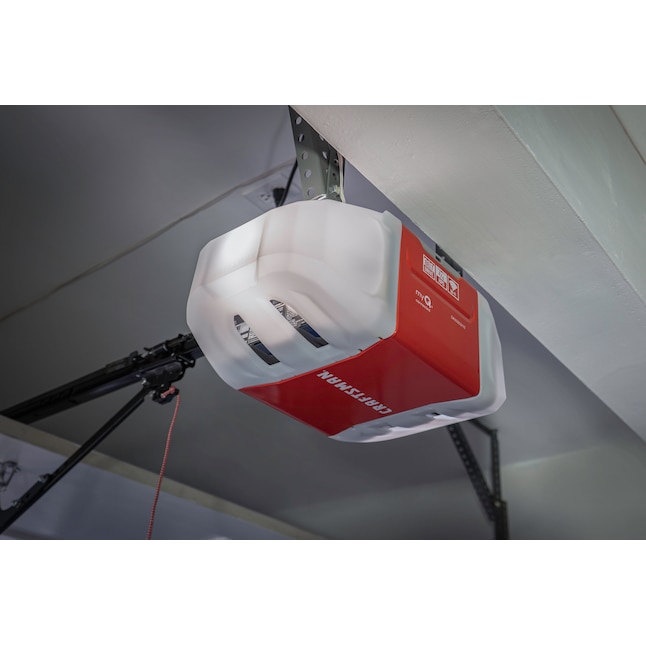
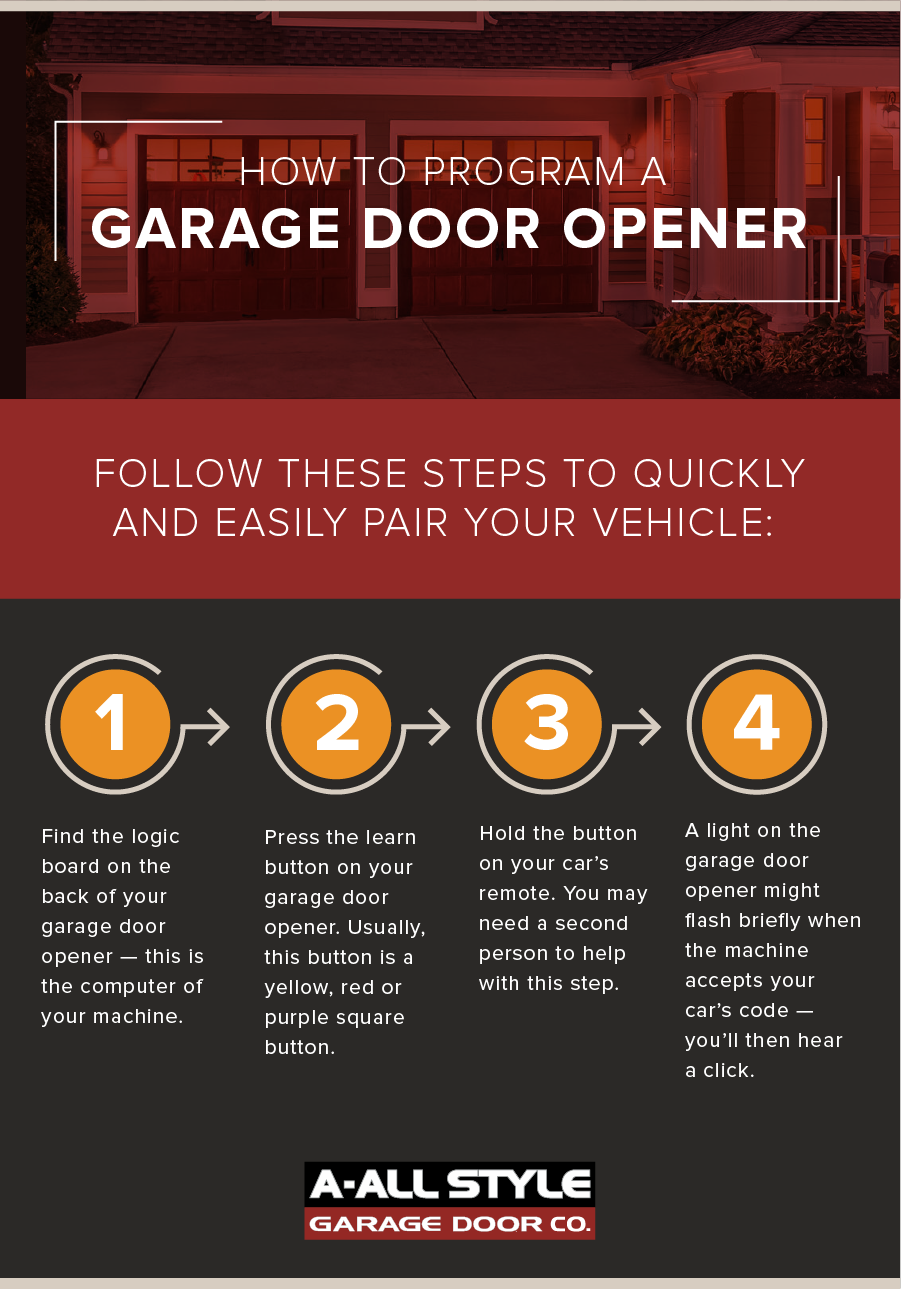
4
Before diving into How To Program A Sears Craftsman Garage Door Opener, it helps to understand how these systems operate.
Most modern Craftsman openers use rolling code technology. This means:
- The access code changes every time you press the remote.
- The receiver recognizes encrypted signals.
- Old codes automatically expire for security.
Rolling code systems are far more secure than older fixed-code openers. For background on how rolling code security works, see:
https://en.wikipedia.org/wiki/Rolling_code
Craftsman garage openers are typically manufactured in partnership with Chamberlain, meaning programming steps are similar across models.
How To Program A Sears Craftsman Garage Door Opener (Remote Setup)
Here’s the standard programming process for most Craftsman models manufactured after 1996.
Step 1: Locate the “Learn” Button
- Use a sturdy ladder.
- Find the motor unit mounted to the ceiling.
- Remove the light cover if needed.
- Look for a button labeled “Learn.”
The Learn button is usually:
- Red
- Yellow
- Purple
- Green
Step 2: Press the Learn Button
- Press and release the Learn button.
- An LED light will illuminate.
- You now have approximately 30 seconds to complete programming.
Step 3: Program the Remote
- Press and hold the button on your remote.
- Hold for 3–5 seconds.
- Watch for the opener light to blink or listen for a clicking sound.
- Release the remote button.
Test the remote immediately.
If the door opens or closes, programming is complete.
How To Program a Craftsman Wireless Keypad
If your model includes a keypad mounted outside the garage:
Step 1: Press Learn Button on Motor Unit
Step 2: Within 30 Seconds
- Enter your desired 4-digit PIN.
- Press the Enter button.
- Wait for the garage light to blink.
Step 3: Test the PIN
Enter your PIN and press Enter again to confirm operation.
Choose a PIN that is not easy to guess (avoid 0000, 1234, or birthdays).
Programming Older Craftsman Models (Pre-1996)
Older models may use DIP switches instead of rolling code.
If you see small toggle switches inside the remote:
- Open the remote casing.
- Match switch positions to the switches inside the motor unit.
- Close casing and test.
However, these older systems are less secure and may benefit from upgrading.
How Long Does Programming Take?
Typical time required:
- 3–5 minutes for remote programming
- 5–7 minutes for keypad setup
No wiring or technical skills required.
Troubleshooting: Why Won’t My Craftsman Remote Program?
If programming fails, check these common issues:
1. Dead Remote Battery
Replace with a fresh CR2032 or 12V battery depending on model.
2. Memory Full
Most Craftsman units store 5–10 remotes.
To clear memory:
- Press and hold the Learn button for 6–10 seconds.
- LED will turn off.
- All remotes are erased.
Reprogram each device afterward.
3. Interference Issues
LED bulbs, Wi-Fi routers, or nearby electronics may cause interference.
Try:
- Turning off nearby devices.
- Replacing LED bulbs with garage-compatible models.
4. Distance During Programming
Stand within 3–5 feet of the motor unit during setup.
How Secure Are Sears Craftsman Openers?
Rolling code systems generate billions of code combinations.
Advantages:
✔ High encryption security
✔ Code changes every use
✔ Resistant to replay attacks
✔ Meets modern security standards
If your model was manufactured after 1996, it likely includes rolling code protection.
Comparing Remote vs Keypad Programming
| Feature | Remote | Keypad |
|---|---|---|
| Portable | Yes | No |
| PIN Protection | No | Yes |
| Setup Time | 3–5 minutes | 5–7 minutes |
| Battery Required | Yes | Yes |
Both provide convenient access. Many homeowners use both.
When Should You Replace Instead of Program?
Consider replacement if:
- Motor unit is over 20 years old
- Safety sensors malfunction
- Frequent programming resets occur
- Excessive noise or grinding sounds
New openers cost approximately $250–$600 installed, depending on features.
Maintenance Tips for Long-Term Performance
To keep your Craftsman opener functioning smoothly:
- Replace remote batteries yearly.
- Lubricate door tracks every 6 months.
- Inspect safety sensors monthly.
- Test auto-reverse feature regularly.
Routine maintenance prevents emergency repairs.
FAQ: How To Program A Sears Craftsman Garage Door Opener
1. Why is my Learn button not lighting up?
The motor unit may not be receiving power. Check the breaker and outlet.
2. Can I program multiple remotes?
Yes. Press Learn separately for each remote.
3. Will I lose programming after a power outage?
Most models retain memory during outages.
4. How many remotes can I program?
Typically 5–10, depending on model.
5. Can I use a universal remote?
Yes, as long as it supports Craftsman rolling code systems.
6. Is it safe to clear all stored remotes?
Yes. Clearing memory is recommended if a remote is lost or stolen.
Final Thoughts
Learning How To Program A Sears Craftsman Garage Door Opener is easier than most homeowners expect. With just a few simple steps—locating the Learn button, syncing your remote, and testing—you can restore secure garage access in minutes.
Craftsman openers are reliable, secure, and user-friendly. Regular maintenance and occasional reprogramming ensure long-term performance.
If this guide helped you solve your issue, consider sharing it on social media to help others quickly fix their garage door opener problems.



Leave a Reply