It can be alarming when your garage door opens unexpectedly without pressing the remote. Many homeowners wonder what causes automatic garage door to open by itself, especially when the system seemed to work fine before.
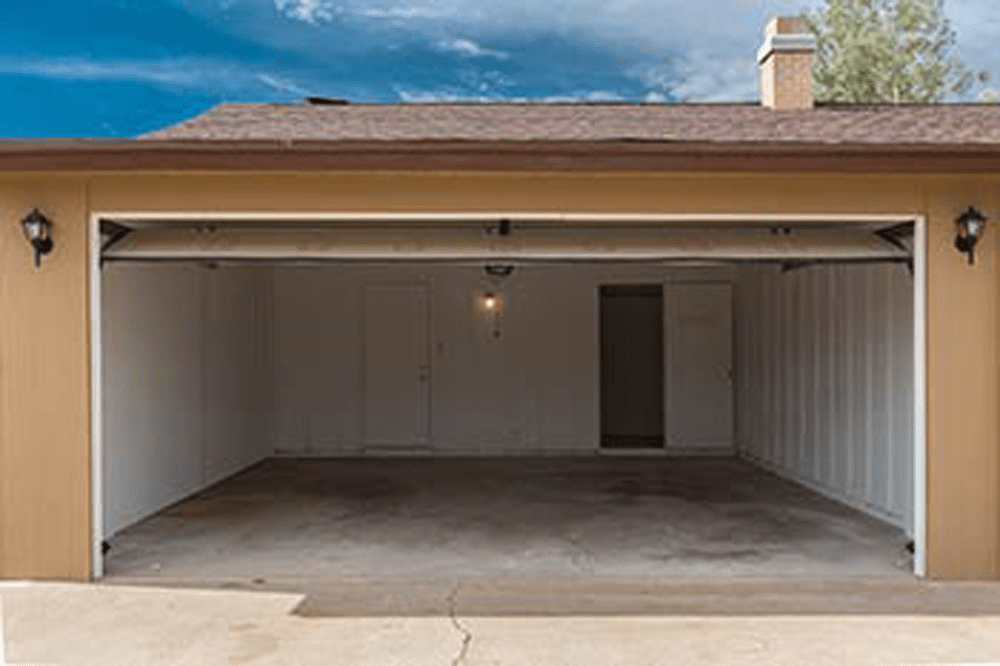
While it might feel like a serious malfunction, the issue is often caused by simple problems such as signal interference, faulty wiring, or misconfigured settings. This guide explains the most common reasons automatic garage doors open on their own and how you can fix the problem safely.
Read too: Door and Garage Door Companies: Choosing the Right Partner for Your Needs
What Causes Automatic Garage Door To Open By Itself?
To understand what causes automatic garage door to open by itself, it helps to know how the system works.
Automatic garage doors operate using radio-frequency remote controls and electronic sensors connected to a motorized opener. When the system receives a signal, it activates the motor to open or close the door.
You can learn more about how garage door systems function here:
https://en.wikipedia.org/wiki/Garage_door_opener
If the system receives a false signal or electrical disturbance, it may activate unintentionally.
Signs Your Garage Door Is Opening By Itself
Before identifying the cause, look for warning signs that indicate a malfunction.
Common Symptoms
- Garage door opens without pressing the remote
- Door opens shortly after closing
- Door opens during the night
- Remote works inconsistently
These symptoms usually point to signal interference or electronic issues.
1. Signal Interference From Nearby Devices
One of the most common answers to what causes automatic garage door to open by itself is radio signal interference.
Garage door remotes operate on radio frequencies. If another device transmits on a similar frequency, the opener may receive a false signal.
Possible Interference Sources
- wireless doorbells
- baby monitors
- Wi-Fi routers
- cordless phones
- nearby garage door remotes
Interference can trigger the opener unexpectedly.
2. Stuck or Faulty Remote Control Button
Sometimes the issue is much simpler.
A remote control button may become stuck or damaged, sending a constant signal to the opener.
Signs of a Faulty Remote
- remote feels warm
- door opens repeatedly
- remote button feels jammed
Removing the battery from the remote can help identify whether this is the cause.
3. Wall Switch Wiring Problems
The wall-mounted garage door switch connects directly to the opener through wiring.
If the wires become:
- frayed
- exposed
- touching metal surfaces
they may send accidental signals that trigger the opener.
Common Wiring Issues
| Problem | Result |
|---|---|
| Loose wires | random door activation |
| Damaged insulation | short circuits |
| Moisture exposure | electrical interference |
Inspecting the wiring can reveal hidden problems.
4. Neighbors Using the Same Frequency
Older garage door openers sometimes use fixed radio frequencies.
If your neighbor’s remote operates on the same frequency, their signal could accidentally activate your door.
Modern openers use rolling code technology, which changes the signal code after each use to prevent this problem.
5. Faulty Logic Board in the Opener
The logic board acts as the control center of the garage door opener.
If the circuit board becomes damaged due to power surges or wear, it may send random signals to the motor.
Signs of a Faulty Logic Board
- garage door opens randomly
- lights flicker on the opener
- remote signals behave unpredictably
Replacing the logic board may be required if this component fails.
6. Electrical Interference From LED Bulbs
Many homeowners are surprised to learn that LED bulbs can interfere with garage door signals.
Certain inexpensive LED bulbs produce electromagnetic interference that disrupts the opener’s receiver.
How to Test
- Turn off the garage light.
- Try using the remote again.
- If the problem disappears, the LED bulb may be causing interference.
Replacing the bulb with a garage-door-compatible LED can fix the issue.
7. Smart Home System Malfunctions
Smart garage door openers connected to mobile apps or home automation systems may occasionally receive false commands.
Possible causes include:
- app glitches
- internet connection errors
- incorrect automation settings
Check your smart home settings to ensure no scheduled commands are triggering the door.
8. Power Surges or Electrical Issues
Power fluctuations can affect garage door electronics.
Lightning strikes or electrical surges may damage sensitive components inside the opener.
Installing a surge protector helps prevent these problems.
Common Causes at a Glance
| Cause | Likelihood | Fix |
|---|---|---|
| Signal interference | High | Move wireless devices |
| Stuck remote | Moderate | Replace remote |
| Faulty wiring | Moderate | Repair wiring |
| Neighbor frequency | Low | Reprogram opener |
| Logic board failure | Low | Replace board |
This overview helps homeowners quickly identify potential causes.
Step-by-Step Troubleshooting Guide
If your garage door is opening on its own, follow these steps to diagnose the issue.
Step 1: Check All Remote Controls
Remove batteries from every remote in the house.
If the door stops opening randomly, one of the remotes may be faulty.
Step 2: Inspect the Wall Button
Look for:
- loose wires
- damaged cables
- moisture near connections
Repair any damaged wiring immediately.
Step 3: Test for Signal Interference
Turn off nearby electronic devices temporarily.
Test the garage door opener after each device is turned off.
This helps identify the source of interference.
Step 4: Reset the Garage Door Opener
Reprogram the opener using the Learn button.
Steps usually include:
- Press and hold the Learn button for 10 seconds.
- Wait for the indicator light to reset.
- Reprogram remotes and keypads.
Resetting the system can eliminate unwanted signals.
Step 5: Inspect the Antenna
The opener antenna should hang downward and remain unobstructed.
A damaged or hidden antenna reduces signal accuracy.
Preventing Garage Door Malfunctions
Preventive maintenance helps keep your garage door system working safely.
Maintenance Checklist
Inspect your system every 6–12 months for:
- worn wiring
- damaged remotes
- signal interference sources
- loose hardware
Regular maintenance reduces the risk of unexpected door activation.
Advantages vs Disadvantages of Automatic Garage Doors
Advantages
- convenient remote operation
- improved home security
- compatibility with smart home systems
Disadvantages
- electronic components may malfunction
- signal interference is possible
- requires occasional maintenance
Despite these minor drawbacks, automatic garage doors remain one of the most convenient home features.
When to Call a Professional Technician
Sometimes the issue requires professional inspection.
Consider contacting a technician if:
- the door opens repeatedly without explanation
- electrical components appear damaged
- troubleshooting does not solve the issue
Professional technicians can test internal components safely.
FAQ – What Causes Automatic Garage Door To Open By Itself
Q1: Why does my garage door open randomly at night?
This often occurs due to signal interference from nearby devices or faulty remote controls.
Q2: Can a neighbor open my garage door accidentally?
Yes, older openers using fixed frequencies may respond to nearby remotes.
Q3: Can LED lights interfere with garage door openers?
Yes. Some LED bulbs produce radio interference that disrupts the opener’s signal.
Q4: How do I reset my garage door opener?
Press and hold the Learn button on the opener motor for about 10 seconds, then reprogram remotes.
Q5: Is it dangerous if my garage door opens by itself?
Yes, it can pose a security risk. Identifying and fixing the issue quickly is important.
Q6: When should I replace my garage door opener?
If the logic board or receiver repeatedly fails, replacing the opener may be the most reliable solution.
Conclusion
Understanding what causes automatic garage door to open by itself can help homeowners quickly diagnose and solve the issue. In most cases, the problem is related to signal interference, faulty remotes, wiring problems, or electronic malfunctions.
Fortunately, many of these issues can be fixed with simple troubleshooting steps such as checking remotes, inspecting wiring, or resetting the opener system.
If the problem persists, professional inspection may be necessary to ensure safe operation.
If you found this guide helpful, share it on social media so other homeowners can learn how to prevent garage door opener problems and keep their homes secure.



Leave a Reply