In the realm of automotive luxury and convenience, BMW stands out as a brand committed to integrating cutting-edge technology into its vehicles. One such feature that exemplifies this commitment is the BMW garage door opener program. This innovative system allows BMW owners to sync their garage doors with their vehicles, offering seamless access and heightened convenience. In this guide, we’ll delve into the details of the BMW program garage door opener feature, providing step-by-step instructions and insights for a hassle-free experience.
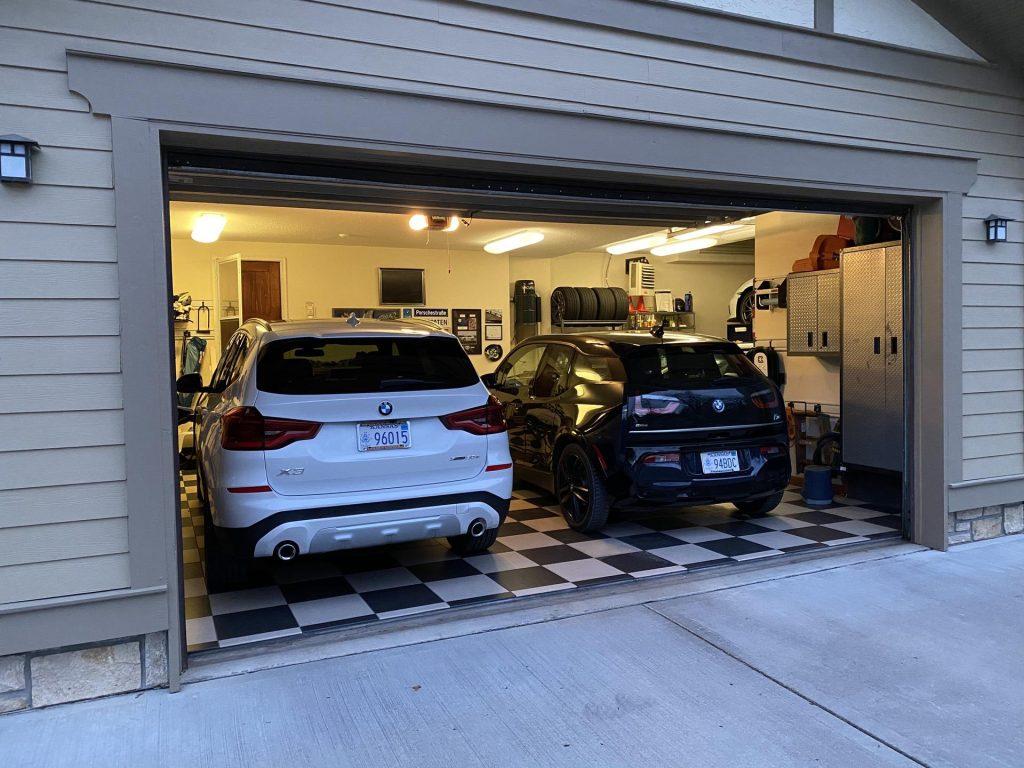
Understanding the BMW Program Garage Door Opener Feature
BMW’s program garage door opener feature is designed to streamline the process of accessing your garage. By syncing your BMW with your garage door opener system, you can effortlessly open and close your garage door with the push of a button on your vehicle’s interior rearview mirror. This integration eliminates the need for separate remotes or manual operation, adding a layer of convenience to your daily routine.
Read too: No Power to Genie Garage Door Opener – Resolving the Issue with Ease: Troubleshooting Guide
How to Program Your BMW Garage Door Opener
Programming your BMW garage door opener is a straightforward process that can be completed in just a few simple steps. Here’s a comprehensive guide to help you navigate through the programming process seamlessly:
Step 1: Prepare Your Garage Door Opener
Before you begin programming, ensure that your garage door opener system is compatible with your BMW. Refer to your vehicle’s manual for a list of compatible brands and models.
Step 2: Locate the Garage Door Opener Buttons
In your BMW, locate the buttons for programming the garage door opener. These buttons are typically found on the interior rearview mirror, near the bottom.
Step 3: Clear Existing Programming (if necessary)
To clear the existing programming, refer to your vehicle’s manual for instructions on how to do so. Once you’ve cleared the existing programming, you can proceed with the new setup for your BMW’s garage door opener buttons.
Step 4: Enter Programming Mode
To clear the existing programming, press and hold the desired garage door opener button until the indicator light begins to flash rapidly. This will activate the programming mode on your BMW.
Step 5: Sync with Your Garage Door Opener
While the indicator light is flashing, press and hold the button on your garage door opener remote. Continue holding the button until the indicator light on your BMW’s interior rearview mirror flashes rapidly, indicating successful programming.
Step 6: Test the Garage Door Opener
After programming is complete, test the garage door opener by pressing the programmed button in your BMW. Verify that the garage door opens and closes as intended.
Tips for Successful Programming
- Park your BMW outside the garage during the programming process to prevent accidental door movements.
- Check the batteries in your garage door opener remote to ensure optimal performance.
- If you encounter any issues during programming, refer to your BMW’s manual for troubleshooting tips or contact customer support for assistance.
Conclusion
The BMW program garage door opener feature exemplifies the brand’s dedication to enhancing the driving experience through innovative technology. By following the simple steps outlined in this guide, you can effortlessly sync your BMW with your garage door opener system, unlocking a new level of convenience and efficiency. Say goodbye to fumbling with remotes or manually operating your garage door—with BMW, convenience is just a button press away.



Leave a Reply