Are you struggling to pair your Jeep with your garage door opener? Whether you’re a new Jeep owner or just need a refresher on the pairing process, you’ve come to the right place. In this guide, we’ll walk you through the steps to pair your Jeep with your garage door opener seamlessly.
Understanding Jeep Garage Door Opener Pairing
Pairing your Jeep with your garage door opener allows you to conveniently open and close your garage door with the touch of a button, directly from your vehicle. This feature adds an extra layer of convenience and security to your daily routine.
Pair Jeep Garage Door Opener: Step-by-Step Guide
1. Prepare Your Garage Door Opener
Before you begin the pairing process, ensure that your garage door opener is compatible with the HomeLink system, which is commonly found in Jeep vehicles. Consult your garage door opener’s manual or manufacturer for compatibility information.
Read too: Mastering the Art of How to Open a Garage Door Safely and Efficiently
2. Locate the HomeLink Buttons
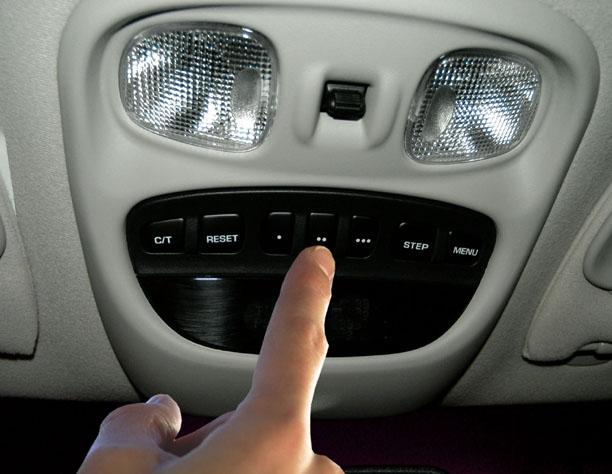
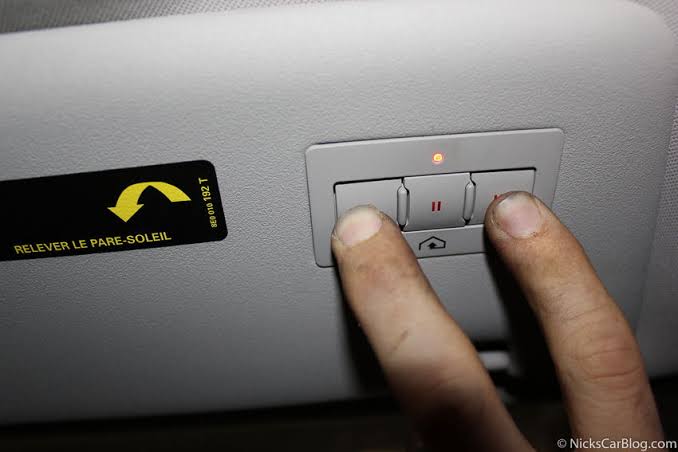
In your Jeep vehicle, locate the HomeLink buttons typically found on the overhead console or sun visor. These buttons are used to program and control various home automation devices, including garage door openers.
3. Put Your Garage Door Opener Into Pairing Mode
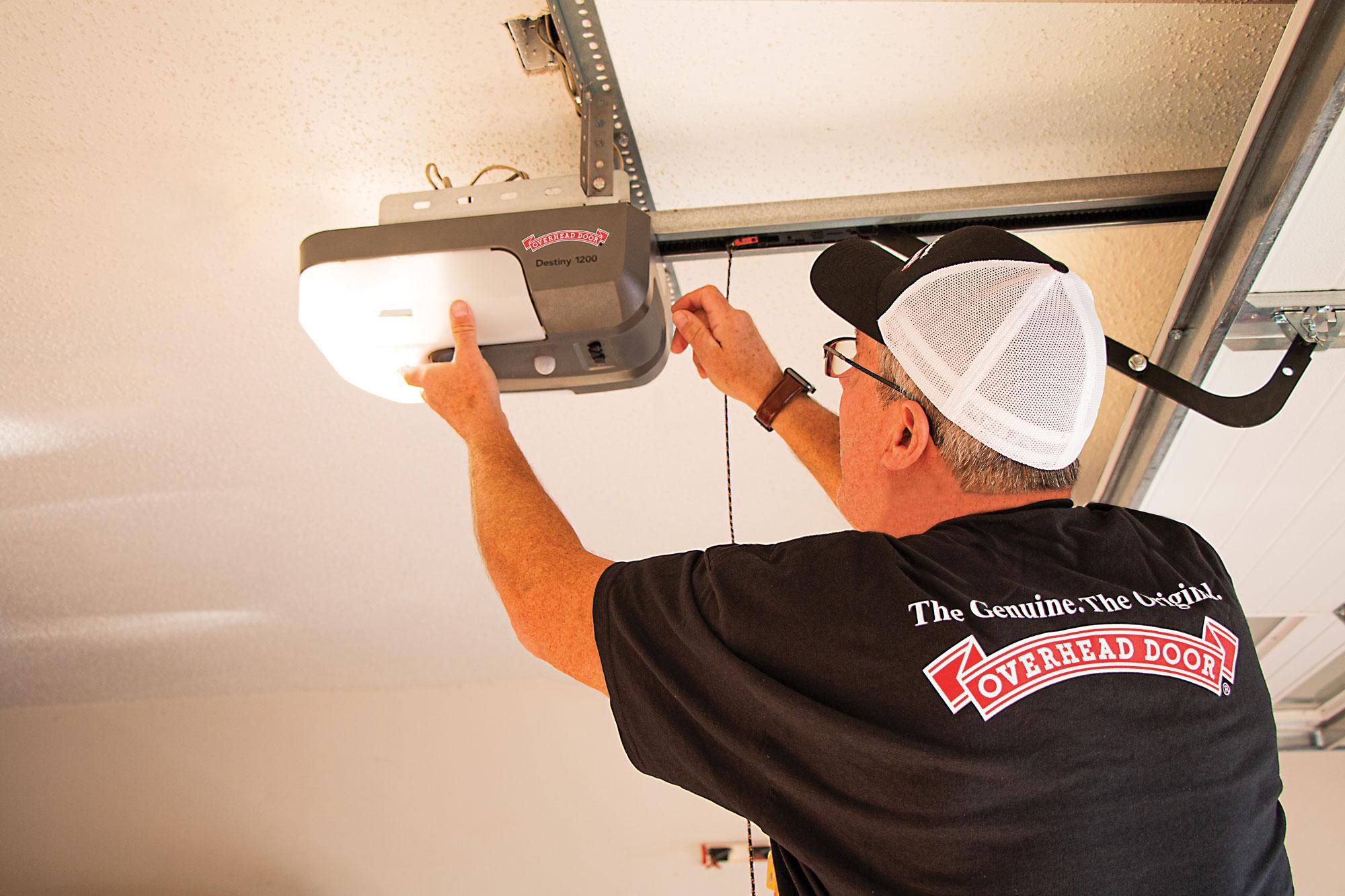
On your garage door opener unit, locate the “Learn” or “Program” button. Press and release this button to put the opener into pairing mode. You may have a limited amount of time to complete the pairing process, so be prepared to move quickly.
4. Initiate Pairing Mode in Your Jeep
Inside your Jeep, press and hold the desired HomeLink button until the indicator light begins to flash rapidly. This indicates that the HomeLink system is ready to learn the signal from your garage door opener.
5. Teach Your Jeep the Garage Door Opener Signal
Hold your garage door opener remote within a few inches of the HomeLink button you selected. Press and hold both the remote button and the corresponding HomeLink button simultaneously until the indicator light changes from a rapid flash to a solid glow.
6. Test the Pairing
Once the pairing process is complete, test the connection by pressing the HomeLink button in your Jeep. Your garage door should respond by opening or closing, indicating a successful pairing.
Conclusion
Pairing your Jeep with your garage door opener is a straightforward process that enhances convenience and security. By following the steps outlined in this guide, you can enjoy seamless access to your garage directly from your vehicle.
Leave a Reply