Are you experiencing frustration because your MyQ garage door won’t open? You’re not alone. A malfunctioning garage door opener can disrupt your daily routine and cause inconvenience. However, before you call for professional help, there are several troubleshooting steps you can take to diagnose and potentially resolve the issue yourself. In this guide, we’ll walk you through the process of troubleshooting a MyQ garage door opener that won’t open.
Understanding the MyQ Garage Door Opener
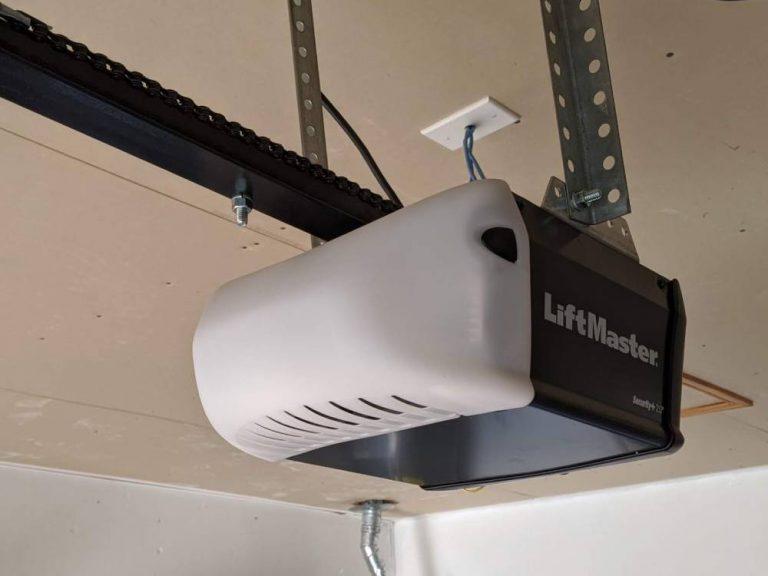
The MyQ garage door opener is a popular choice for homeowners seeking convenience and smart home integration. This advanced system allows you to control your garage door remotely using a smartphone app, even when you’re away from home. However, like any electronic device, MyQ garage door openers may encounter issues that prevent them from functioning correctly.
Read too: Mastering the Art of How to Open a Garage Door Safely and Efficiently
MyQ Garage Door Won’t Open: Troubleshooting Steps
1. Check Power Supply
Ensure that your MyQ garage door opener is receiving power. Check the power cord and outlet to confirm that there are no visible signs of damage or disconnection. If necessary, try plugging the opener into a different outlet or resetting the circuit breaker.
2. Inspect Remote Batteries
If you’re using a remote control to operate your MyQ garage door, check the batteries. Weak or depleted batteries can prevent the remote from sending signals to the opener. Replace the batteries with fresh ones and test the remote again.
3. Verify Internet Connection
MyQ garage door openers rely on an internet connection to communicate with the MyQ app and other smart home devices. Ensure that your Wi-Fi network is active and that the MyQ hub is connected to the internet. You may need to reset the hub or reconfigure the network settings if there are connectivity issues.
4. Assess Sensor Alignment
Most garage door openers, including MyQ models, are equipped with safety sensors that prevent the door from closing if an obstruction is detected. Check to see if the sensor lenses are clean and properly aligned. Even minor misalignment can prevent the door from opening or closing.
5. Review MyQ App Settings
If you’re using the MyQ smartphone app to control your garage door, review the app settings to ensure that the correct door is selected and that any scheduling or automation features are configured correctly. Sometimes, simple settings adjustments can resolve operational issues.
Conclusion
A MyQ garage door opener that won’t open can be frustrating, but with the right troubleshooting steps, you can often identify and resolve the issue on your own. By following the steps outlined in this guide, you’ll be one step closer to restoring functionality to your garage door opener and regaining control over your garage.



Leave a Reply