In the realm of home security and convenience, a malfunctioning garage door can be a source of frustration. If you’re experiencing the issue of your “Garage Door Remote Opens But Does Not Close,” don’t worry – you’re not alone. This comprehensive guide will delve into the common reasons behind this problem and provide practical solutions to get your garage door operating smoothly.
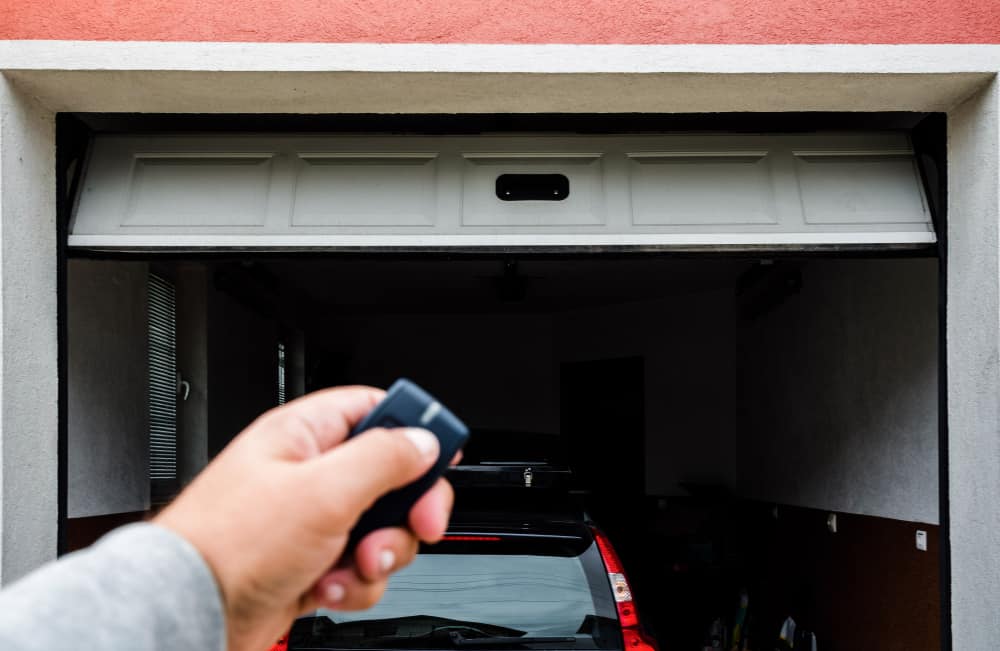
Garage Door Remote Opens But Does Not Close: Unraveling the Mystery
Investigating the Issue: Garage Door Remote Opens But Does Not Close
Understanding why your garage door remote opens but fails to close is the first step in resolving the issue. Let’s explore potential causes and effective troubleshooting steps to regain control of your garage door.
Read too: How To Program Your Overhead Door Garage Door Opener with Ease? Mastering Convenience
1. Check for Sensor Obstructions
The safety sensors on your garage door play a crucial role in preventing accidents and ensuring smooth operation. If these sensors detect an obstruction in the door’s path, they may prevent it from closing. Inspect the sensor area for any debris, dirt, or objects that might be blocking the signal.
2. Ensure Proper Alignment of Sensors
Misalignment of the safety sensors can disrupt the communication between them, causing the door to stay open. Make sure both sensors are aligned properly. Adjust their positions if needed and verify that the indicator lights on each sensor are solid and not blinking.
3. Test the Remote Battery
A weak or depleted battery in your garage door remote can lead to inconsistent performance. Replace the battery with a fresh one, ensuring it meets the manufacturer’s specifications. Test the remote to see if the issue persists.
4. Examine the Remote Control Programming
Check if the garage door remote is properly programmed to close the door. Follow the manufacturer’s instructions for reprogramming the remote, ensuring that it syncs correctly with the garage door opener. This process may involve pressing a specific button on the opener motor unit or using a keypad to input a new code.
5. Inspect the Garage Door Track for Obstructions
A misalignment or obstruction in the garage door track can impede its movement. Inspect the track for any debris, such as leaves or small objects, that might be causing a hindrance. Clear the track and test the door again.
6. Lubricate Moving Parts
Over time, the moving parts of a garage door can experience friction, leading to operational issues. Lubricate the hinges, rollers, and tracks with a recommended garage door lubricant to ensure smooth movement. Avoid using greases or oils that may attract dirt.
7. Check for Broken Springs or Cables
Broken springs or cables can affect the balance of the garage door, causing it to stop when closing. Visually inspect the springs and cables for any signs of damage. If you notice issues, it’s crucial to consult a professional garage door technician for repairs.
8. Examine the Limit Switch Settings
The limit switch on your garage door opener determines how far the door travels during its operation. If the settings are incorrect, the door may not close fully. Consult your opener’s manual to adjust the limit switch settings to the appropriate levels.
9. Verify the Door’s Balance
An imbalanced garage door can strain the opener and affect its functionality. Disconnect the opener and manually move the door halfway up. If it stays in place, the door is balanced. If it falls or rises, it may indicate an imbalance that requires professional attention.
10. Call for Professional Assistance
If the issue persists after performing the above steps, it’s advisable to seek professional help. A certified garage door technician can conduct a thorough inspection, identify underlying issues, and perform the necessary repairs to ensure the proper functioning of your garage door.
Conclusion: Restoring Your Garage Door’s Functionality
Facing a situation where your “Garage Door Remote Opens But Does Not Close” can be a frustrating experience. However, with systematic troubleshooting and attention to potential issues, you can regain control over your garage door’s operation. Remember, safety is paramount, and if you’re uncertain or uncomfortable with any aspect of the troubleshooting process, don’t hesitate to seek professional assistance to ensure the continued security and functionality of your garage door.



Leave a Reply