If you have to hold down garage door button to open, it can be frustrating and inconvenient. This issue often signals problems with your garage door opener, wiring, or safety sensors.
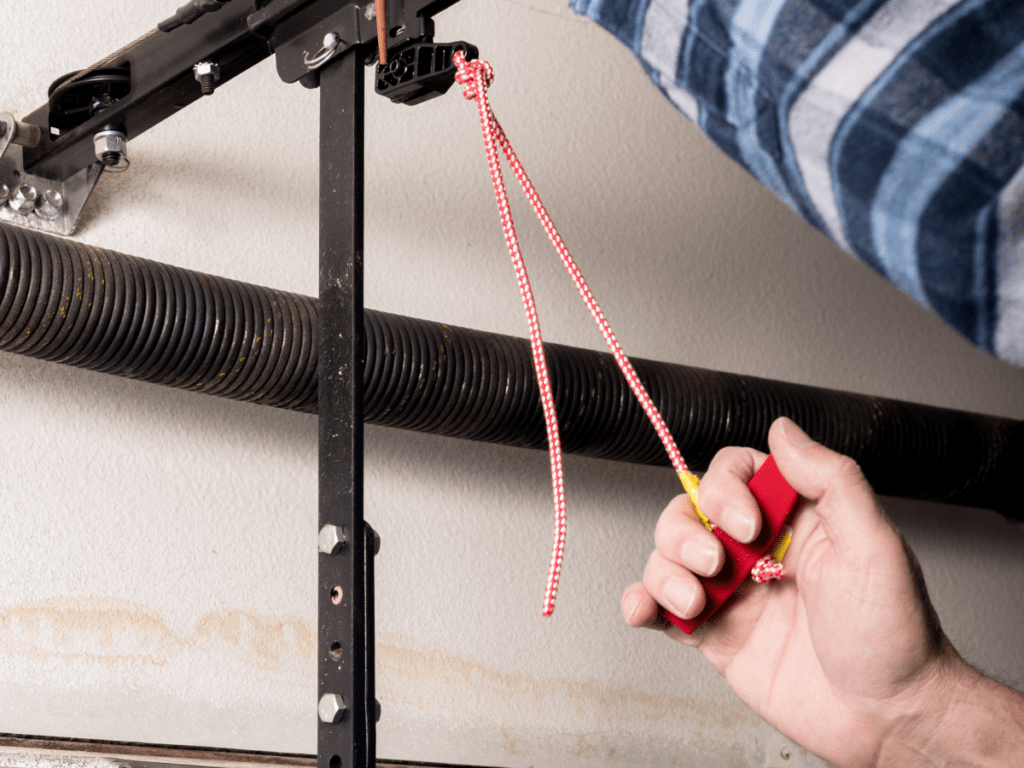
In this guide, we’ll explore the common causes, detailed troubleshooting steps, and solutions to restore your garage door to smooth, automatic operation.
Read too: Why Are My Garage Doors Opening By Themselves? Troubleshooting Guide
Why You Have To Hold Down The Garage Door Button
Several factors can cause your garage door to require you to hold the button to operate:
- Safety Sensor Misalignment
- Modern openers have photo-eye sensors near the floor.
- If misaligned or blocked, the door may only move when the button is pressed continuously.
- Faulty Wall Button or Wiring
- Worn-out contacts or damaged wiring can prevent the opener from receiving a proper pulse.
- Opener Programming Issue
- Some openers are set to “hold-to-run” mode, requiring the button to be held for safety or specific features.
- Mechanical Obstruction
- Tracks, rollers, or springs may be binding, forcing continuous input to move the door.
Step-by-Step Troubleshooting Guide
- Check Safety Sensors
- Ensure both sensors are aligned and unobstructed.
- Clean lenses with a soft cloth.
- Verify wiring connections are secure.
- Test the Wall Button
- Inspect for worn contacts or loose wires.
- Use a multimeter to check continuity when pressed.
- Inspect the Garage Door Opener Settings
- Consult the manual to check if “hold-to-run” mode is enabled.
- Reprogram the opener if necessary.
- Check Mechanical Components
- Lubricate rollers and hinges with garage-safe lubricant.
- Inspect tracks for dents or debris.
- Test the System
- After adjustments, press the wall button briefly.
- Ensure the door opens and closes fully without continuous pressing.
Common Mistakes to Avoid
| Mistake | Consequence | Correct Approach |
|---|---|---|
| Ignoring sensor alignment | Door won’t close safely | Regularly check alignment and clean lenses |
| Using excessive force on the button | Damage to contacts | Use gentle, brief presses |
| Skipping lubrication | Binding tracks | Apply lubricant every 6 months |
| Overlooking wiring issues | Intermittent operation | Inspect and secure all connections |
Tips for Reliable Operation
- Keep photo-eye sensors clean and free from dust or spider webs.
- Replace wall buttons every 5–10 years or when worn.
- Schedule annual professional maintenance to check springs, rollers, and opener motor.
- Always turn off power before inspecting wiring.
FAQ – Have To Hold Down Garage Door Button To Open
1. Why does my garage door only work when holding the button?
It’s often due to misaligned sensors, a “hold-to-run” mode, or faulty wiring.
2. Can I fix this without calling a technician?
Yes, many issues like sensor alignment, cleaning, or minor wiring fixes can be handled safely by homeowners.
3. What if the door reverses immediately after starting?
Check for obstructions in the path and ensure sensors are clean and aligned.
4. Is it safe to continue holding the button while the door moves?
It’s generally safe, but it’s a temporary workaround. Long-term use may damage the wall button or opener motor.
5. How often should I maintain my garage door system?
Professional inspection at least once a year, with periodic sensor and track checks every 3–6 months.
Conclusion
If you have to hold down garage door button to open, addressing sensor alignment, wall button function, and mechanical components can restore normal operation. Regular maintenance, proper wiring checks, and careful programming prevent this issue from recurring.



Leave a Reply