Are you facing the enigma of a “Solid Red Light on Genie Garage Door Opener”? Explore the potential reasons behind this indicator and discover effective solutions to get your garage door opener back in smooth operation.
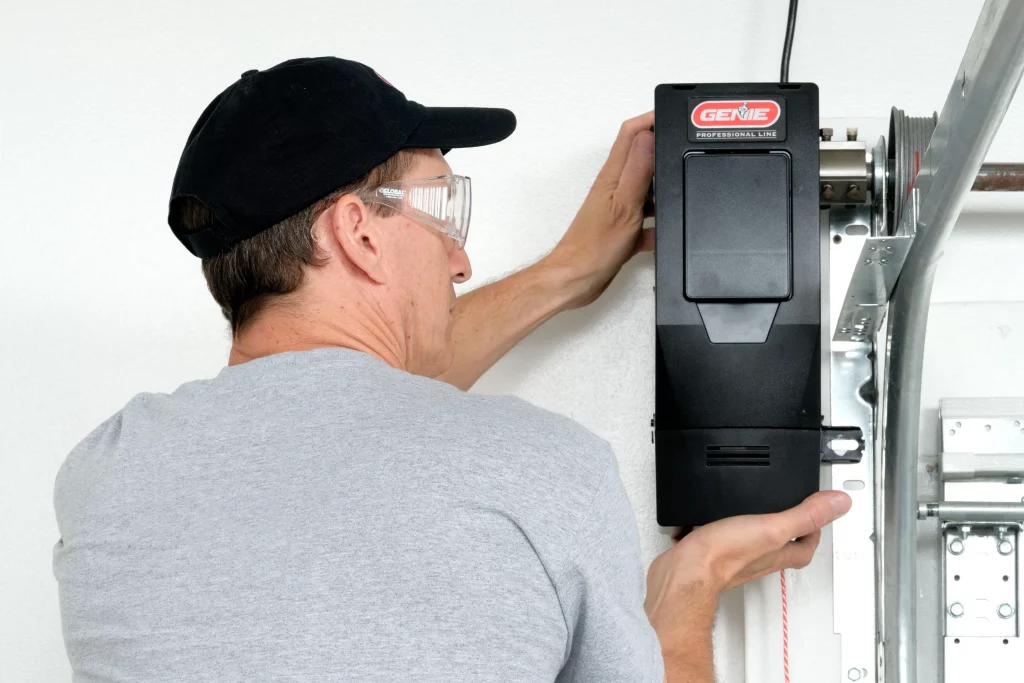
Understanding the Issue: Solid Red Light on Genie Garage Door Opener
Genie garage door openers stand out for their reliability, but homeowners may find themselves perplexed when they encounter a solid red light. In this guide, we’ll delve into the common causes behind the “Solid Red Light on Genie Garage Door Opener” and provide insights on how to address this issue effectively.
Solid Red Light on Genie Garage Door Opener: Unraveling the Causes
A solid red light on your garage door opener can signal various issues. Understanding the potential causes is the first step toward resolving the problem and ensuring the continued functionality of your garage door opener.
- Safety Sensor Misalignment or ObstructionGenie garage door openers are equipped with safety sensors that transmit an invisible beam across the garage door’s path. If an obstruction disrupts this beam or if the sensors go out of alignment, the opener’s indicator light may transition to a solid red as a safety precaution.
- Power Interruption or Electrical IssuesA solid red light can indicate a disruption in the power supply to the garage door opener or underlying electrical issues. This may be due to a tripped circuit breaker, a damaged power cord, or problems within the opener’s internal electrical components.
- Programming or Remote Control MalfunctionIssues with the programming of the Genie garage door opener or malfunctions in the remote control can lead to a solid red light. This may involve incorrect settings, a damaged remote control, or interference from other electronic devices.
Troubleshooting the Solid Red Light Issue
Now that we’ve identified potential causes, let’s explore step-by-step troubleshooting procedures to address the solid red light on your garage door opener.
- Check Safety Sensor AlignmentEnsure that the safety sensors on either side of the garage door are aligned and free from obstructions. Clean the sensor lenses and make adjustments if necessary to restore proper alignment.
- Inspect Power Supply and Electrical ConnectionsVerify that the garage door opener is receiving power. Check for any tripped circuit breakers, replace damaged power cords, and inspect the opener’s electrical connections. A stable power supply is essential for the opener’s functionality.
- Reprogram the Garage Door OpenerIf the issue is related to programming or remote control malfunctions, consult the Genie garage door opener manual for instructions on reprogramming. Ensure that the remote control batteries are functional and that there is no interference from nearby devices.
- Perform a Manual Release and Re-EngageIn some cases, manually releasing the garage door from the opener and then re-engaging it can reset the system. Follow the manual release instructions provided by Genie and observe if the red light persists after re-engaging.
When to Seek Professional Assistance
While troubleshooting can resolve many issues, there are instances where seeking professional assistance is advisable. Consider contacting a Genie garage door opener technician or a qualified garage door repair professional in the following situations:
- Persistent Solid Red LightIf the red light persists after performing troubleshooting steps, it may indicate a more complex issue that requires professional diagnosis and repair.
- Internal Component FailuresIf there are signs of internal component failures within the garage door opener, such as burning smells, unusual noises, or visible damage, professional intervention is necessary.
- Warranty ConsiderationsIf your Genie garage door opener is still under warranty, seeking professional assistance ensures that any necessary repairs are conducted without voiding the warranty.
Conclusion
In conclusion, a solid red light on your Genie garage door opener is a clear indication that something requires attention. By understanding the potential causes and following the appropriate troubleshooting steps, you can address the issue and restore your garage door opener to optimal functionality.
Remember, safety is paramount, and if you are unsure or uncomfortable performing troubleshooting steps, it’s always best to seek professional assistance. A well-maintained and properly functioning garage door opener provides not only convenience but also peace of mind for homeowners.



Leave a Reply