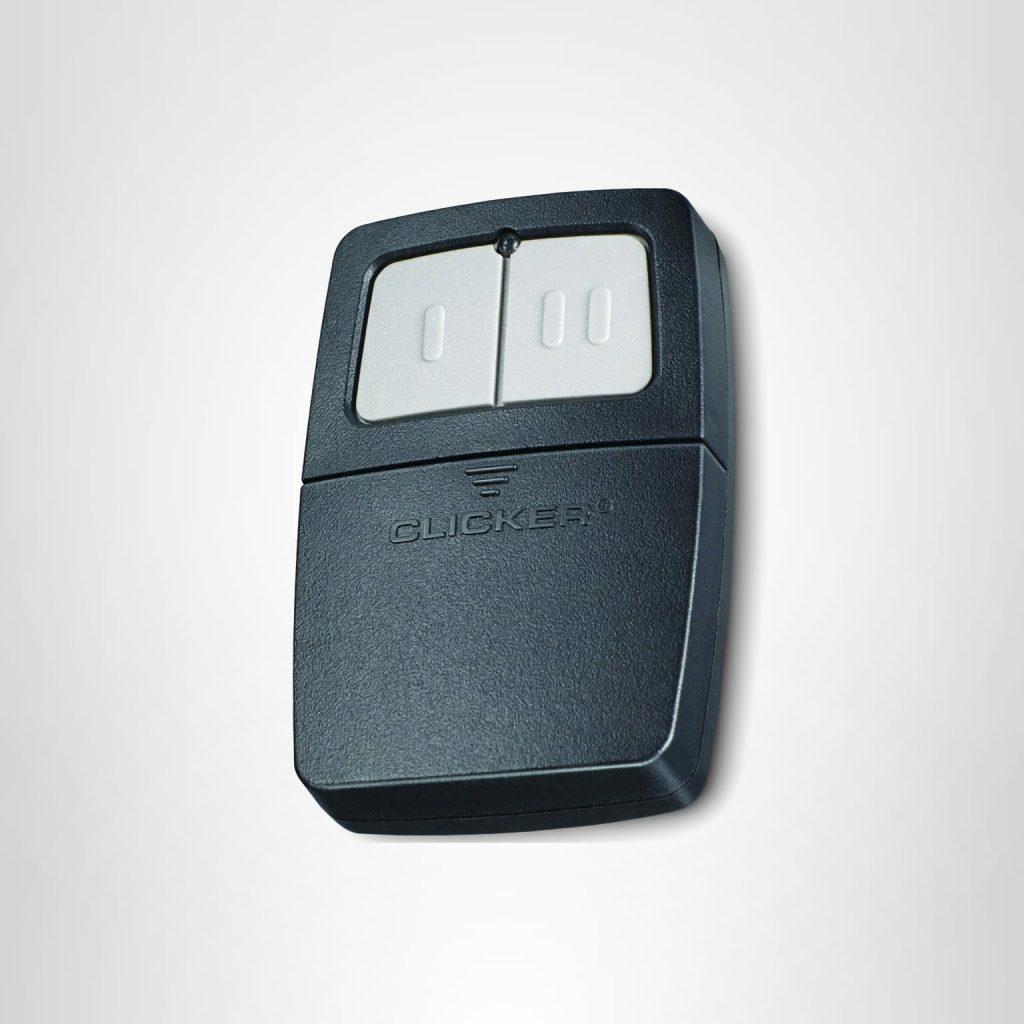
How To Program A Clicker Garage Door Opener Remote (Easy)
Locked out of your own garage? Learning how to program a Clicker garage door opener remote is simpler than you think, and we are here to help you regain seamless access in just a few minutes. Whether you bought a new universal remote or need to resync an existing one, this guide will walk you through the exact steps to get your door working perfectly.
Important Safety Precautions Before You Start
Before you climb up that stepladder, safety must come first. Working around a motorized garage door involves moving parts and electricity.
- Disconnect the Power: If you need to clean the motor unit or check the wiring, always unplug the opener or turn off the circuit breaker.
- Keep the Area Clear: Ensure no children, pets, or objects are in the path of the garage door while testing the remote.
- Use a Stable Ladder: Never stand on the door itself or a wobbly chair to reach the Learn button.
How To Program A Clicker Garage Door Opener Remote: Step-by-Step Guide
Before we dive into the buttons, let us look at what you need. Having the right tools makes the process incredibly smooth.
| Item Needed | Details |
|---|---|
| Clicker Remote | Ensure it has a fresh CR2032 battery installed. |
| Stepladder | To safely reach the motor unit on the ceiling. |
| Time Required | Approximately 5 to 10 minutes. |
Step 1: Locate the “Learn” or “Smart” Button
First, you need to find the motor unit hanging from your garage ceiling. Look for a colored button (usually green, orange, purple, or yellow) near the antenna wire. This is your Learn button. Press and release it. The indicator light next to it will blink or turn solid, signaling it is ready.
Step 2: Clear the Old Memory
If you are experiencing syncing issues, old codes might be interfering. To erase them, press and hold the Learn button on the motor unit for about 6 to 10 seconds. Once the LED light turns off, all previously programmed remotes are cleared.
Note: You will need to reprogram all your other remotes and keypads after doing this.
Step 3: Enter Programming Mode
Press the Learn button on the motor unit one more time. The LED will light up or blink. You now have a 30-second window to complete the next step before the system times out.
Step 4: Sync the Remote
While standing near the motor unit, press and hold the button you want to use on your Clicker remote. Hold it down until the garage door light flashes or you hear a distinct click. Release the button. Press it once more to test. If the door moves, you have successfully finished the process!
Note: Clicker offers several models, including the Clicker Universal Remote and the Clicker TrueBlue. While the core programming logic remains identical, the button layouts might differ slightly.
Why Won’t My Clicker Remote Sync With the Opener?
It can be incredibly frustrating when the steps above do not work immediately. According to home improvement experts, nearly 80% of remote syncing failures are caused by simple hardware issues rather than complex programming errors.
Here are the most common culprits:
- Dead Batteries: The CR2032 coin battery in your remote might be depleted. Always test with a brand-new battery first.
- Distance and Interference: LED bulbs in your garage can sometimes emit radio frequency interference. Try turning off the garage lights while programming.
- Misaligned Safety Sensors: Check the infrared sensors near the floor. If their lights are blinking, the system will block the remote signal for safety reasons.
Can I Use a Universal Remote for My Clicker Opener?
Many homeowners wonder if they can swap their original remote for a universal one. The short answer is yes. A garage door opener is a motorized device that works on standardized radio frequencies, making universal remotes highly compatible.
Clicker universals are designed to work with major brands like Chamberlain, LiftMaster, and Genie. However, always check the compatibility list on the remote’s packaging. If your opener was manufactured before 1993, it might lack the modern safety sensors required for newer universal remotes to function properly.
How Do I Reset My Clicker Garage Door Keypad?
Sometimes, the issue is not the remote, but the exterior keypad. If you forgot your PIN or the keypad is unresponsive, a reset is necessary.
- Locate the Learn Button: Just like with the remote, find the Learn button on the main motor unit.
- Clear the Keypad Code: Press and hold the Learn button on the motor until the light turns off.
- Enter a New PIN: Go to your exterior keypad and type in your new 4-digit PIN.
- Save the Code: Press and hold the Enter or Program button on the keypad until the motor light blinks. Your new PIN is now active!
What Are the Benefits of Reprogramming Your Remote?
Why go through the trouble of learning how to reprogram your devices? Here is a quick comparison of reprogramming versus buying a completely new system.
| Feature | Reprogramming Existing Remote | Buying a New Opener System |
|---|---|---|
| Cost | $0 (Free) | $150 – $300+ |
| Time Investment | 10 Minutes | 3 – 5 Hours (Installation) |
| Skill Level | Beginner | Advanced DIY or Professional |
| Environmental Impact | Low (No e-waste) | High (Disposing old motor) |
As you can see, taking ten minutes to reprogram your current setup saves you money and reduces unnecessary electronic waste.
How to Maintain Your Garage Door Opener System
Once your Clicker remote is programmed, keeping the entire system in top shape is crucial for longevity.
- Lubricate the Moving Parts: Apply a silicone-based lubricant to the springs, hinges, and rollers every six months. Avoid using grease, as it attracts dirt.
- Test the Auto-Reverse Feature: Place a roll of paper towels in the door’s path. When the door closes and touches the towels, it should immediately reverse. If it does not, adjust the sensitivity screws on the motor unit.
- Inspect the Weather Stripping: Cracked rubber at the bottom of the door can let in moisture, which can damage the electronic components of your keypad and remote over time.
Frequently Asked Questions (FAQ)
1. How do I know if my Clicker remote is programmed correctly?
If the garage door activates immediately when you press the remote button, and the motor unit’s light flashes, the programming was successful. If nothing happens, repeat the syncing process or check your battery.
2. What is the default PIN for a Clicker keypad?
Most new Clicker keypads do not have a universal default PIN. You are required to create your own 4-digit PIN during the initial setup process. If you bought it used, the previous owner’s code might still be active until you clear the motor’s memory.
3. How often should I reprogram my garage door remote?
Under normal circumstances, you only need to program a remote once. However, if you experience frequent signal drop-offs, or if you move into a new house, it is highly recommended to clear the memory and reprogram all devices for security purposes.
4. Can I program multiple Clicker remotes to one opener?
Absolutely. Most modern garage door openers can store up to 10 to 12 different remote controls and keypads simultaneously. Simply repeat the programming steps for each additional device within the 30-second time window.
5. Why does my remote only work when I am extremely close to the door?
This is a classic symptom of radio frequency interference or a dying battery. First, replace the battery. If the issue persists, check for new LED light bulbs in the garage or nearby Wi-Fi routers that might be blocking the signal.
6. My garage door opens, but the remote light stays on. What does that mean?
If the light on your remote or the motor unit stays illuminated, it usually indicates that a button is stuck or the remote is continuously transmitting a signal. Remove the battery, press all buttons to release any mechanical tension, and reinsert the battery.
Conclusion
Mastering how to program a Clicker garage door opener remote empowers you to solve access issues quickly without calling an expensive technician. By following these simple steps, you can clear old codes, sync new remotes, and troubleshoot common errors with total confidence.



Leave a Reply